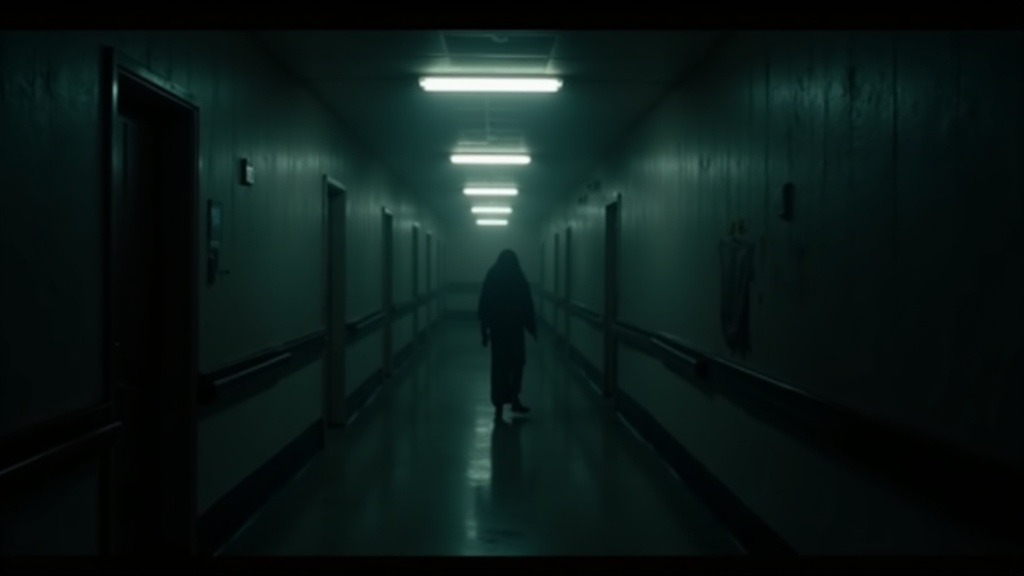
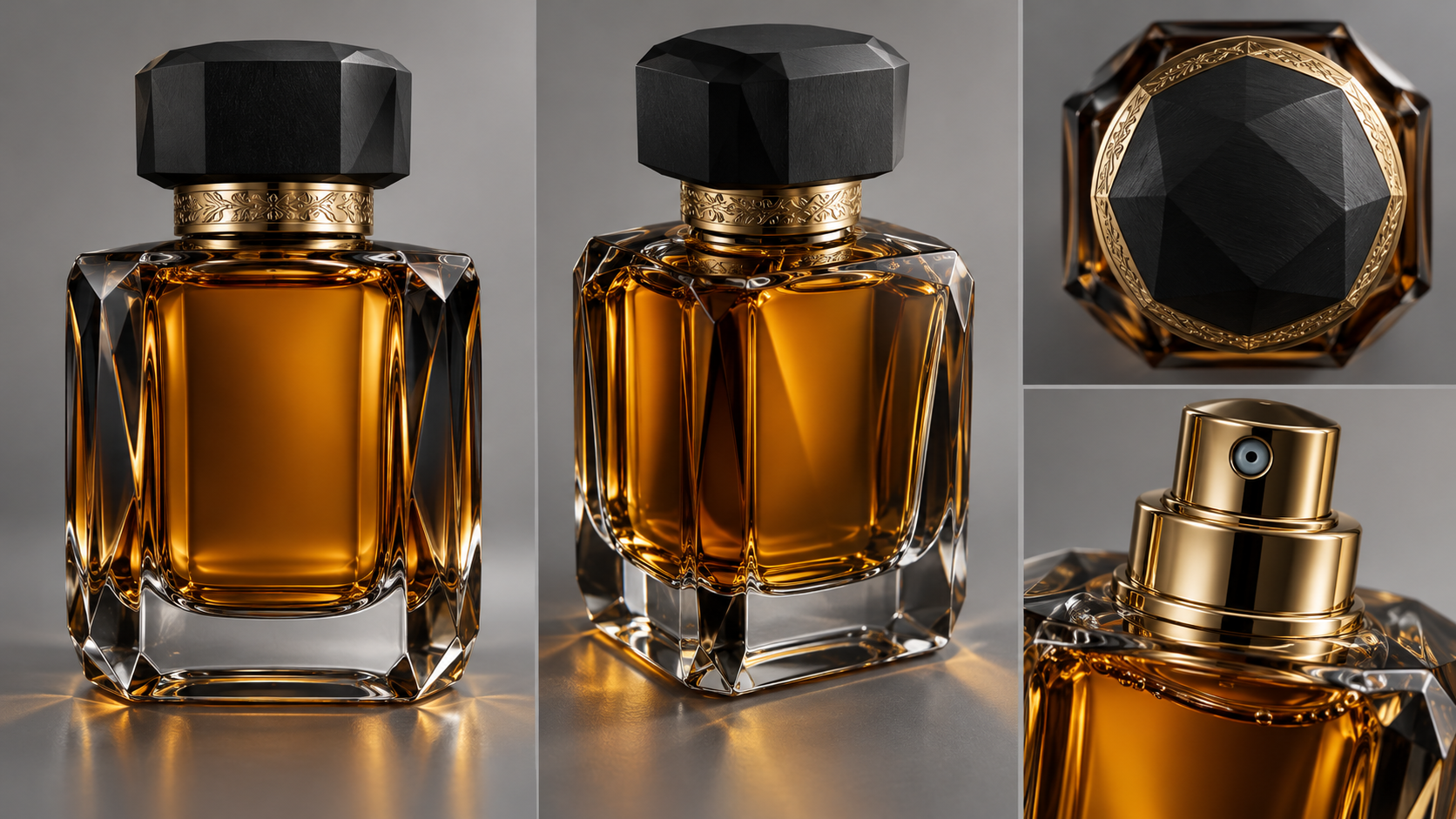
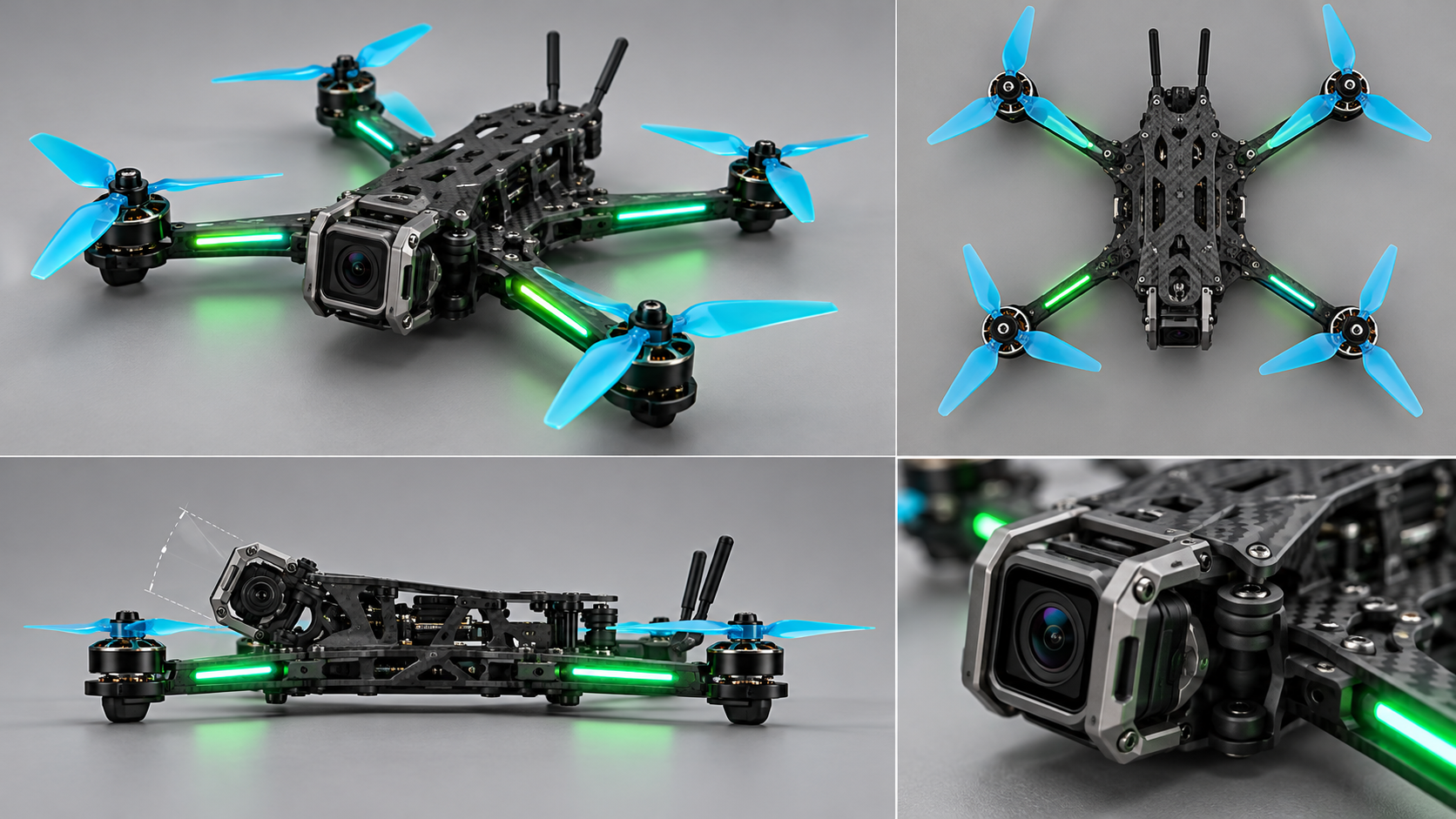
A cinematic story multi-shot sequence exploring The Flickering Corridor through connected handoff cuts, locked visual aesthetics, and continuous motion continuity.
💡 Diffusion Conditioning Rule: Feed this sheet as Image 1 Reference (@image_1) in Seedance 2.0, Kling 3.0, and OpenAI Sora 2 to maintain 100% talent identity and product geometry across all cuts.
Expressive Apprentice / Story Lead: The Flickering Corridor
hero_subject_anchor
Locked Continuity Anchors
100% locked physical geometry: Expressive Apprentice / Story Lead in Warm 3D animated feature lighting, Pixar-style emotional warmth, tactile textures, rich soft shadows, 8k render.. Preserves color scheme (60% warm cedar brown, 30% soft cream linen, 10% glowing golden amber.), lighting direction, and surface material fidelity across all cuts.
Turnaround Reference Sheet Prompt
Professional multi-angle character/product specification turnaround sheet for The Flickering Corridor: front view, side 90-degree profile, rear 180-degree view, and high-definition macro detail study. Clean neutral studio backdrop, uniform cinematic lighting, 8k crisp focus, zero watermark, zero logos, zero text overlays.
Each shot provides explicit second-by-second choreography, camera movements, lighting, and first/last frame seam continuity.
Shot 01 · 10s
Act 1: Earnest Discovery & Workshop Awakening
Continuous Motion Frame
Optics & Camera: Eye-level gentle push-in with organic hand-held breathing
Scene Context & Core Action
Establish The Flickering Corridor working intently in a cozy, detailed environment. Expressive body language shows dedication.
Seam Continuity Handoff
Seamless cut into Shot 02 (feed Shot 01 final frame as first frame).
Universal Production Prompt (Shot 01)
Warm 3D animated feature lighting, Pixar-style emotional warmth, tactile textures, rich soft shadows, 8k render. Subject: The Flickering Corridor. Motion choreography: 0-2s: Gentle opening as warm sunlight illuminates workbench dust motes. 2-5s: Protagonist adjusts attire and examines the crafting piece with round curious eyes. 5-8s: Delicate fingers/paws begin fine artisanal work. 8-10s: Looks up with a sudden spark of inspiration. Camera direction: Eye-level gentle push-in with organic hand-held breathing. Lighting: Cozy afternoon lantern glow and warm diffused sunlight with soft specular bounce.. Framing: Widescreen 16:9 cinematic framing. Sound design: Ambient room tone, rhythmic physical foley, continuous cinematic soundscape.
Shot 02 · 10s
Act 2: The Magical Transformation & Clumsy Wonder
Continuous Motion Frame
Optics & Camera: Over-the-shoulder macro tracking with soft camera orbit
Scene Context & Core Action
The core magical or emotional transformation occurs. Light emanates from the crafted object.
Seam Continuity Handoff
Seamless cut into Shot 03 (feed Shot 02 final frame as first frame).
Universal Production Prompt (Shot 02)
Warm 3D animated feature lighting, Pixar-style emotional warmth, tactile textures, rich soft shadows, 8k render. Subject: The Flickering Corridor. Motion choreography: 0-2s: Inherits inspired gaze. 2-5s: The crafted object begins to pulse with gentle golden magical warmth. 5-8s: Protagonist stumbles back in comical delight, catching the floating piece. 8-10s: Holds the glowing piece with both hands, face illuminated by pure wonder. Camera direction: Over-the-shoulder macro tracking with soft camera orbit. Lighting: Cozy afternoon lantern glow and warm diffused sunlight with soft specular bounce.. Framing: Widescreen 16:9 cinematic framing. Sound design: Ambient room tone, rhythmic physical foley, continuous cinematic soundscape.
Shot 03 · 10s
Act 3: Joyful Presentation & Heartwarming Bond
Continuous Motion Frame
Optics & Camera: Warm medium two-shot crane reveal
Scene Context & Core Action
Resolution of the apprentice's journey. Proud presentation of the creation with heartwarming emotional resonance.
Seam Continuity Handoff
Climax final sequence resolution.
Universal Production Prompt (Shot 03)
Warm 3D animated feature lighting, Pixar-style emotional warmth, tactile textures, rich soft shadows, 8k render. Subject: The Flickering Corridor. Motion choreography: 0-2s: Steps forward eagerly with glowing creation. 2-6s: Camera tracks around to capture a radiant smile and nodding mentor approval. 6-8s: Warm lantern light fills the cozy room with comforting ambience. 8-10s: Final heartwarming pose holds with timeless fairy-tale charm. Camera direction: Warm medium two-shot crane reveal. Lighting: Cozy afternoon lantern glow and warm diffused sunlight with soft specular bounce.. Framing: Widescreen 16:9 cinematic framing. Sound design: Ambient room tone, rhythmic physical foley, continuous cinematic soundscape.
Universal Multi-Model Adapter Panel
Multi-Model Syntax & Camera Adapter
One continuous storyboard project compiled into model-specific syntax, camera tags, and render instructions.
Seedance 2.5 Duration Mode:Choose between Hollywood multi-shot continuity standard and 30s single-pass master.
FORMAT: SEEDANCE · READY TO RUN
=== SEEDANCE 2.5 / DREAMINA HOLLYWOOD MULTI-SHOT PACK: The Flickering Corridor ===
Target Format: 16:9 | Block Unit: 10s-15s Hollywood Continuity Standard
[Seedance 2.5 Multi-Shot Execution Guide]
1. In Seedance 2.5, enable 'Reference Image' and upload the Character Turnaround Sheet as @[character ref].
2. Upload the corresponding storyboard frame as @[storyboard ref] to lock camera angle and subject blocking.
3. Input prompts block by block (10-15 seconds each) using the ending frame of block N as the starting frame of block N+1.
Global Story: A cinematic story multi-shot sequence exploring The Flickering Corridor through connected handoff cuts, locked visual aesthetics, and continuous motion continuity.
Style Anchor: Warm 3D animated feature lighting, Pixar-style emotional warmth, tactile textures, rich soft shadows, 8k render.
Character Anchors: 100% locked physical geometry: Expressive Apprentice / Story Lead in Warm 3D animated feature lighting, Pixar-style emotional warmth, tactile textures, rich soft shadows, 8k render.. Preserves color scheme (60% warm cedar brown, 30% soft cream linen, 10% glowing golden amber.), lighting direction, and surface material fidelity across all cuts.
[SEEDANCE 2.5 BLOCK 1 - 10-15s SEQUENTIAL UNIT]
Goal: Establish The Flickering Corridor working intently in a cozy, detailed environment. Expressive body language shows dedication.
Camera: Eye-level gentle push-in with organic hand-held breathing
Lighting: Cozy afternoon lantern glow and warm diffused sunlight with soft specular bounce.
Action Beats:
0-3s: establish beat 1. 3-7s: motivated core movement. 7-10s: handoff transition.
Cut Handoff: Ending frame matches opening frame of Block 2.

[SEEDANCE 2.5 BLOCK 2 - 10-15s SEQUENTIAL UNIT]
Goal: The core magical or emotional transformation occurs. Light emanates from the crafted object.
Camera: Over-the-shoulder macro tracking with soft camera orbit
Lighting: Cozy afternoon lantern glow and warm diffused sunlight with soft specular bounce.
Action Beats:
0-3s: establish beat 2. 3-7s: motivated core movement. 7-10s: handoff transition.
Cut Handoff: Ending frame matches opening frame of Block 3.

[SEEDANCE 2.5 BLOCK 3 - 10-15s SEQUENTIAL UNIT]
Goal: Resolution of the apprentice's journey. Proud presentation of the creation with heartwarming emotional resonance.
Camera: Warm medium two-shot crane reveal
Lighting: Cozy afternoon lantern glow and warm diffused sunlight with soft specular bounce.
Action Beats:
0-3s: establish beat 3. 3-7s: motivated core movement. 7-10s: handoff transition.
Cut Handoff: Final scene hold / resolution — narrative payoff complete.
Quality Suffix: 4K, ultra HD, rich detail, sharp clarity, cinematic textures, stable picture.
Universal Continuity Law: The key to character and scene consistency across all AI video models is image conditioning. Save the Character Turnaround Sheet and Storyboard Grid above, then attach them as visual conditioning in Seedance 2.5 for studio-grade results!
// SEARCH INDEXING & PRODUCTION BLUEPRINT
Long-Tail SEO Keywords & Production Guide
Standardized prompt taxonomy and best practices for creating consistent multi-shot commercial AI videos.
Target Search Queries & Thematic Keywords
#Seedance 2.0 Continuity#Kling 3.0 Commercial Video#OpenAI Sora 2 Prompt#Multi-Panel Storyboard Reference#Character Turnaround Sheet#First Frame to Last Frame Seam Handoff#16:9 Cinematic Hollywood#Arri Alexa 35 Volumetric Lighting#Foley Audio Sync Direction#The Flickering Corridor AI Video Prompt
Director Continuity FAQ & Best Practices
How does multi-shot continuity work with Seedance 2.0 & Kling 3.0?
Multi-shot continuity uses a dual-anchor pipeline: first, a multi-panel Character Turnaround Sheet is passed as Image 1 Reference to freeze subject identity. Second, each shot block feeds the previous shot's final frame as its first frame, guaranteeing 100% seamless seam transitions without subject morphing.
Why use a storyboard grid image instead of pure text prompts?
AI video models often wander or change camera angles unpredictably when guided only by text. A 4-panel storyboard grid locks spatial geometry, lighting angles, and actor blocking, allowing models like Kling 3.0 and Sora 2 to follow explicit director camera coordinates.
How are audio SFX and rhythm synced across shots?
Each shot specification includes dedicated second-by-second audio foley direction (wind rustle, spritz, mist ambient swell). This makes it easy to generate synced sound in ElevenLabs, Suno, or Premiere Pro matching exact cut timestamps.
Can this prompt be used across multiple AI video engines?
Yes. The Universal Continuity syntax conforms to the standard reference architecture compatible with Seedance 2.0, Kling 3.0, OpenAI Sora 2, Runway Gen-3 Alpha, and Google Veo 3.