Luxury Watch Macro
A cinematic commercial multi-shot sequence exploring Luxury Watch Macro through connected handoff cuts, locked visual aesthetics, and continuous motion continuity.
Model: Seedance 2.0 / Kling 3.0Duration: 30sExplore OpenAI Sora 2 prompt packs tuned for continuous physical dynamics, volumetric lighting decay, fluid camera trajectories, and locked character turnaround sheets.
A cinematic commercial multi-shot sequence exploring Luxury Watch Macro through connected handoff cuts, locked visual aesthetics, and continuous motion continuity.
Model: Seedance 2.0 / Kling 3.0Duration: 30sA cinematic commercial multi-shot sequence exploring Midnight Subway Heist through connected handoff cuts, locked visual aesthetics, and continuous motion continuity.
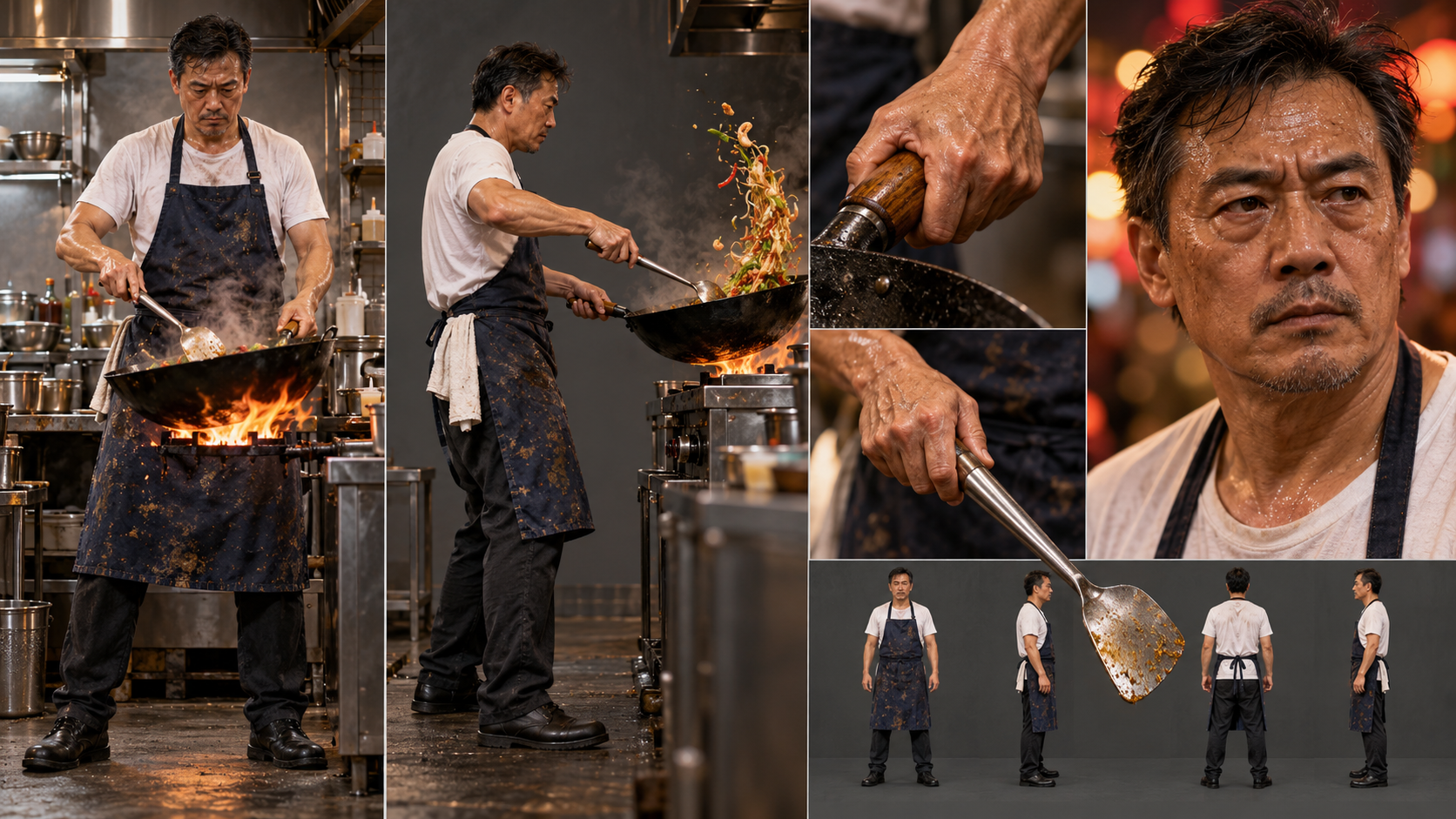
Model: Seedance 2.0 / Kling 3.0Duration: 30sIn a bustling neon-lit night market, a veteran Cantonese chef ignites a seasoned cast-iron wok, orchestrating a breathtaking 120fps culinary dance of roaring blue flame, sizzling beef slices, and airborne flat noodles infused with authentic wok hei.
Model: Seedance 2.0 / Kling 3.0Duration: 30sA cinematic sci-fi multi-shot sequence exploring Neon Detective In The Rain through connected handoff cuts, locked visual aesthetics, and continuous motion continuity.
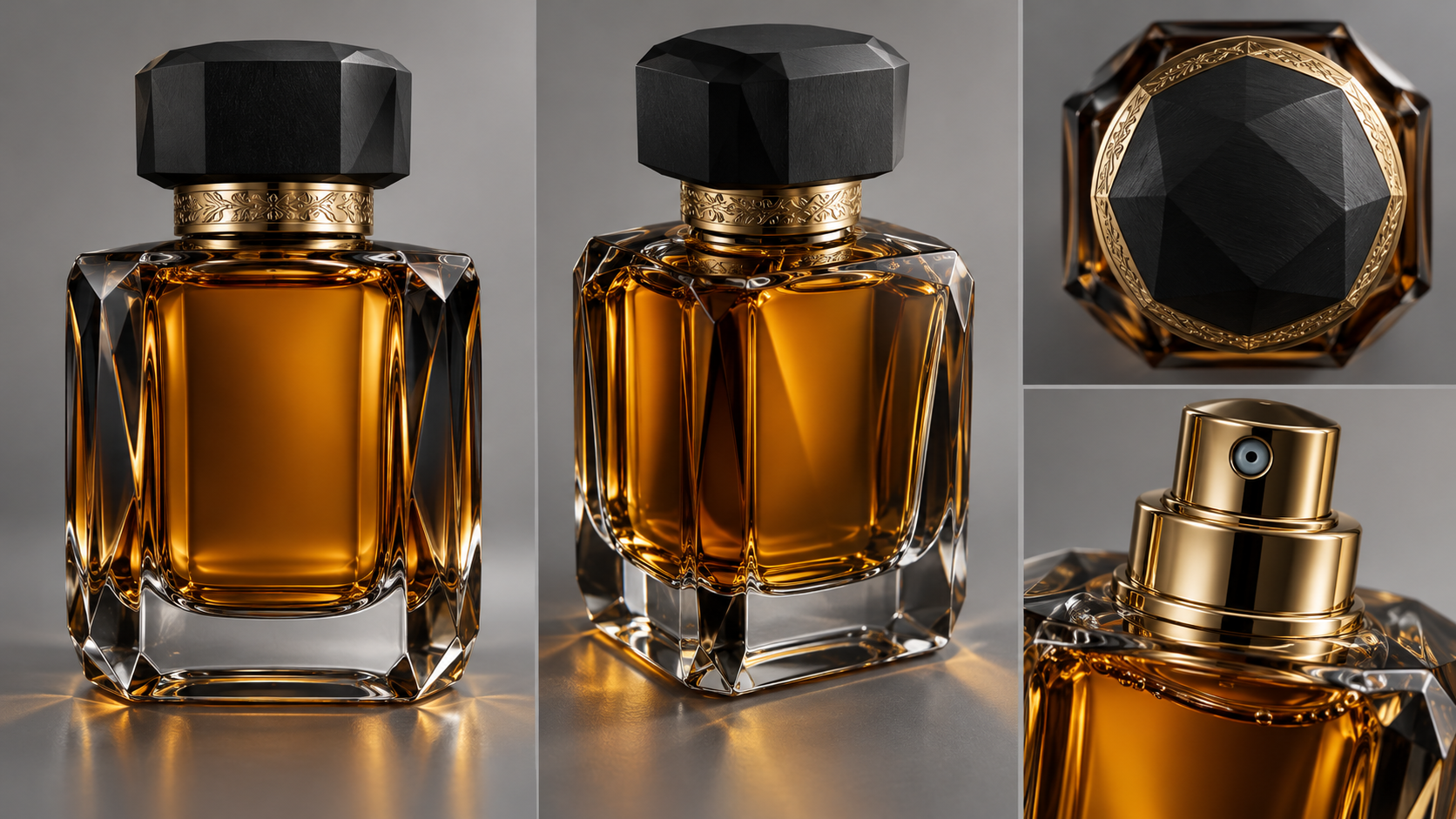
Model: Seedance 2.0 / Kling 3.0Duration: 30sAn opulent high-speed commercial TVC exploring the crystalline perfection of 'L'Élixir Noir' as the faceted bottle plunges into liquid gold ripples, unleashing an ethereal cloud of fragrant mist on obsidian marble.
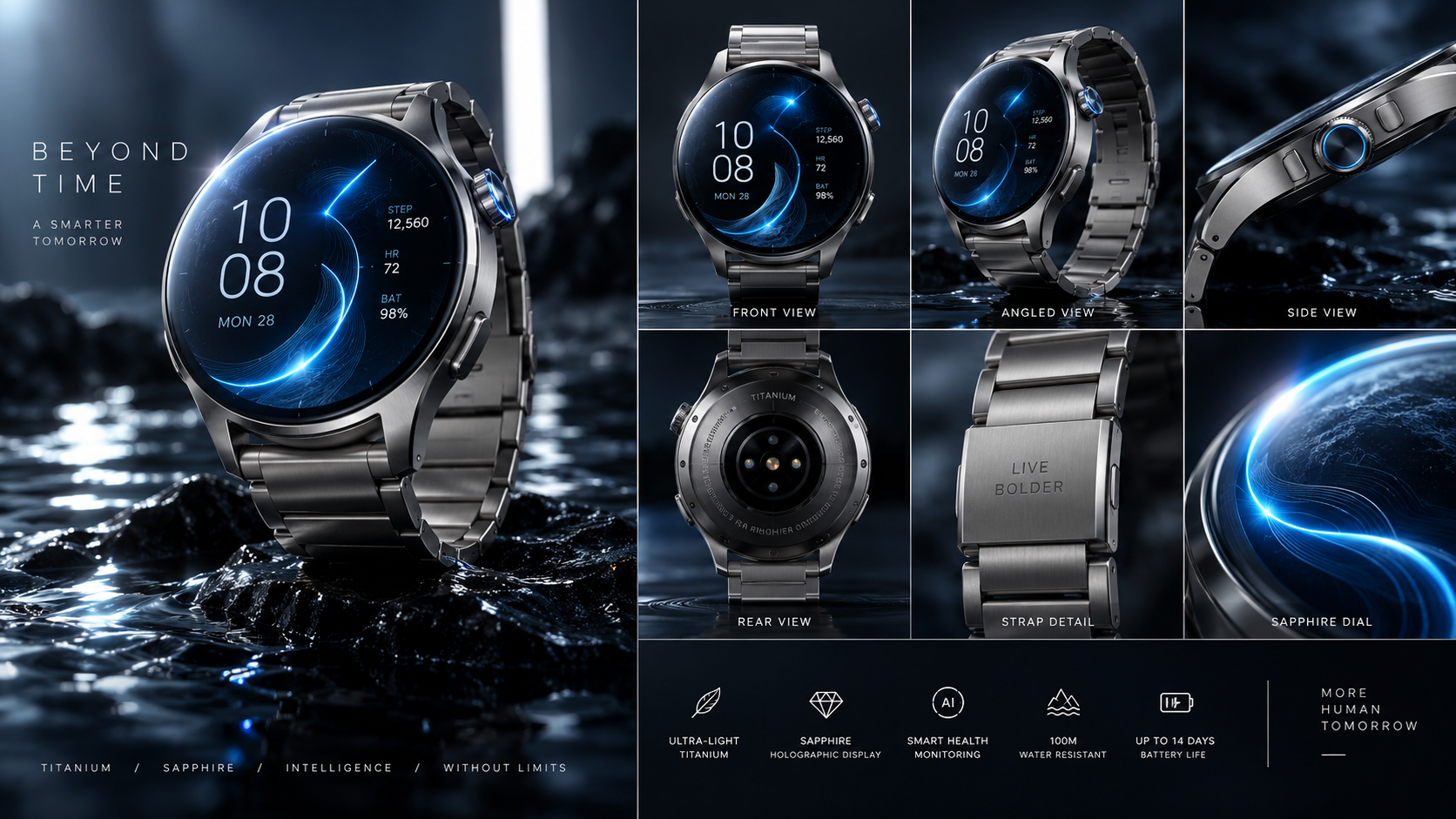
Model: Seedance 2.0 / Kling 3.0Duration: 20sA futuristic matte titanium luxury smartwatch floats above dark obsidian water, showcasing its glowing sapphire holographic dial and fluid blue data arcs.
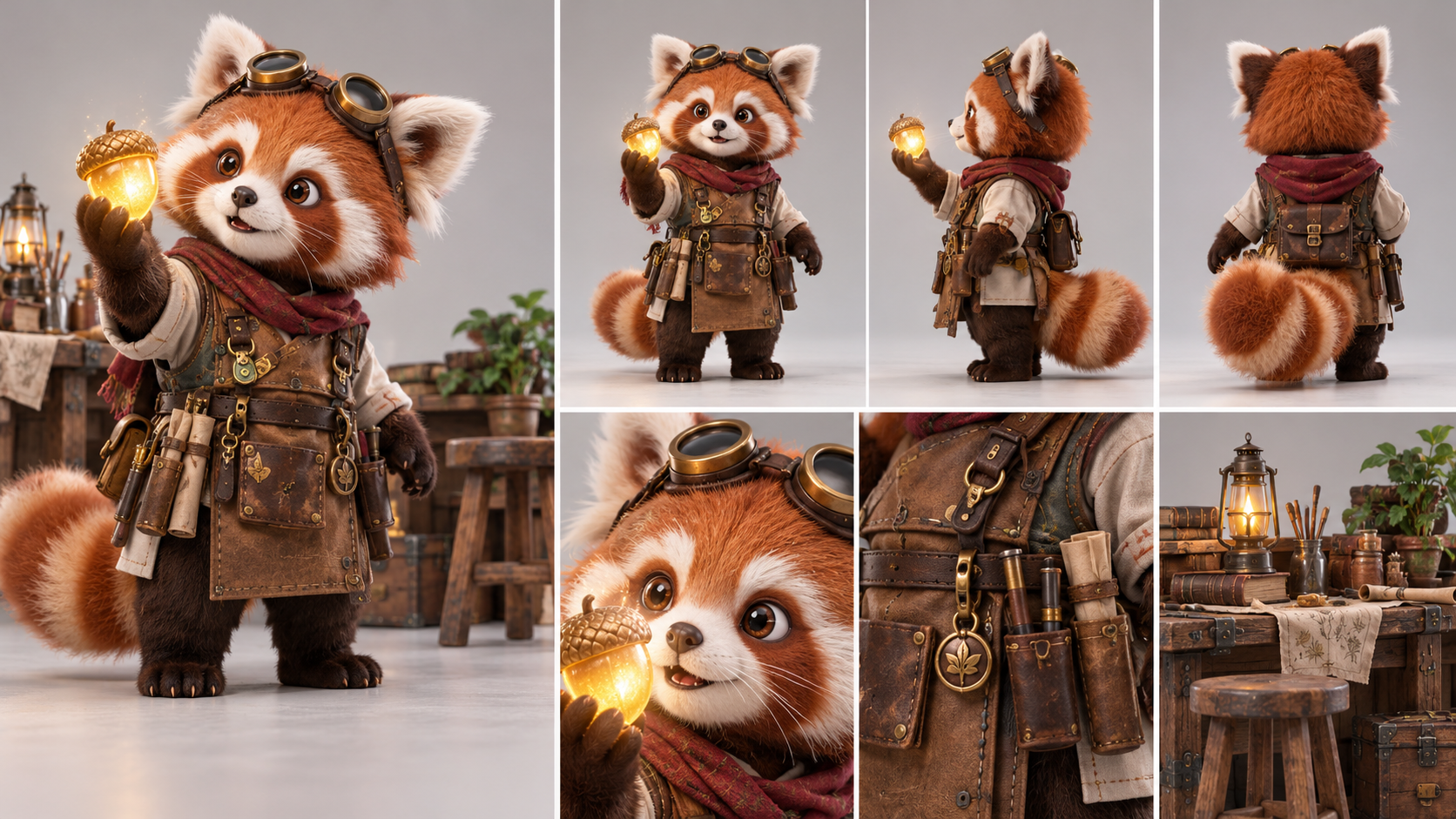
Model: Seedance 2.0 / Kling 3.0Duration: 15An earnest fluffy red panda apprentice carves a glowing magical wooden acorn inside a sunlit treehouse carpentry workshop.
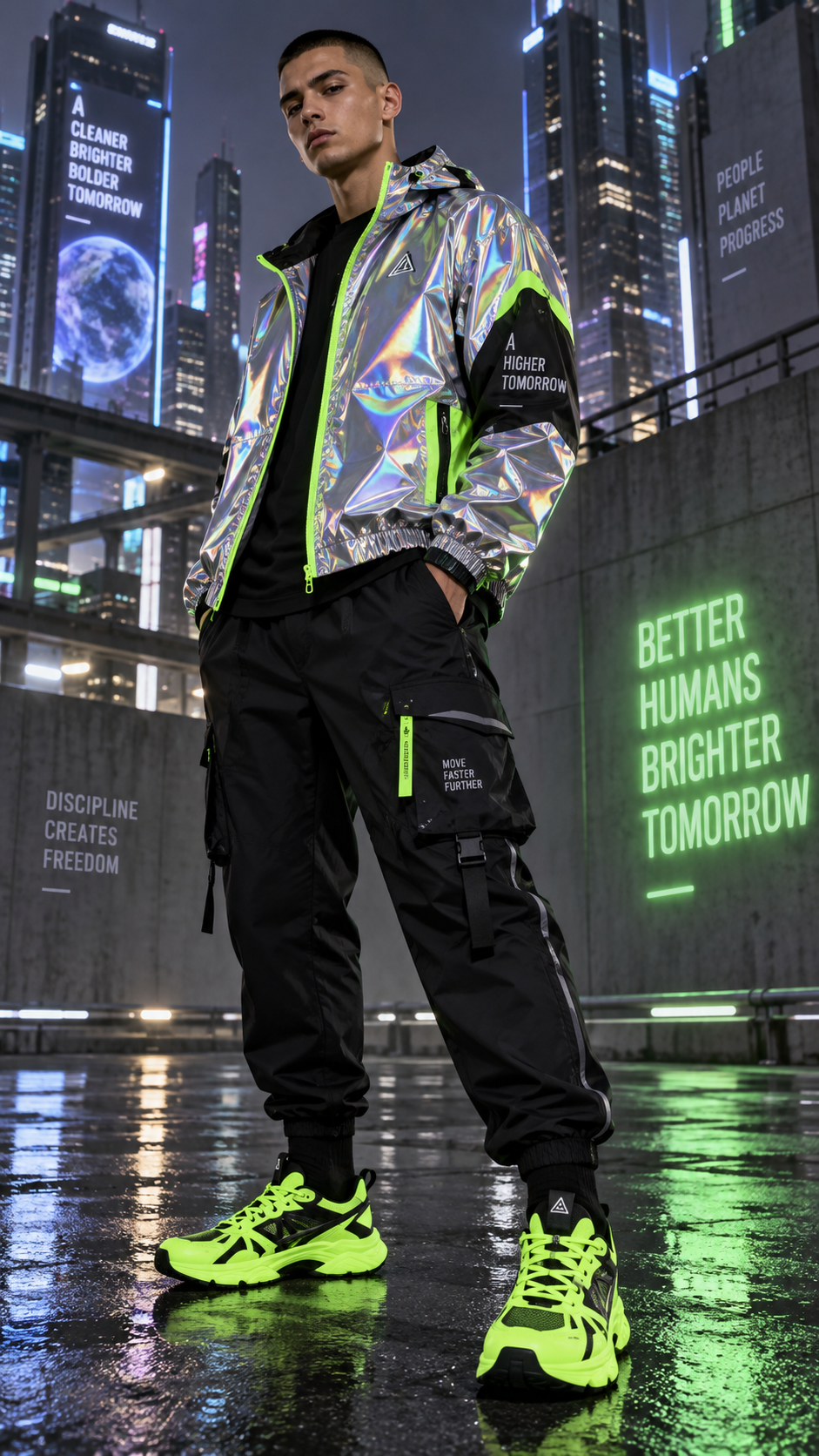
Model: Seedance 2.0 / Kling 3.0Duration: 30A vibrant journey through the neon-lit streets of Neo-Tokyo, where fashion and movement collide in a breathtaking slow-motion sprint.
Model: Seedance 2.0 / Kling 3.0Duration: 20A serene journey through minimalist wellness, showcasing the transformative power of mindful movement and breath.
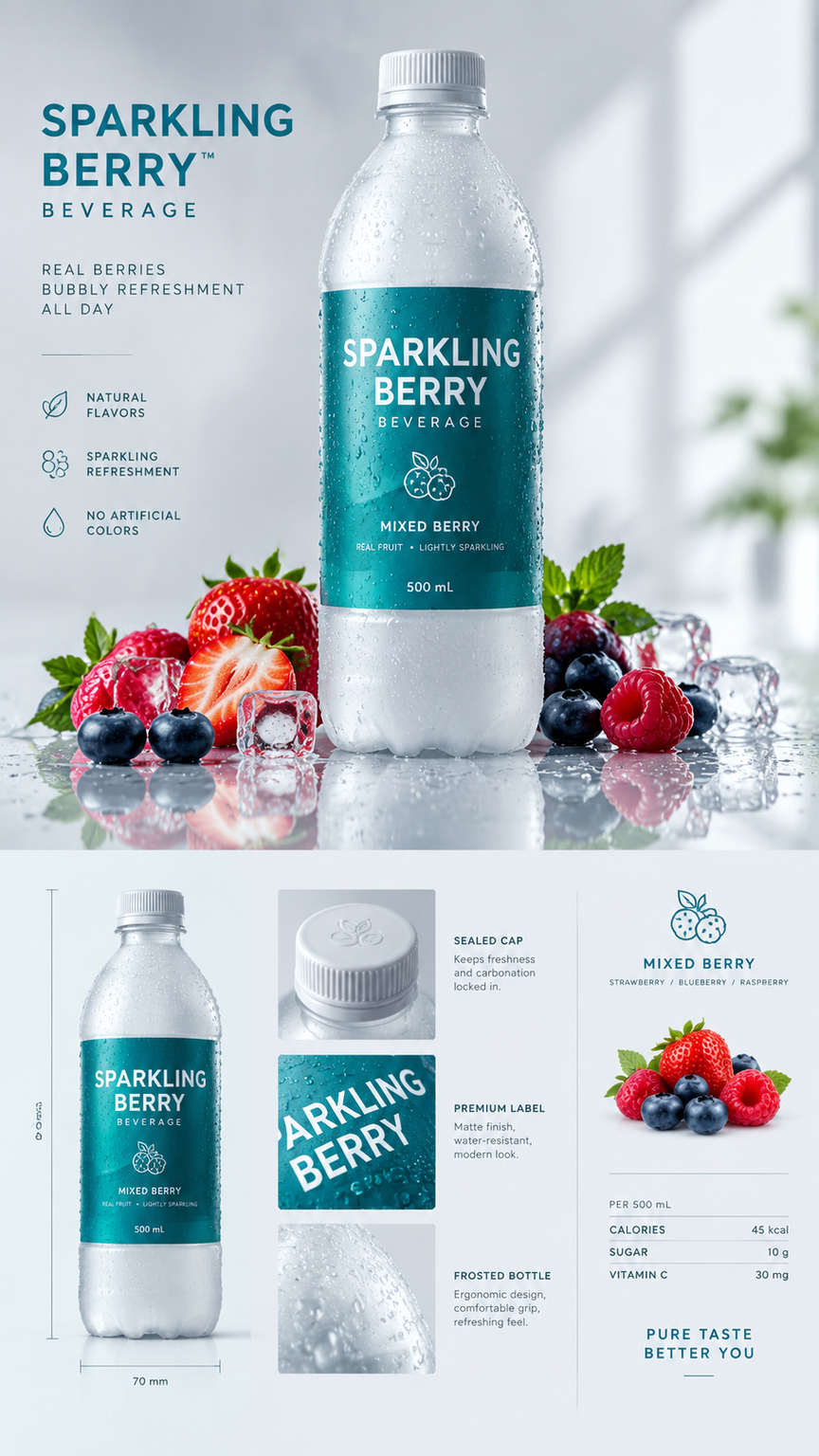
Model: Seedance 2.0 / Kling 3.0Duration: 40A high-speed beverage commercial showcasing the explosive impact of fresh berries creating a swirling vortex of liquid delight.
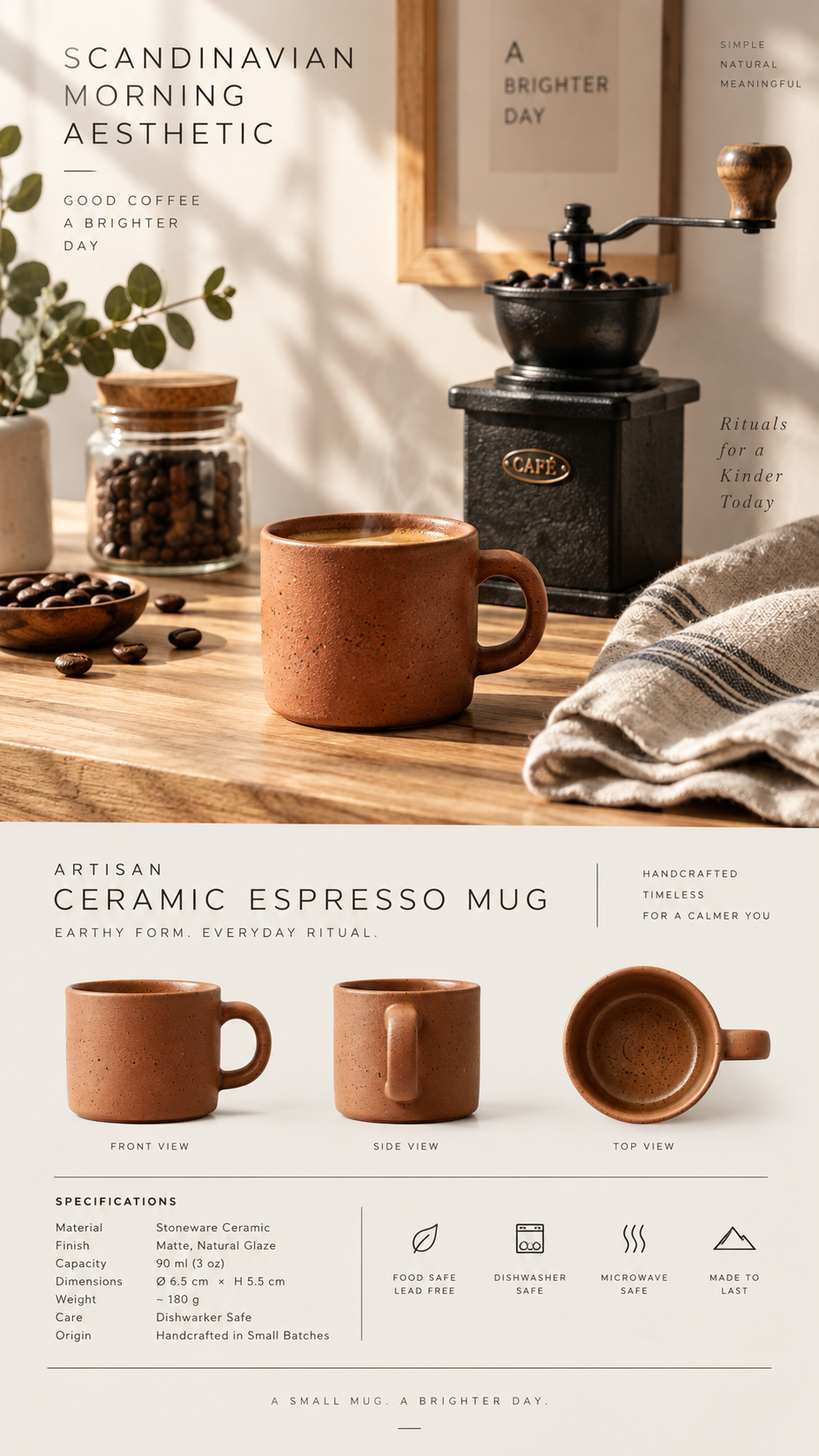
Model: Seedance 2.0 / Kling 3.0Duration: 20A serene morning unfolds as the rich espresso flows into a ceramic mug, creating a delicate microfoam swirl that captures the essence of Scandinavian aesthetics.
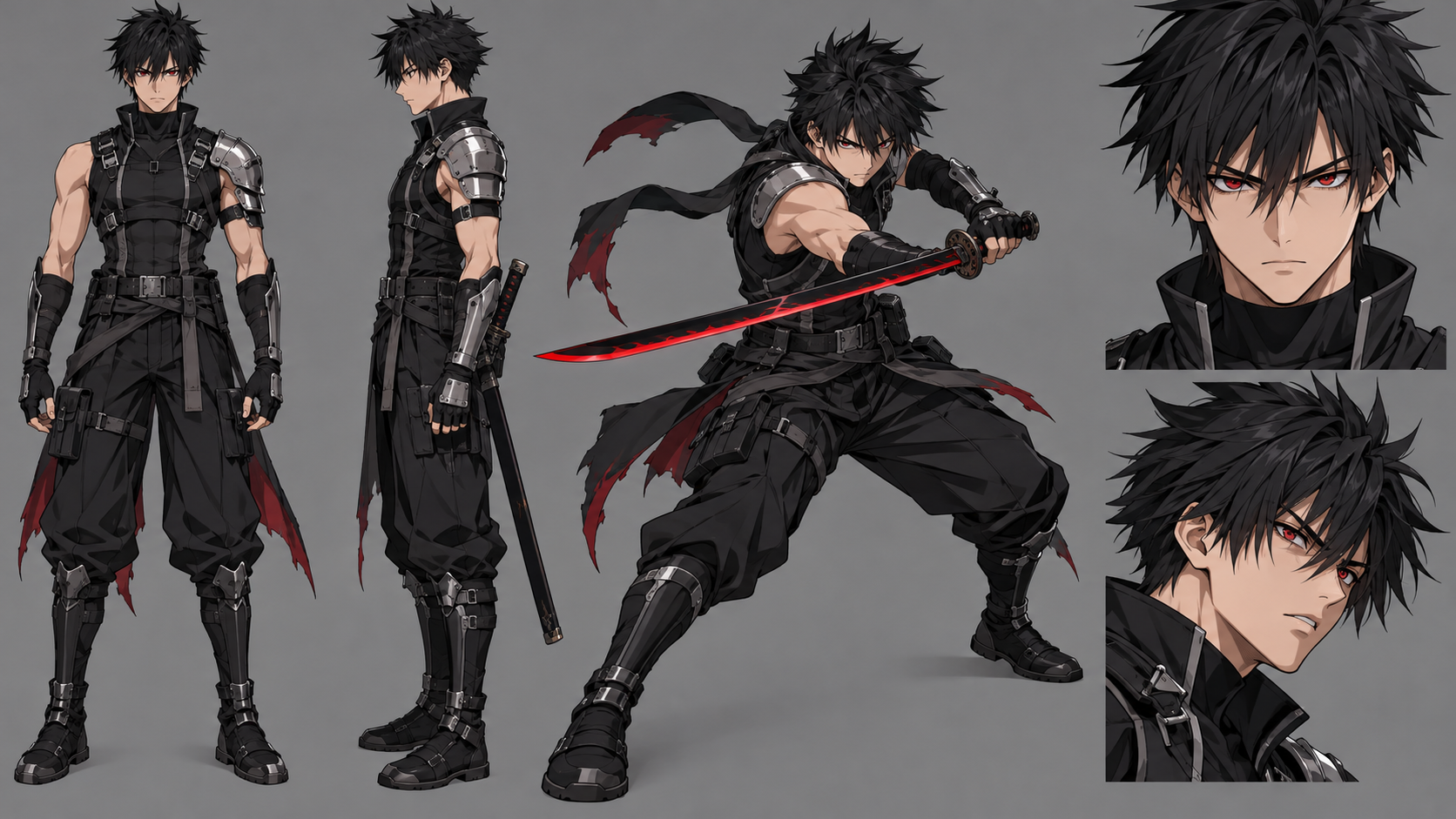
Model: Seedance 2.0 / Kling 3.0Duration: 15In a rain-drenched neon metropolis, an elite blade runner warrior confronts an ambush of cybernetic shadow phantoms across neon rooftops, unleashing a breathless six-stage sword duel that culminates in a dawn-lit aerial blade strike.
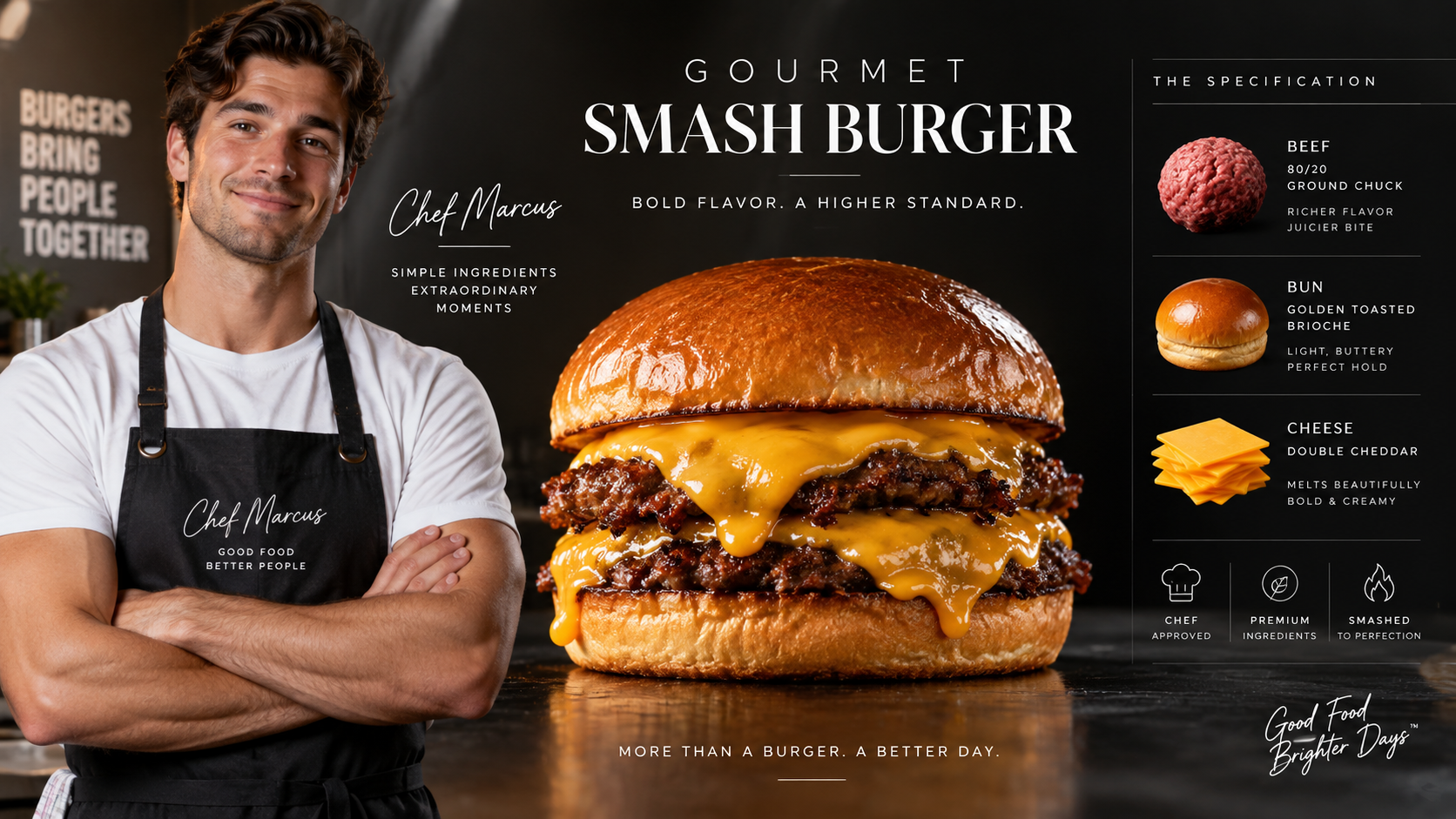
Model: Seedance 2.0 / Kling 3.0Duration: 60A premium food commercial showcasing the art of crafting a Gourmet Smash Burger with a skilled diner chef, highlighting the sizzling action and mouth-watering details.
Model: Seedance 2.0 / Kling 3.0Duration: 30A premium food commercial showcasing the irresistible allure of a gourmet burger through sizzling visuals and mouthwatering textures.
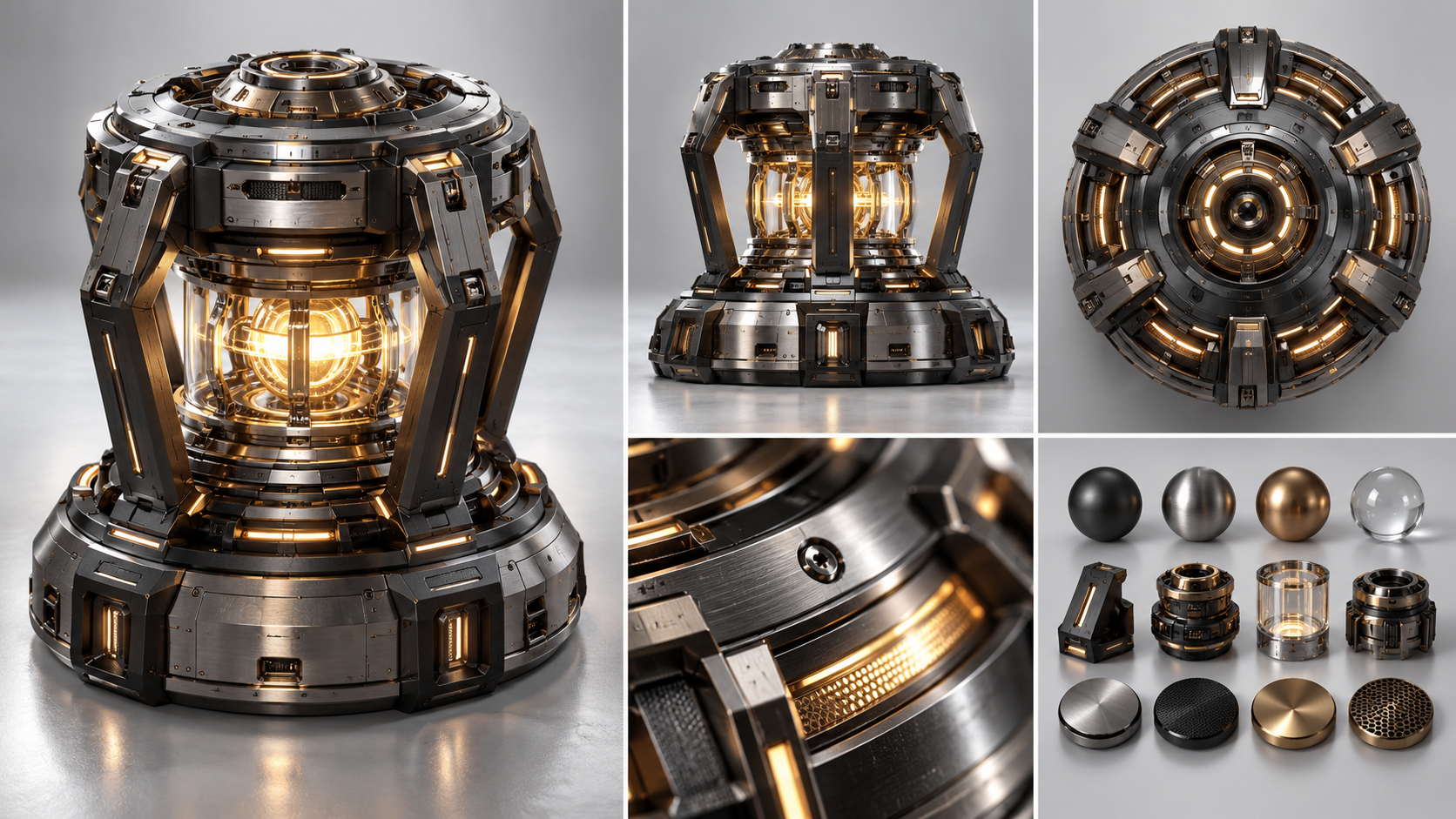
Model: Seedance 2.0 / Kling 3.0Duration: 30A lone scavenger reactivates an ancient starship's core, unleashing a breathtaking holographic starscape that reveals the vessel's true celestial purpose.
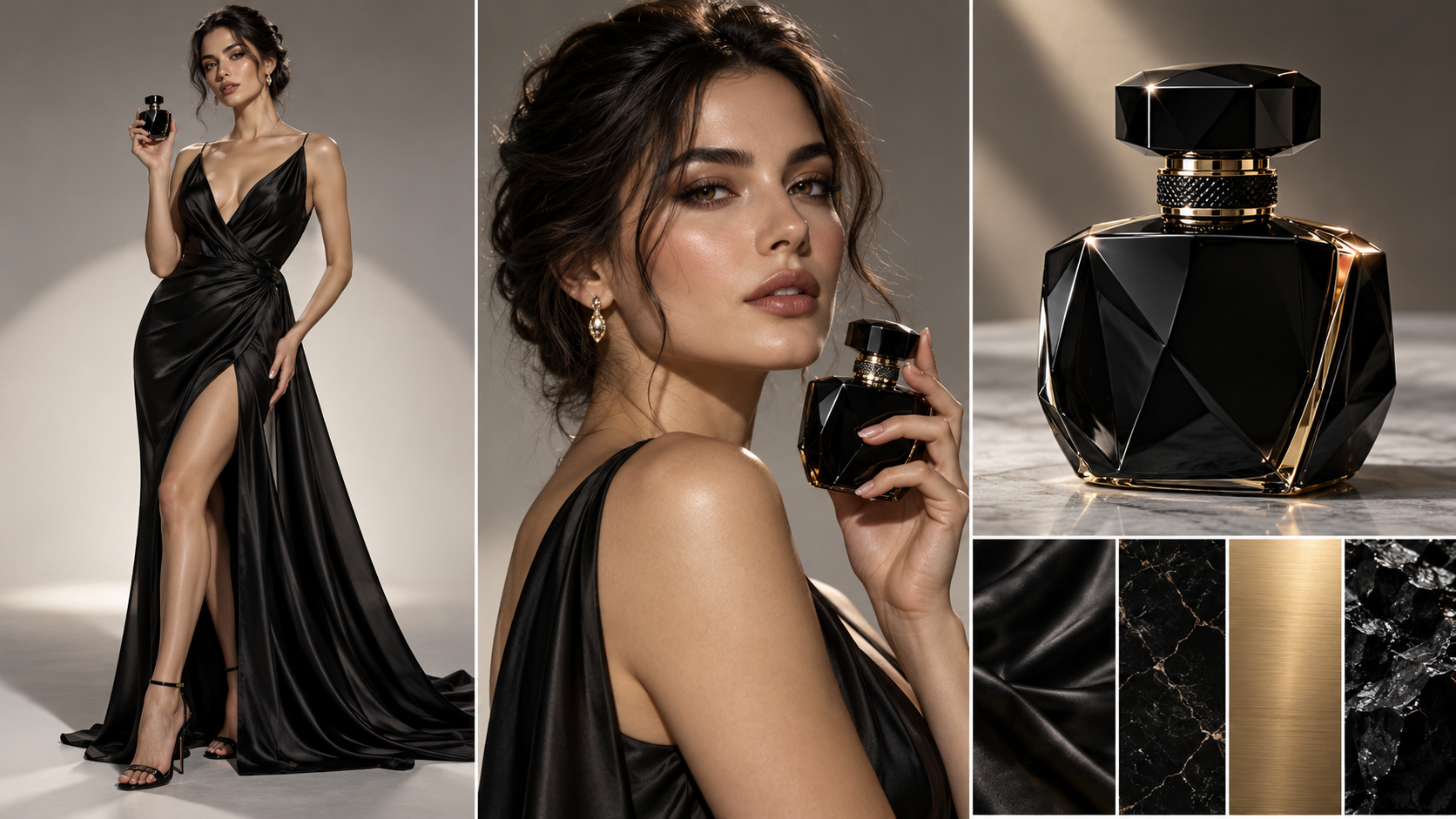
Model: Seedance 2.0 / Kling 3.0Duration: 30An elegant female model in a black silk evening gown gracefully spritzes a luxury obsidian perfume bottle against warm sunset rim lighting.
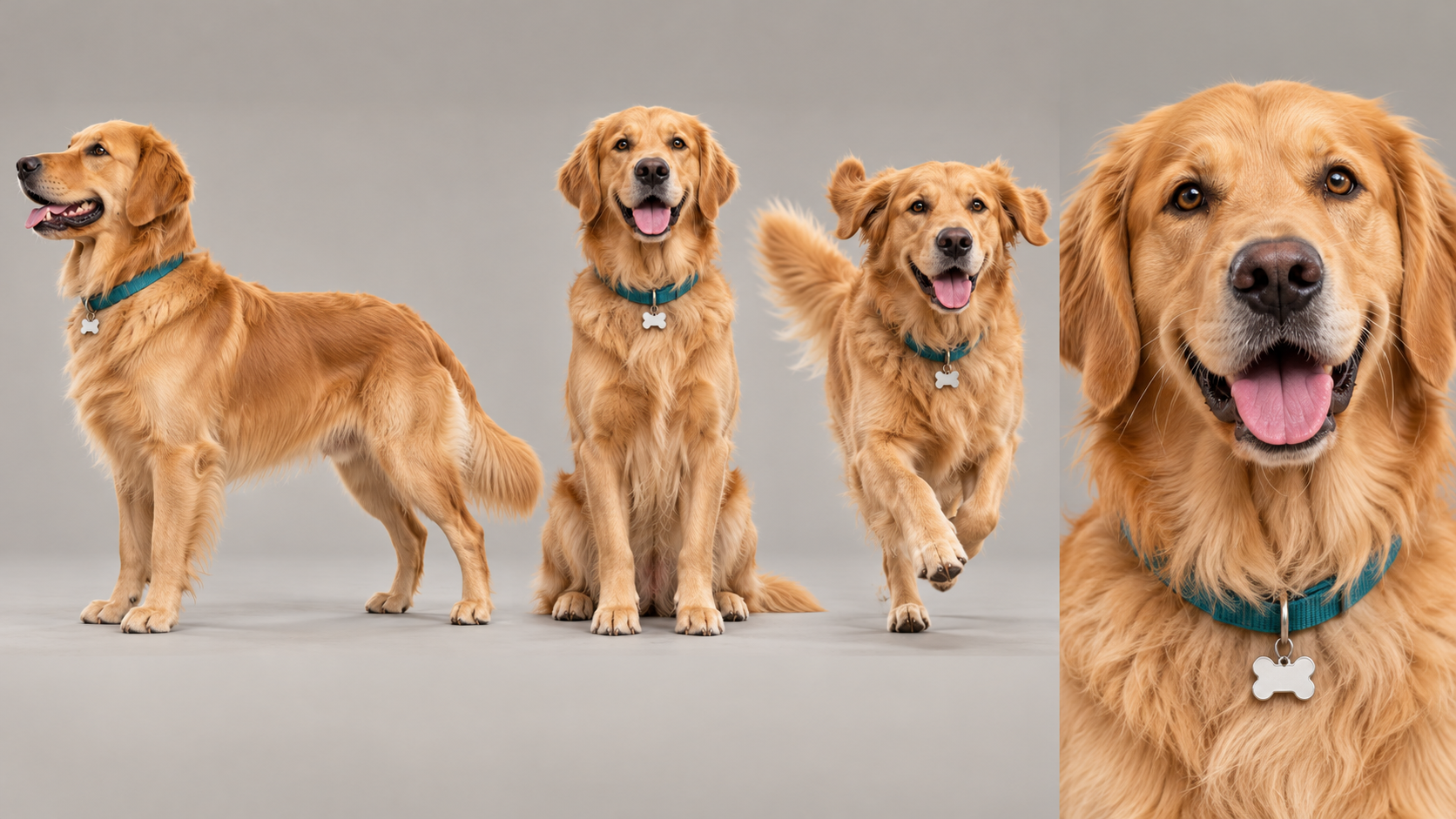
Model: Seedance 2.0 / Kling 3.0Duration: 15In a sunlit suburban backyard, a joyful golden retriever named Cooper spots a bouncing blue Chewy ball, launches into an exuberant airborne catch across the emerald lawn, and trots back to the patio with proud wagging joy.
Model: Seedance 2.0 / Kling 3.0Duration: 30sAn Eastern Wuxia-Style Duel Between A Grandmaster showcases the elegance and precision of martial arts through a breathtaking confrontation.
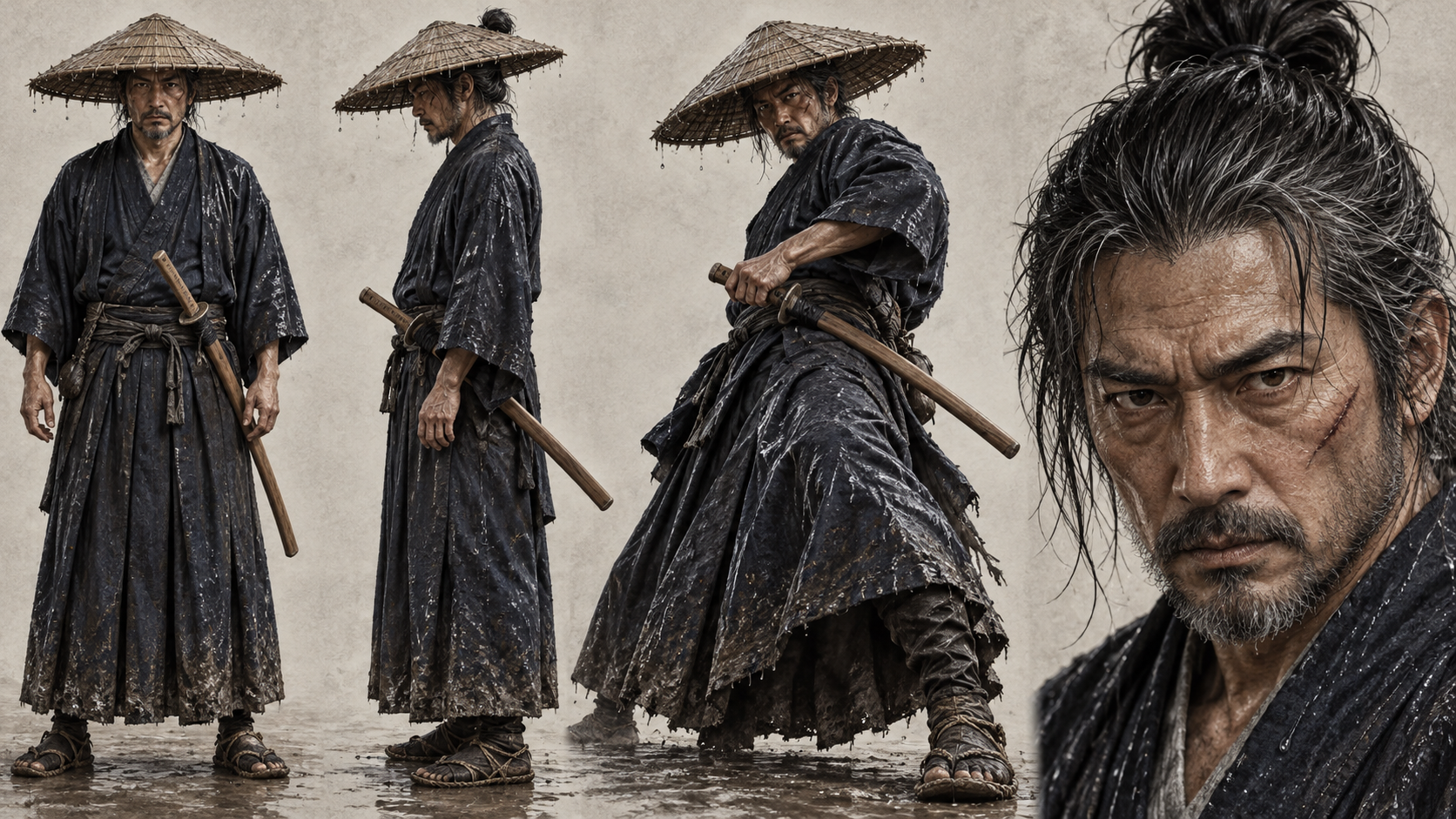
Model: Seedance 2.0 / Kling 3.0Duration: 30In a rain-lashed bamboo courtyard, a weathered lone master and an armored challenger engage in an intense psychological standoff that erupts into an instantaneous single-stroke Iaido draw and a decisive sheathing in the downpour.
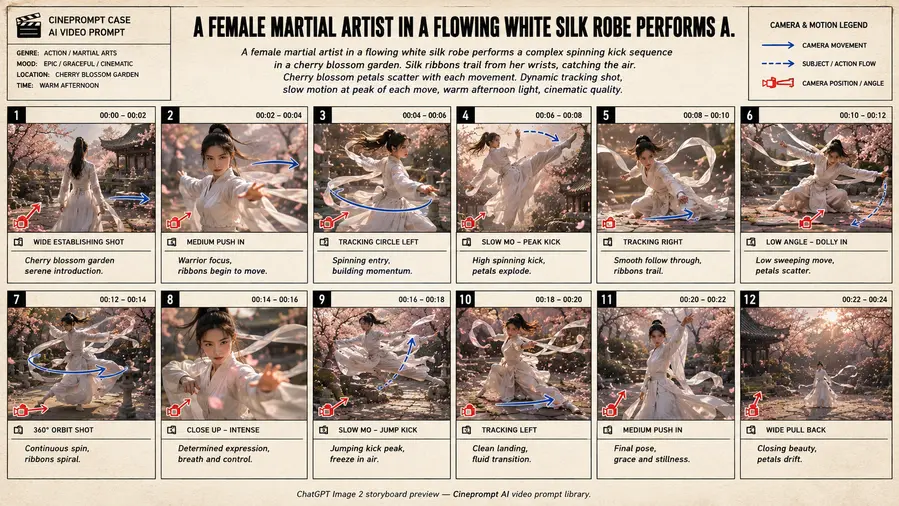
Model: Seedance 2.0 / Kling 3.0Duration: 30sA cinematic anime multi-shot sequence exploring A Female Martial Artist In A Flowing White Silk through connected handoff cuts, locked visual aesthetics, and continuous motion continuity.
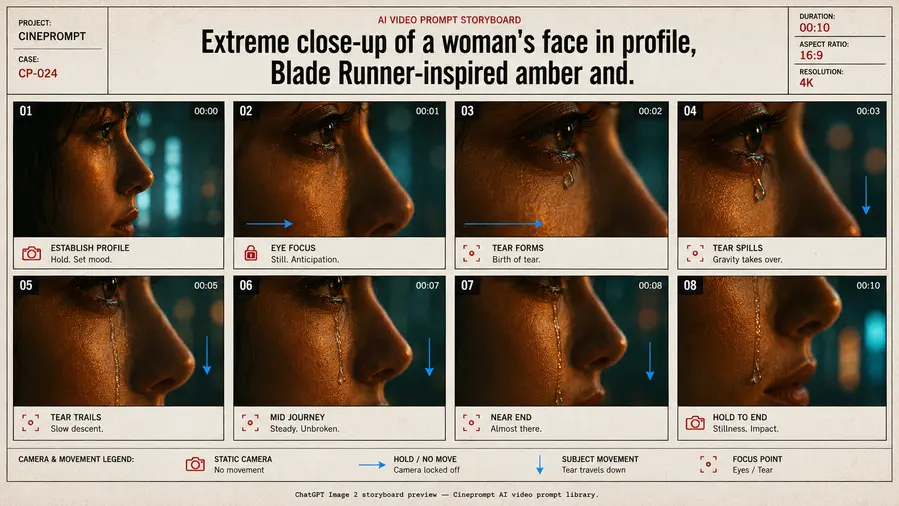
Model: Seedance 2.0 / Kling 3.0Duration: 30sA cinematic story multi-shot sequence exploring Extreme Close-Up Of A Woman'S Face In Profile through connected handoff cuts, locked visual aesthetics, and continuous motion continuity.
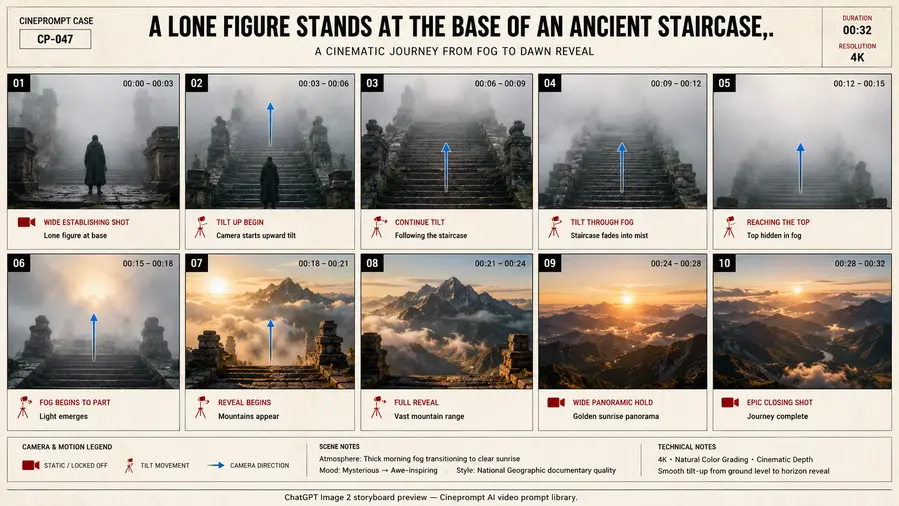
Model: Seedance 2.0 / Kling 3.0Duration: 30sA cinematic documentary multi-shot sequence exploring A Lone Figure Stands At The Base Of An Ancient through connected handoff cuts, locked visual aesthetics, and continuous motion continuity.
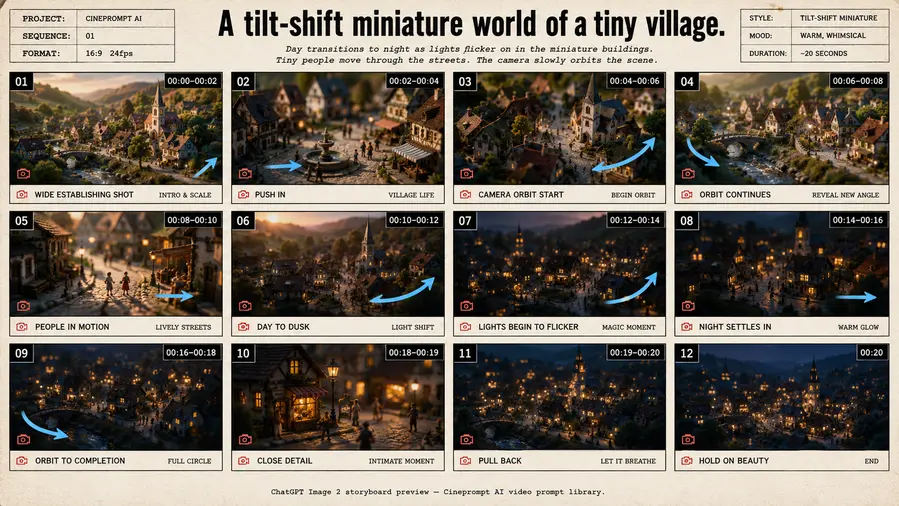
Model: Seedance 2.0 / Kling 3.0Duration: 30sA cinematic documentary multi-shot sequence exploring A Tilt-Shift Miniature World Of A Tiny Village through connected handoff cuts, locked visual aesthetics, and continuous motion continuity.
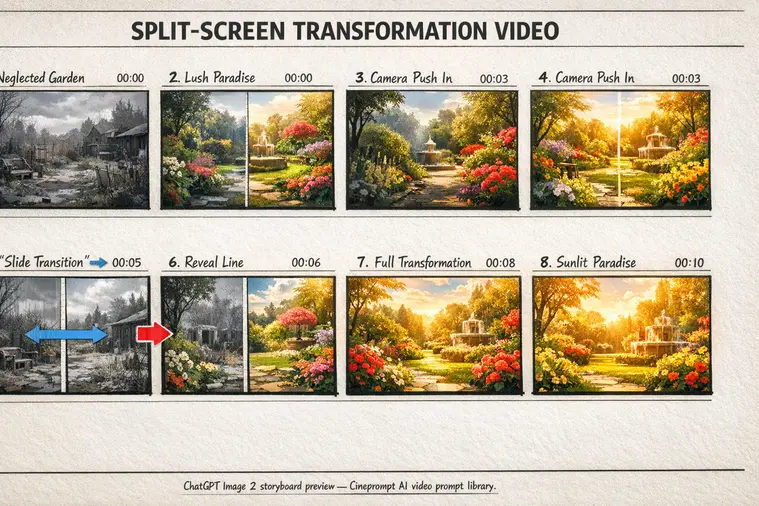
Model: Seedance 2.0 / Kling 3.0Duration: 30sA cinematic commercial multi-shot sequence exploring Split-Screen Transformation Video through connected handoff cuts, locked visual aesthetics, and continuous motion continuity.
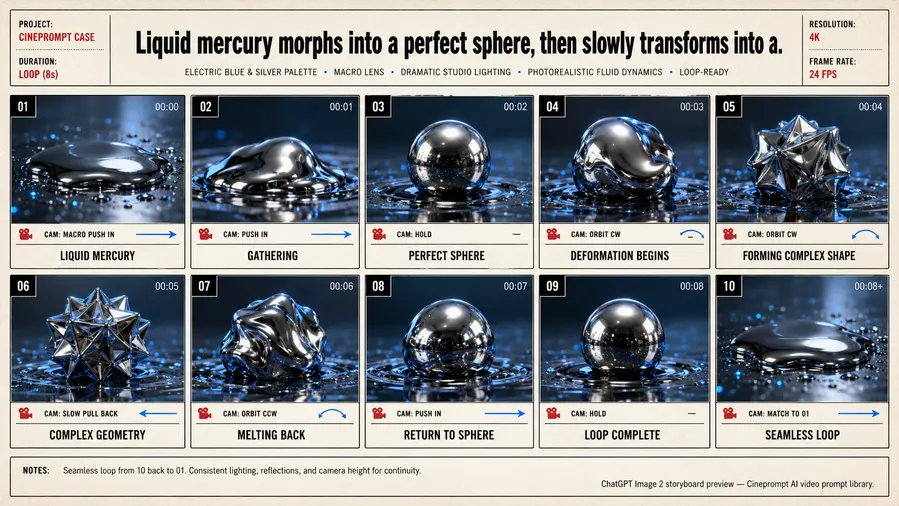
Model: Seedance 2.0 / Kling 3.0Duration: 30sA cinematic story multi-shot sequence exploring Liquid Mercury Morphs Into A Perfect Sphere through connected handoff cuts, locked visual aesthetics, and continuous motion continuity.
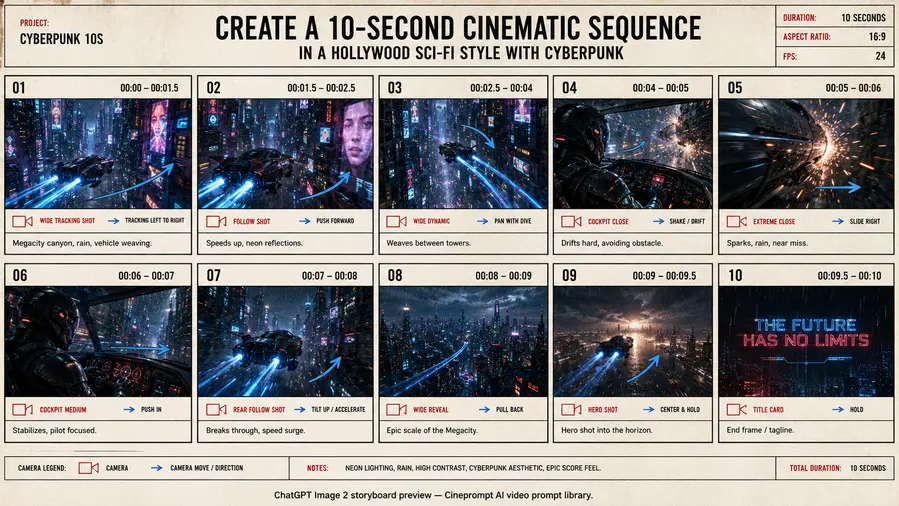
Model: Seedance 2.0 / Kling 3.0Duration: 30sA cinematic sci-fi multi-shot sequence exploring Create A 10-Second Cinematic Sequence In through connected handoff cuts, locked visual aesthetics, and continuous motion continuity.
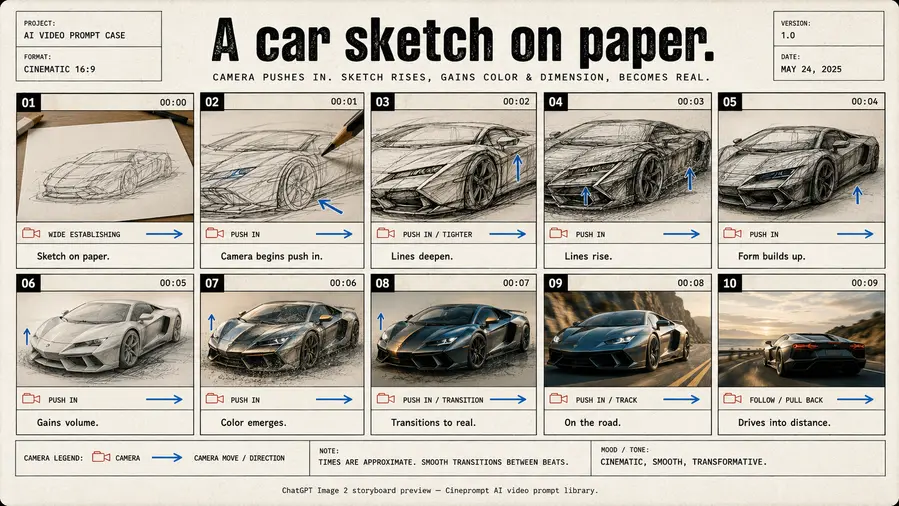
Model: Seedance 2.0 / Kling 3.0Duration: 30sA cinematic commercial multi-shot sequence exploring A Car Sketch On Paper through connected handoff cuts, locked visual aesthetics, and continuous motion continuity.
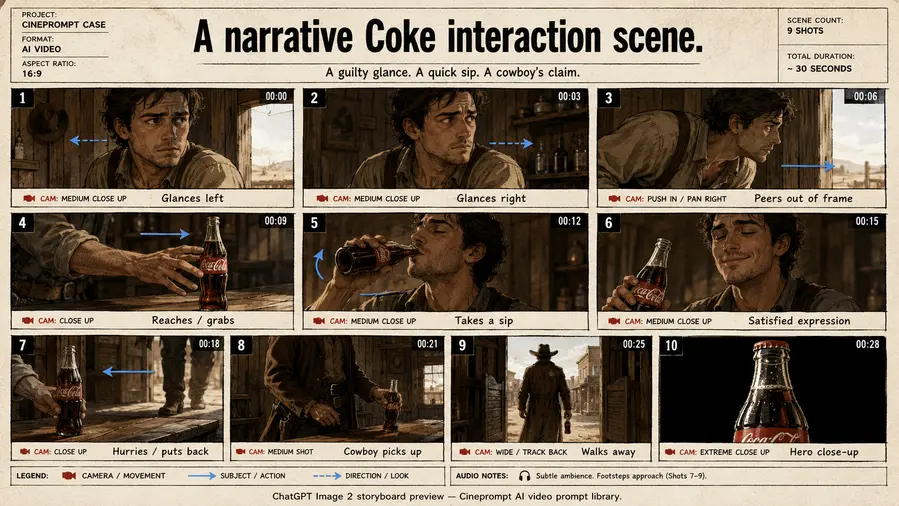
Model: Seedance 2.0 / Kling 3.0Duration: 30sA cinematic commercial multi-shot sequence exploring A Narrative Coke Interaction Scene through connected handoff cuts, locked visual aesthetics, and continuous motion continuity.
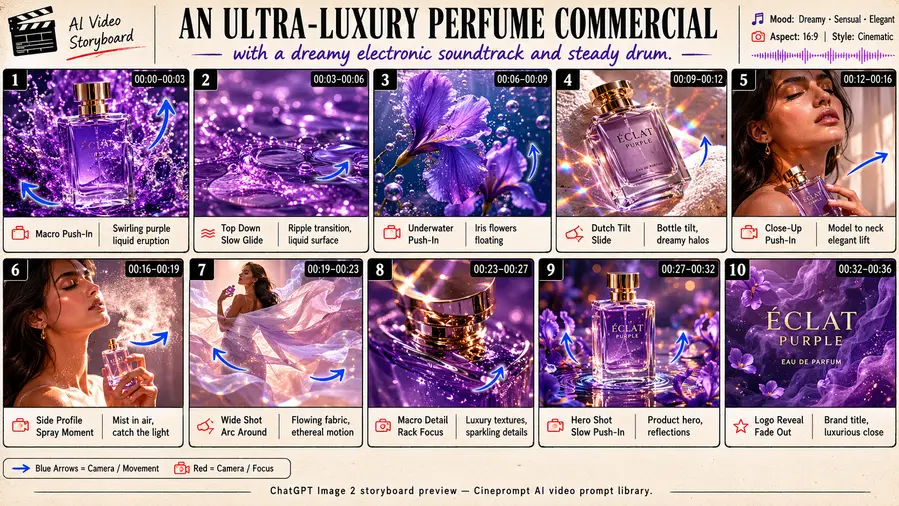
Model: Seedance 2.0 / Kling 3.0Duration: 30sA cinematic commercial multi-shot sequence exploring An Ultra-Luxury Perfume Commercial With A Dreamy through connected handoff cuts, locked visual aesthetics, and continuous motion continuity.
Model: Seedance 2.0 / Kling 3.0Duration: 30sA cinematic commercial multi-shot sequence exploring A Model Wearing An Elegant [Garment] Stands through connected handoff cuts, locked visual aesthetics, and continuous motion continuity.
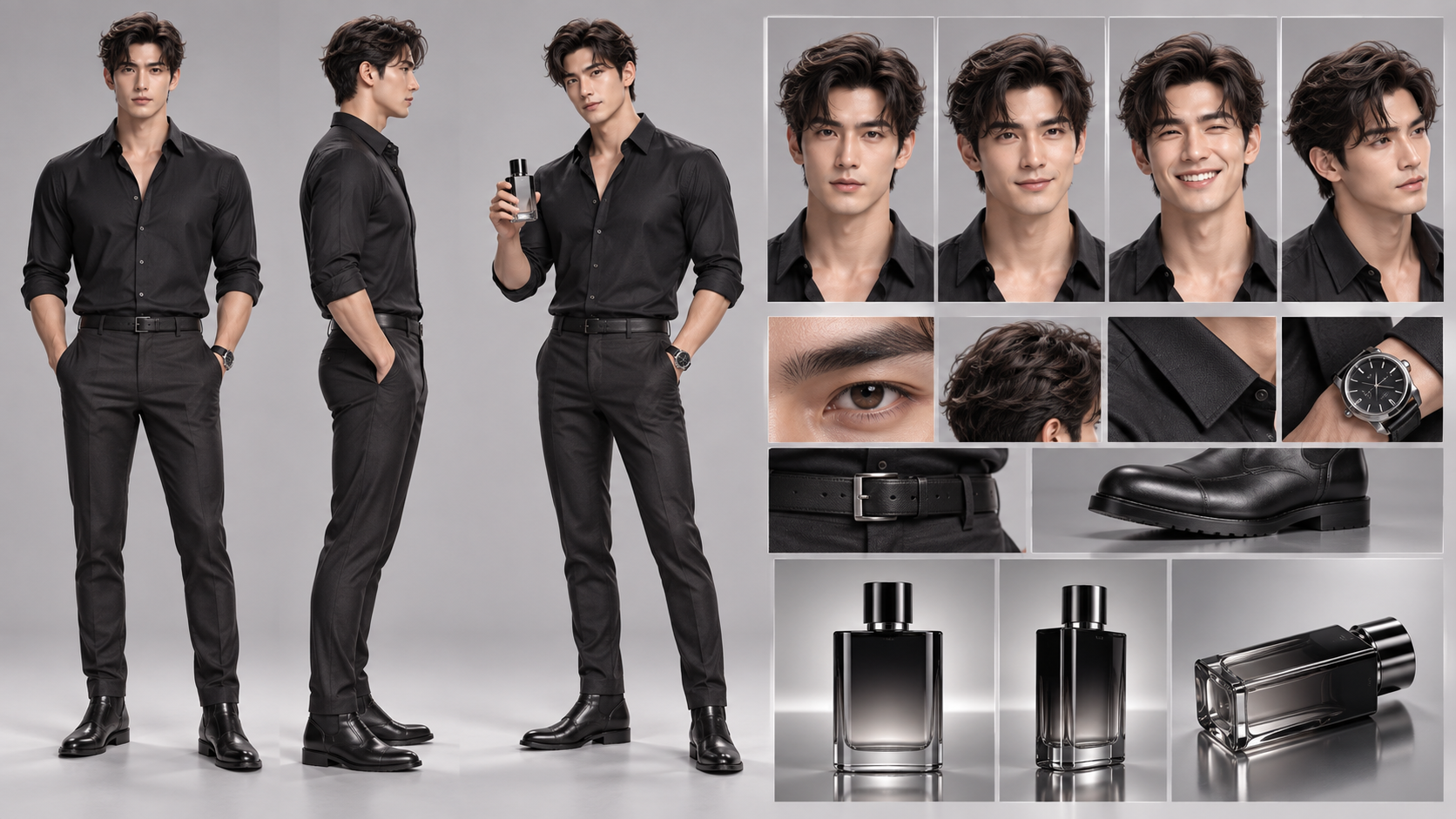
Model: Seedance 2.0 / Kling 3.0Duration: 30sA cinematic commercial multi-shot sequence exploring A Sleek [Tech Product] Emerges From Pristine through connected handoff cuts, locked visual aesthetics, and continuous motion continuity.
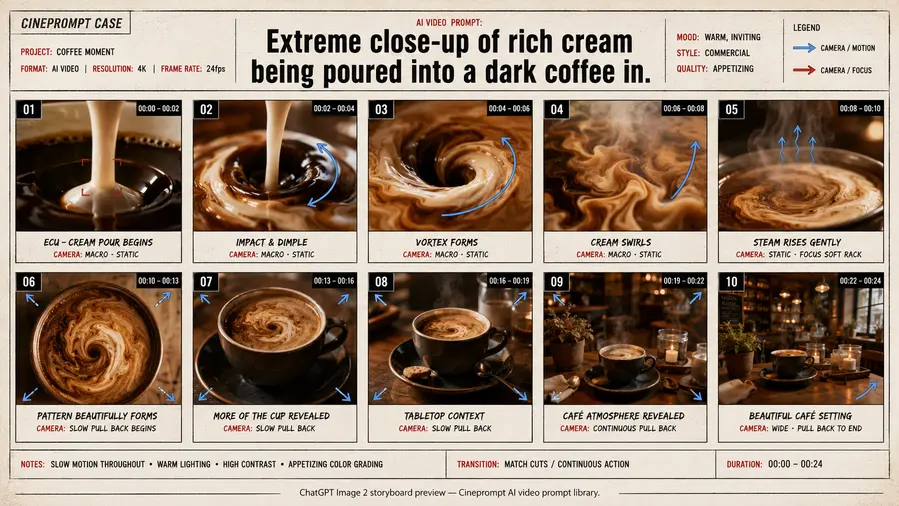
Model: Seedance 2.0 / Kling 3.0Duration: 30sA cinematic commercial multi-shot sequence exploring Extreme Close-Up Of Rich Cream Being Poured Into through connected handoff cuts, locked visual aesthetics, and continuous motion continuity.
Model: Seedance 2.0 / Kling 3.0Duration: 30sA cinematic commercial multi-shot sequence exploring A Luxury [Product] Suspended In A Column Of through connected handoff cuts, locked visual aesthetics, and continuous motion continuity.
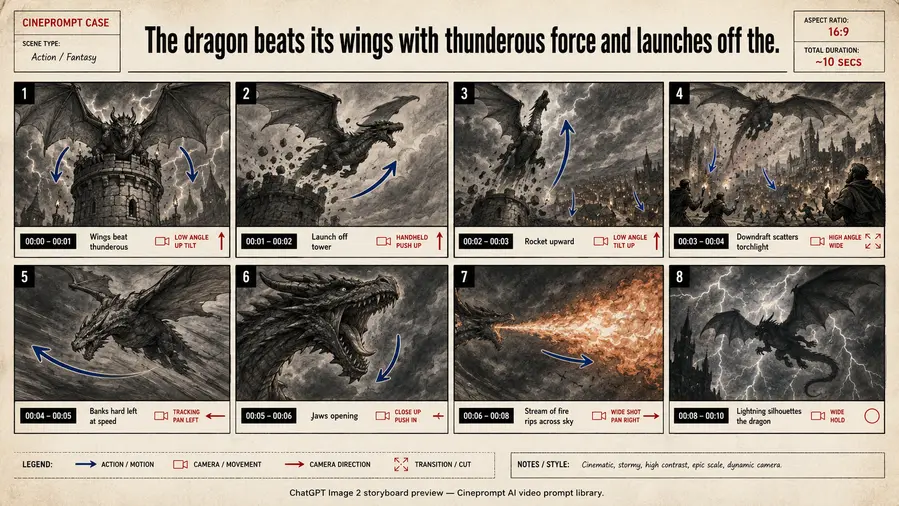
Model: Seedance 2.0 / Kling 3.0Duration: 30sA cinematic commercial multi-shot sequence exploring The Dragon Beats Its Wings With Thunderous Force through connected handoff cuts, locked visual aesthetics, and continuous motion continuity.
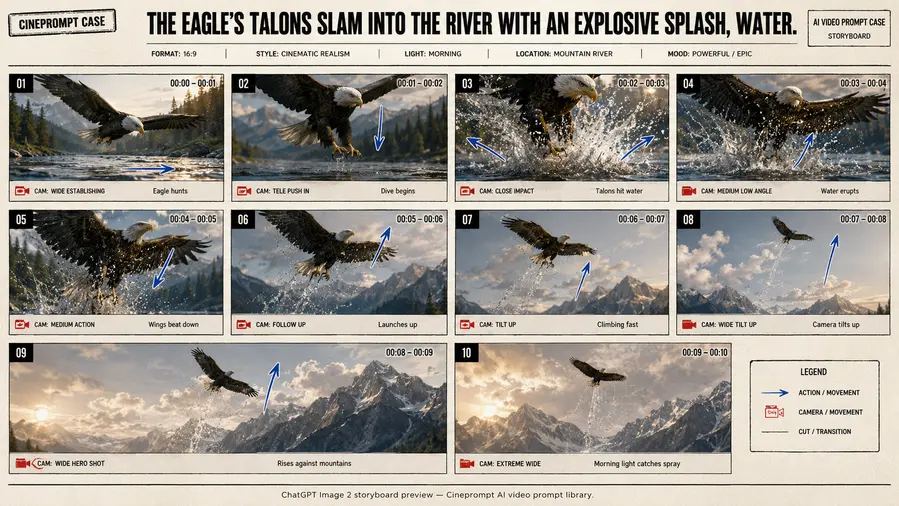
Model: Seedance 2.0 / Kling 3.0Duration: 30sA cinematic documentary multi-shot sequence exploring The Eagle'S Talons Slam Into The River With through connected handoff cuts, locked visual aesthetics, and continuous motion continuity.
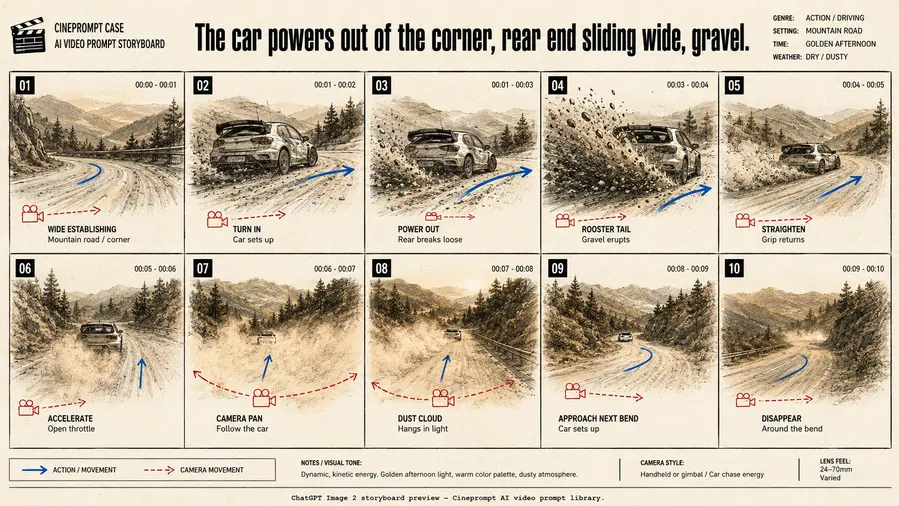
Model: Seedance 2.0 / Kling 3.0Duration: 30sA cinematic commercial multi-shot sequence exploring The Car Powers Out Of The Corner through connected handoff cuts, locked visual aesthetics, and continuous motion continuity.
Model: Seedance 2.0 / Kling 3.0Duration: 30sOpenAI Sora 2 prompts perform best when the camera intent is explicit, scene physics are grounded, and each shot captures one clear motivated action.
These Sora storyboard prompts are tuned for motion stability, cinematic pacing, and consistent character identity across continuous physical simulations.
OpenAI recommends two writing styles for Sora 2: a layered Shot List structure and an ultra-detailed parameterized format. The Shot List approach separates Style, Cinematography, Actions, and Background Sound into distinct blocks — ideal for most production work.
Sora's sweet spot is 80–150 words. Under 80 words, output becomes random; over 200 words, the model starts hallucinating conflicting visual elements. Shot timing beats (ordered actions) matter more than absolute timestamps. Restrict sound descriptions to diegetic cues — wind, footsteps, fabrics — rather than generic music tags.
OpenAI Sora 2 represents a paradigm shift toward physical world simulation. Rather than generating disconnected 2D frames, Sora computes 3D volumetric consistency over time. Cineprompt packs format prompts to exploit these simulation dynamics while keeping narrative control in the creator's hands.




![A Model Wearing An Elegant [Garment] Stands](https://pub-2bf5500401284272870f676f872476ec.r2.dev/previews/360-oEj4/thumb.webp)
![A Sleek [Tech Product] Emerges From Pristine](https://pub-2bf5500401284272870f676f872476ec.r2.dev/previews/-hXkU/thumb.webp)
![A Luxury [Product] Suspended In A Column Of](https://pub-2bf5500401284272870f676f872476ec.r2.dev/previews/-85bD/thumb.webp)