Futuristic Matte Titanium Luxury Smartwatch · 15s
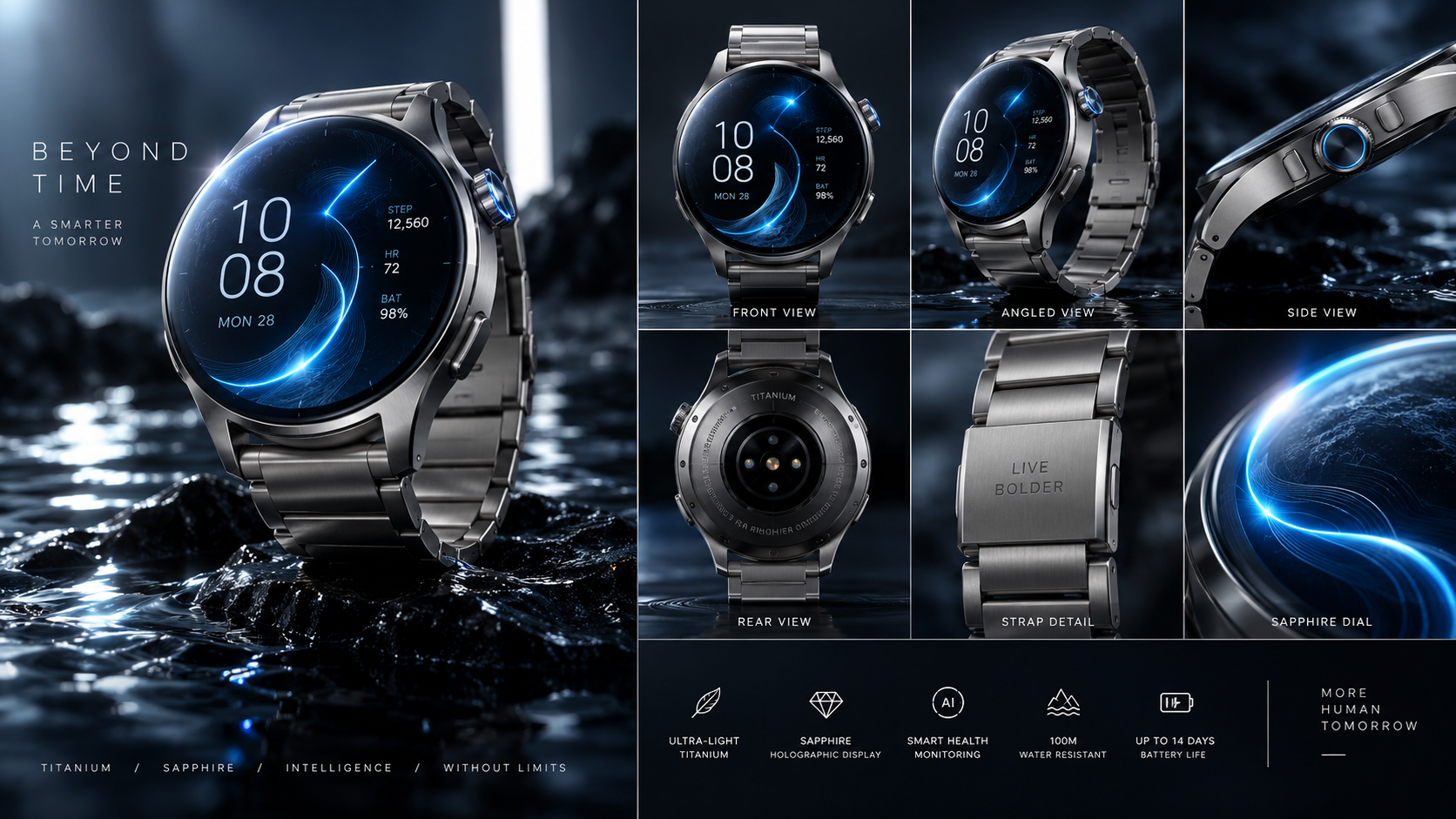
A futuristic matte titanium luxury smartwatch floats above dark obsidian water, showcasing its glowing sapphire holographic dial and fluid blue data arcs.
Model: Seedance 2.0 / Kling 3.0Duration: 15Discover Kling 3.0 & 4.0 Flash prompt packs tuned for 15s multi-shot generation, locked character turnaround sheets, motion intensity calibrations (4-6), and native audio cues.
A futuristic matte titanium luxury smartwatch floats above dark obsidian water, showcasing its glowing sapphire holographic dial and fluid blue data arcs.
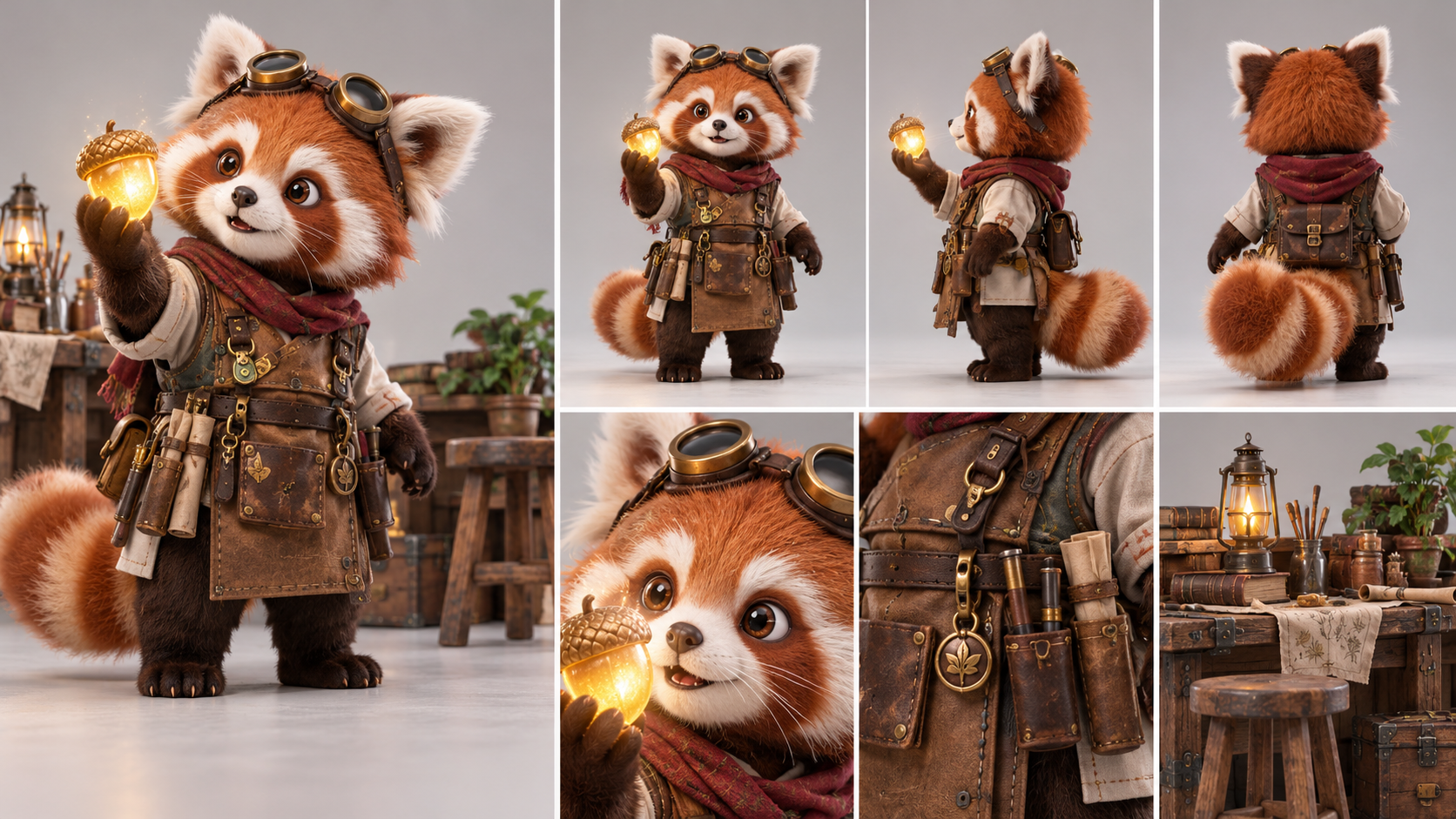
Model: Seedance 2.0 / Kling 3.0Duration: 15An earnest fluffy red panda apprentice carves a glowing magical wooden acorn inside a sunlit treehouse carpentry workshop.
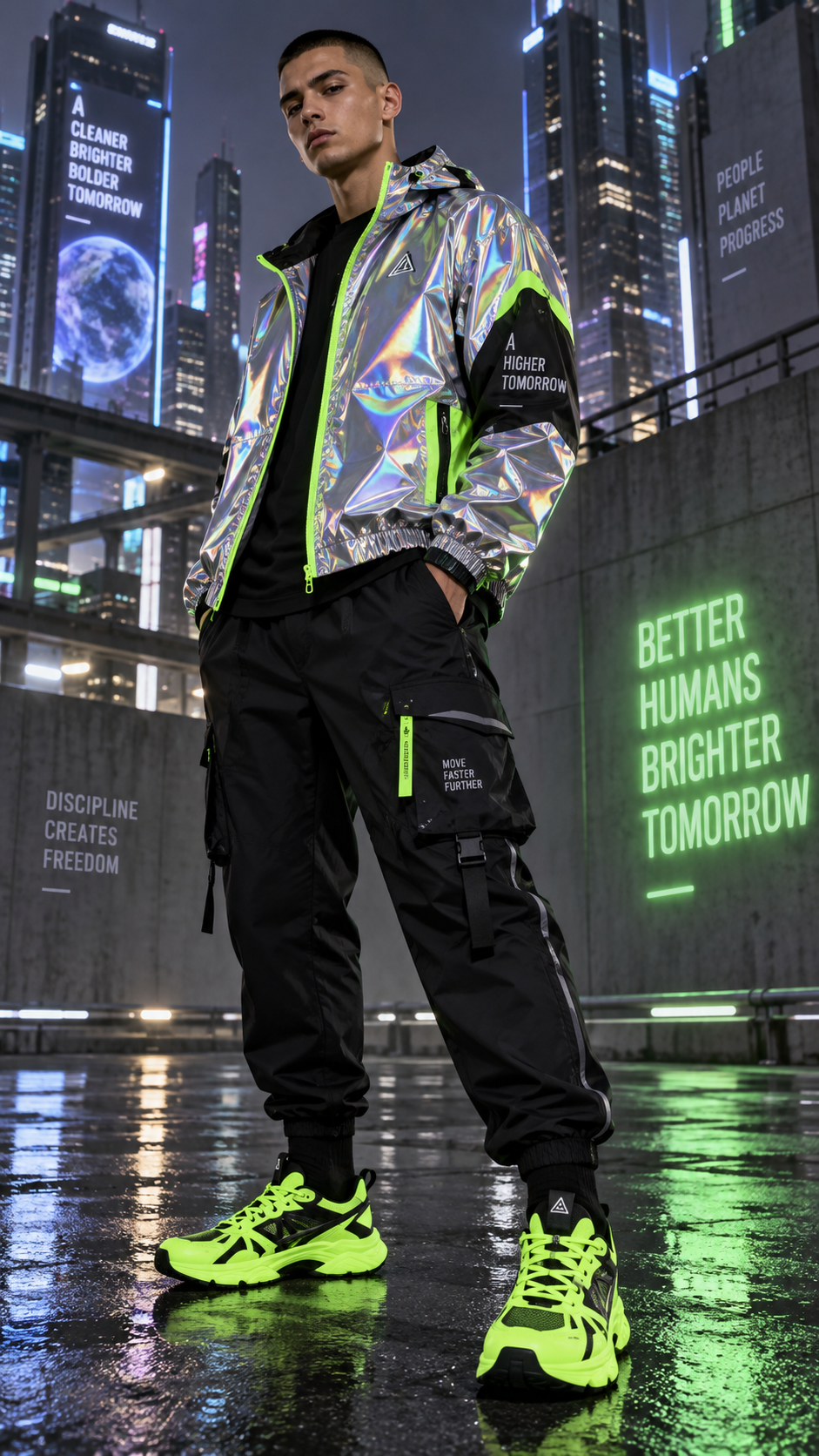
Model: Seedance 2.0 / Kling 3.0Duration: 30A vibrant journey through the neon-lit streets of Neo-Tokyo, where fashion and movement collide in a breathtaking slow-motion sprint.
Model: Seedance 2.0 / Kling 3.0Duration: 20A serene journey through minimalist wellness, showcasing the transformative power of mindful movement and breath.
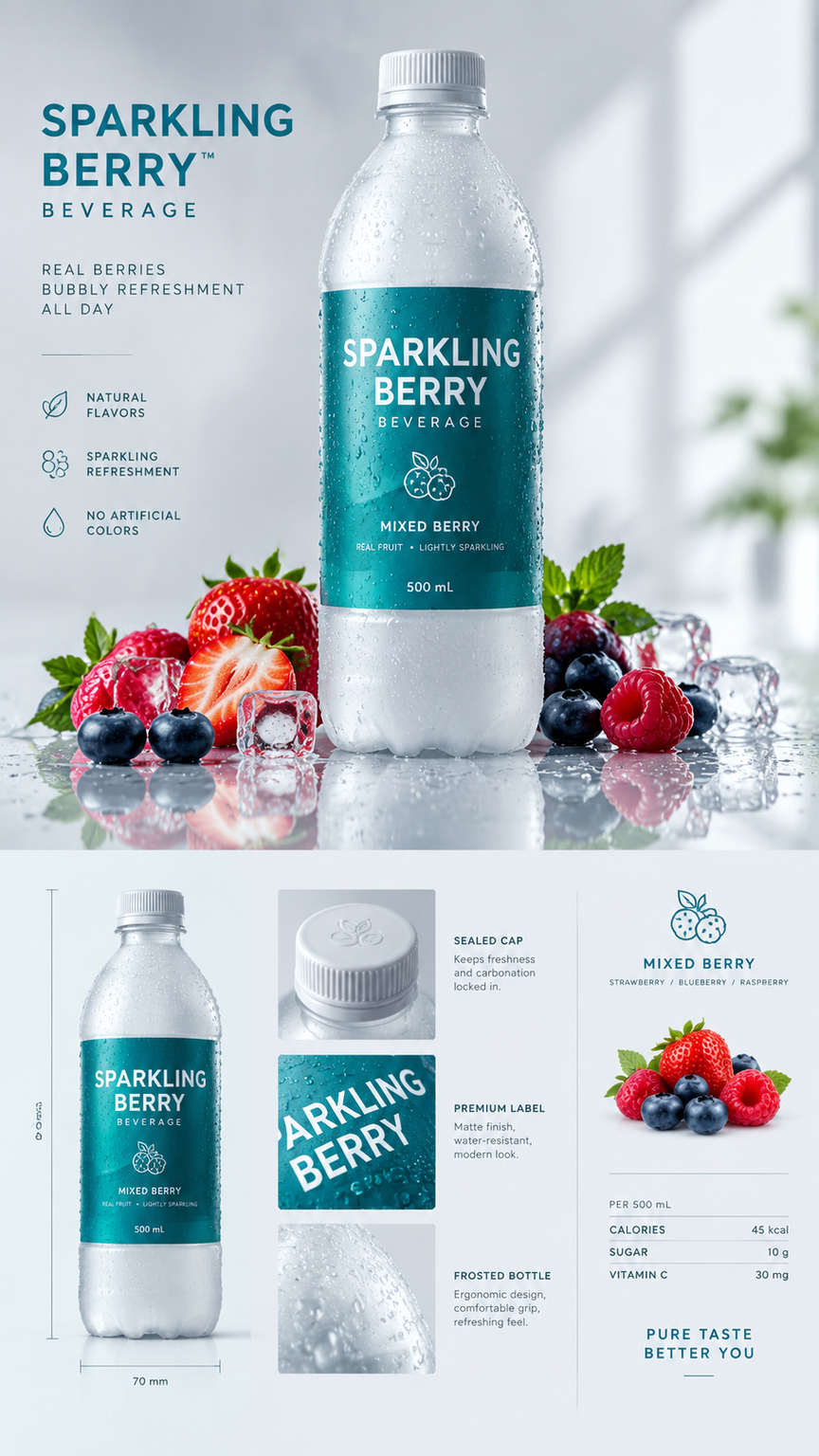
Model: Seedance 2.0 / Kling 3.0Duration: 40A high-speed beverage commercial showcasing the explosive impact of fresh berries creating a swirling vortex of liquid delight.
Model: Seedance 2.0 / Kling 3.0Duration: 20A serene morning unfolds as the rich espresso flows into a ceramic mug, creating a delicate microfoam swirl that captures the essence of Scandinavian aesthetics.
Model: Seedance 2.0 / Kling 3.0Duration: 15In a rain-drenched neon metropolis, an elite blade runner warrior confronts an ambush of cybernetic shadow phantoms across neon rooftops, unleashing a breathless six-stage sword duel that culminates in a dawn-lit aerial blade strike.
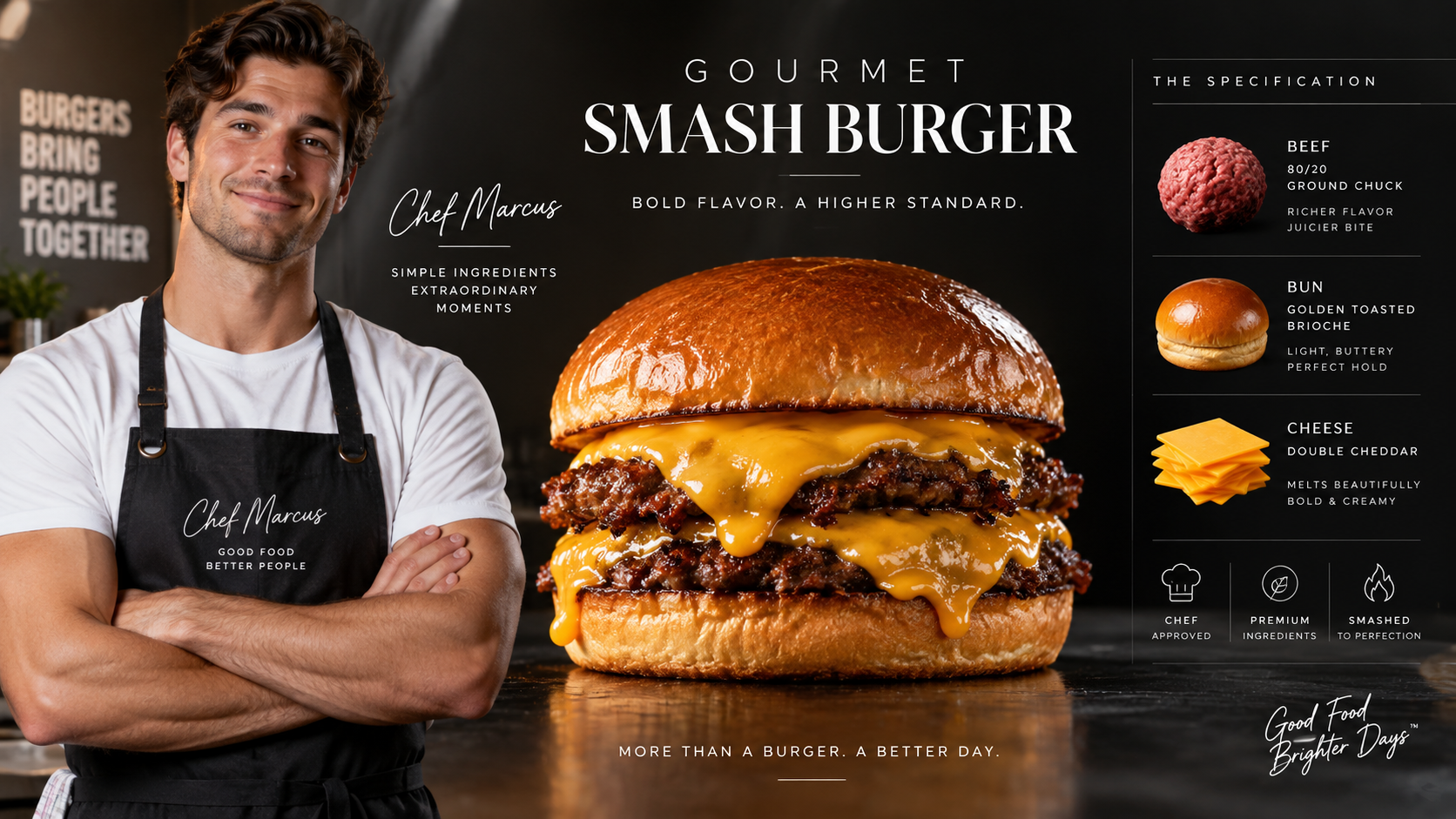
Model: Seedance 2.0 / Kling 3.0Duration: 60A premium food commercial showcasing the art of crafting a Gourmet Smash Burger with a skilled diner chef, highlighting the sizzling action and mouth-watering details.
Model: Seedance 2.0 / Kling 3.0Duration: 30A premium food commercial showcasing the irresistible allure of a gourmet burger through sizzling visuals and mouthwatering textures.
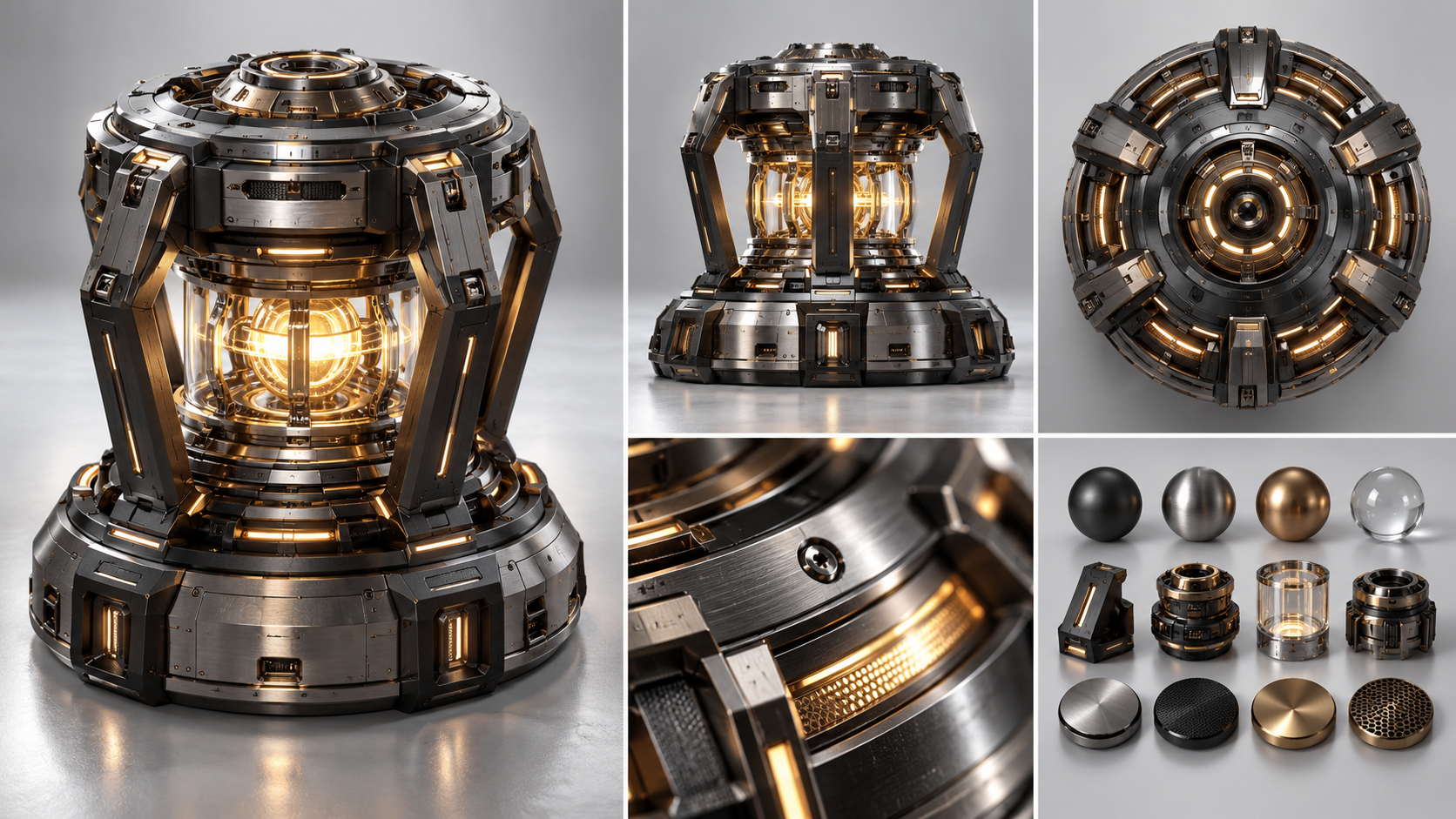
Model: Seedance 2.0 / Kling 3.0Duration: 30A lone scavenger reactivates an ancient starship's core, unleashing a breathtaking holographic starscape that reveals the vessel's true celestial purpose.
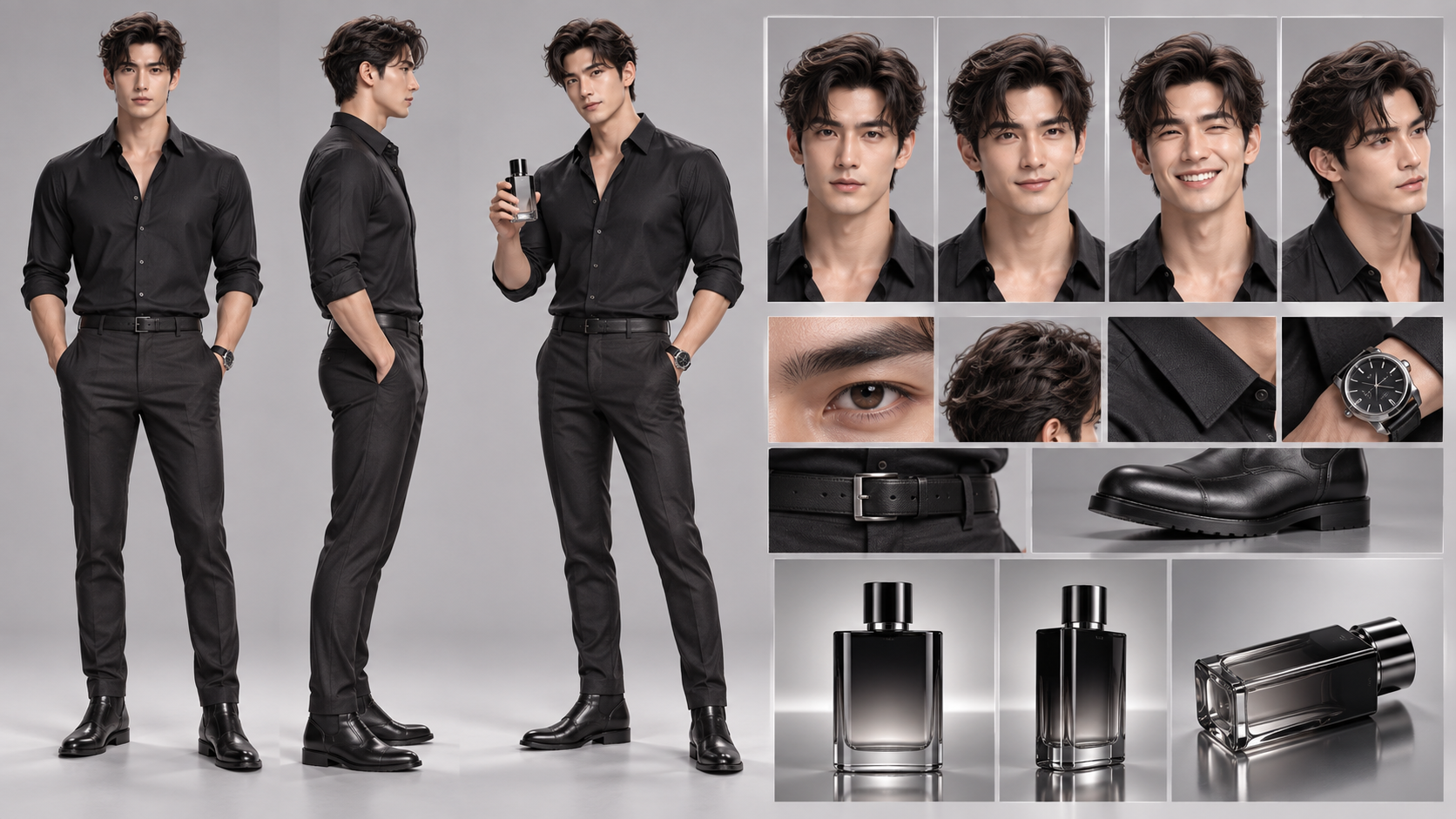
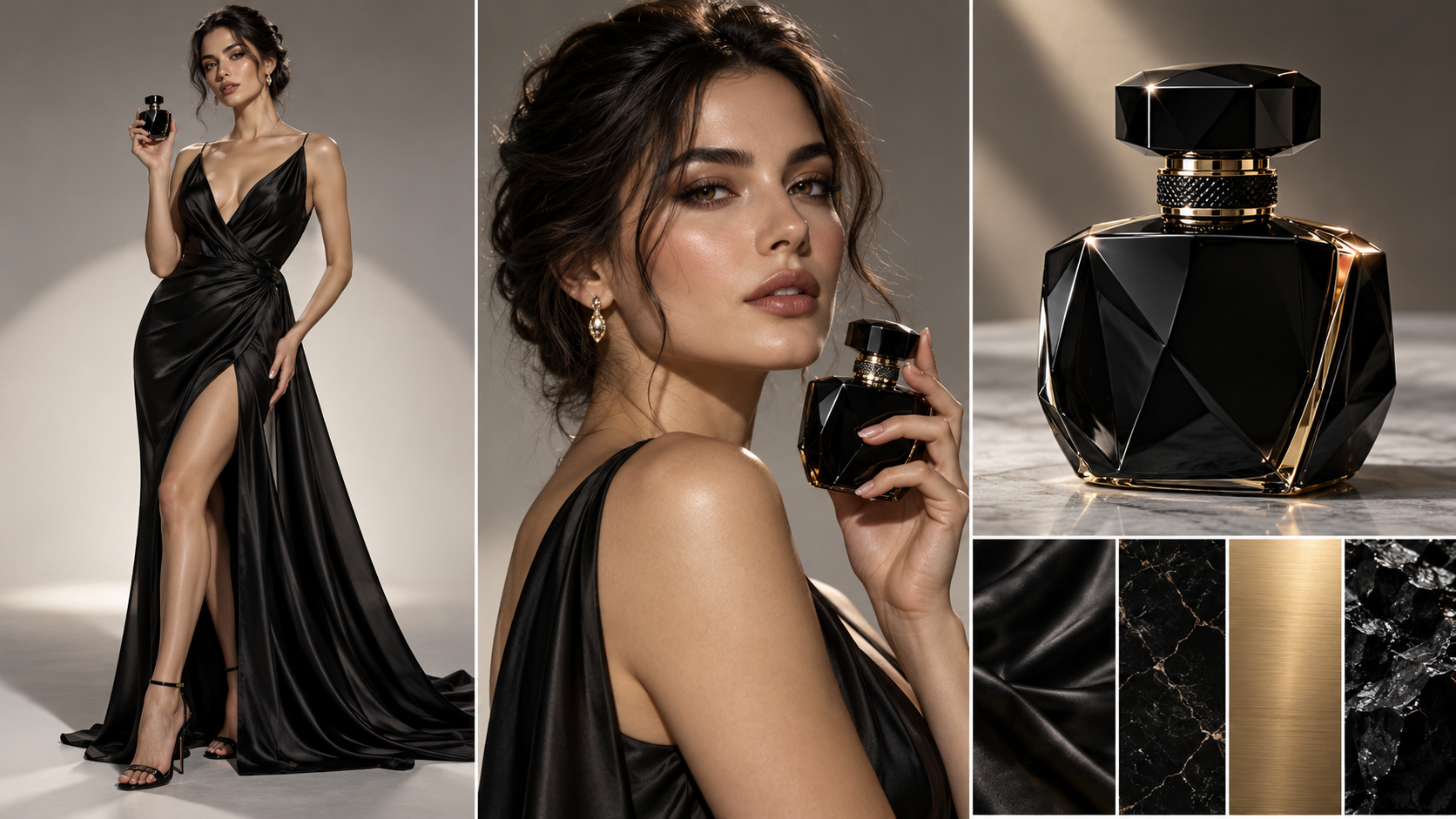
Model: Seedance 2.0 / Kling 3.0Duration: 30An elegant female model in a black silk evening gown gracefully spritzes a luxury obsidian perfume bottle against warm sunset rim lighting.
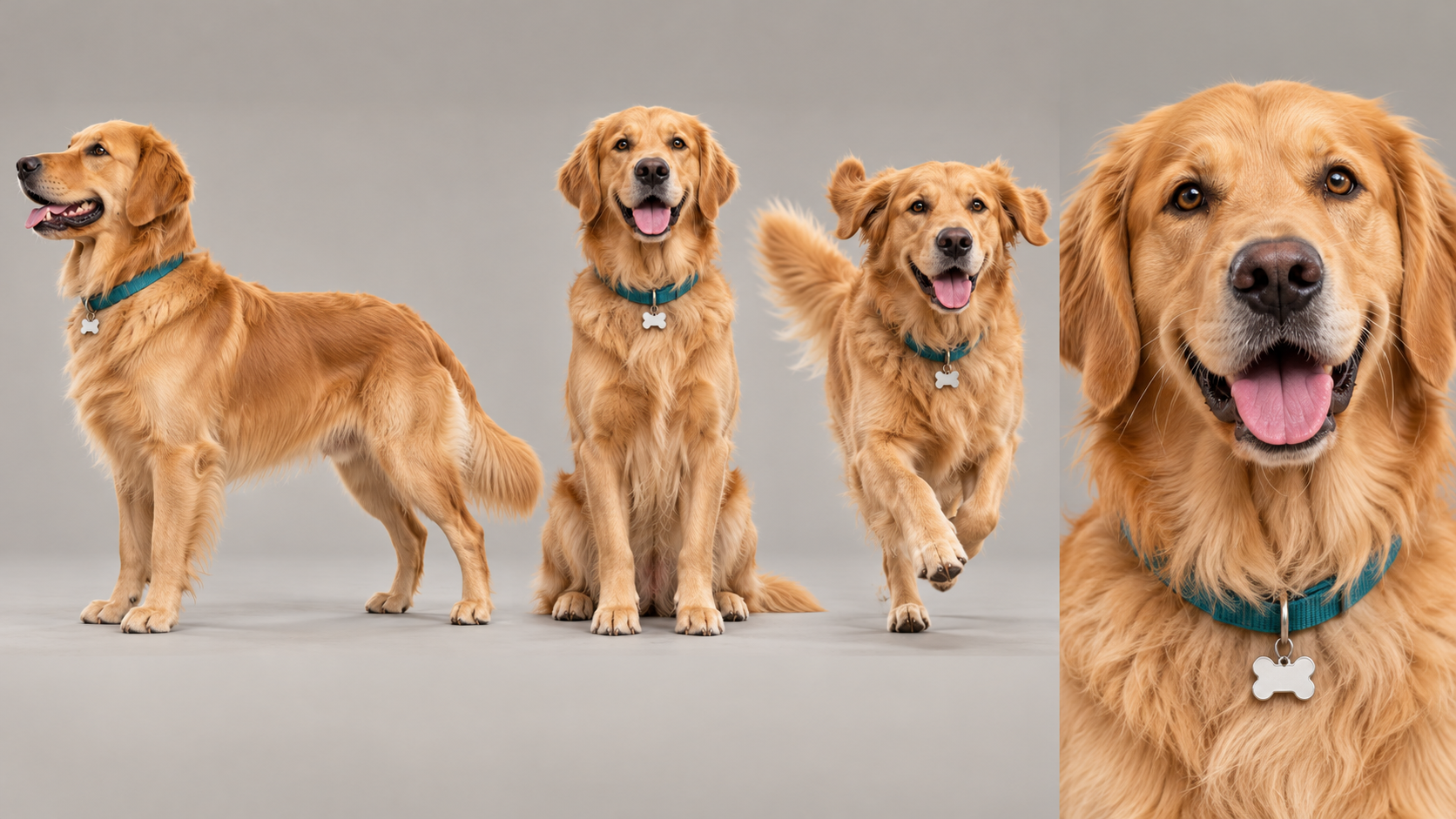
Model: Seedance 2.0 / Kling 3.0Duration: 15In a sunlit suburban backyard, a joyful golden retriever named Cooper spots a bouncing blue Chewy ball, launches into an exuberant airborne catch across the emerald lawn, and trots back to the patio with proud wagging joy.
Model: Seedance 2.0 / Kling 3.0Duration: 30sAn Eastern Wuxia-Style Duel Between A Grandmaster showcases the elegance and precision of martial arts through a breathtaking confrontation.
Model: Seedance 2.0 / Kling 3.0Duration: 30In a rain-lashed bamboo courtyard, a weathered lone master and an armored challenger engage in an intense psychological standoff that erupts into an instantaneous single-stroke Iaido draw and a decisive sheathing in the downpour.
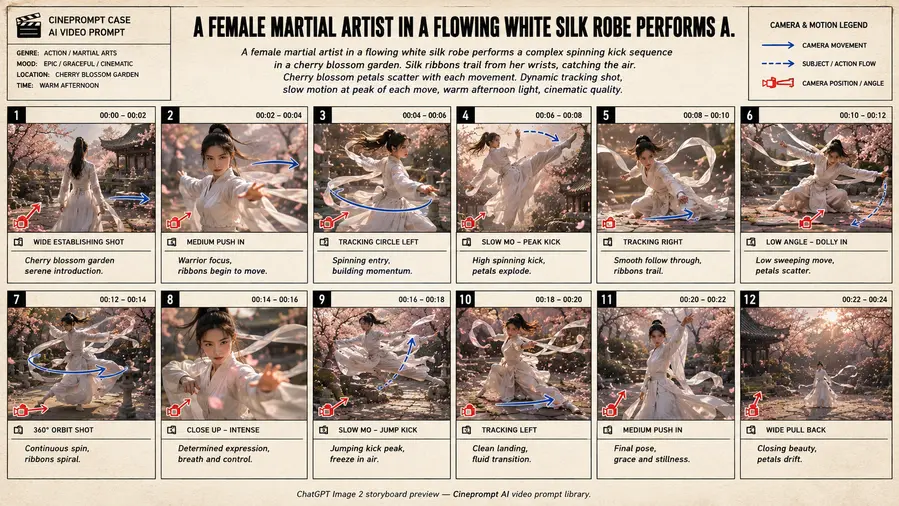
Model: Seedance 2.0 / Kling 3.0Duration: 30sA cinematic anime multi-shot sequence exploring A Female Martial Artist In A Flowing White Silk through connected handoff cuts, locked visual aesthetics, and continuous motion continuity.
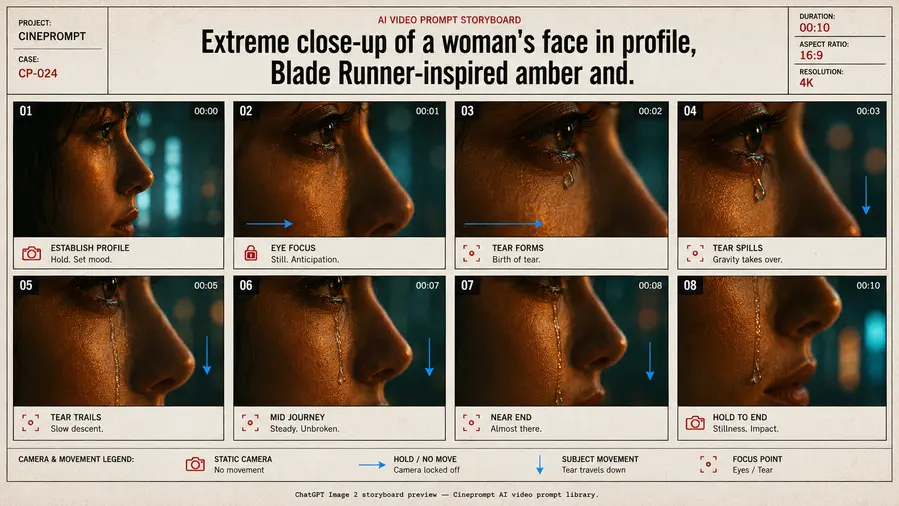
Model: Seedance 2.0 / Kling 3.0Duration: 30sA cinematic story multi-shot sequence exploring Extreme Close-Up Of A Woman'S Face In Profile through connected handoff cuts, locked visual aesthetics, and continuous motion continuity.
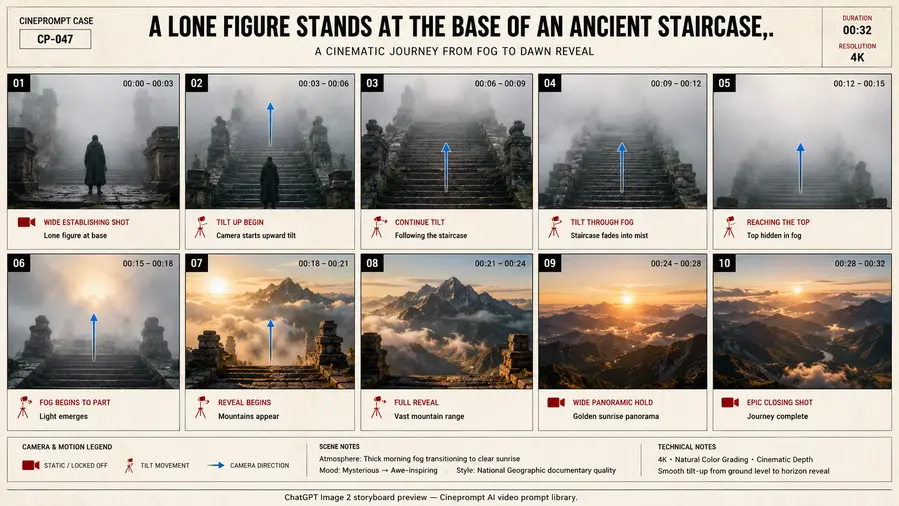
Model: Seedance 2.0 / Kling 3.0Duration: 30sA cinematic documentary multi-shot sequence exploring A Lone Figure Stands At The Base Of An Ancient through connected handoff cuts, locked visual aesthetics, and continuous motion continuity.
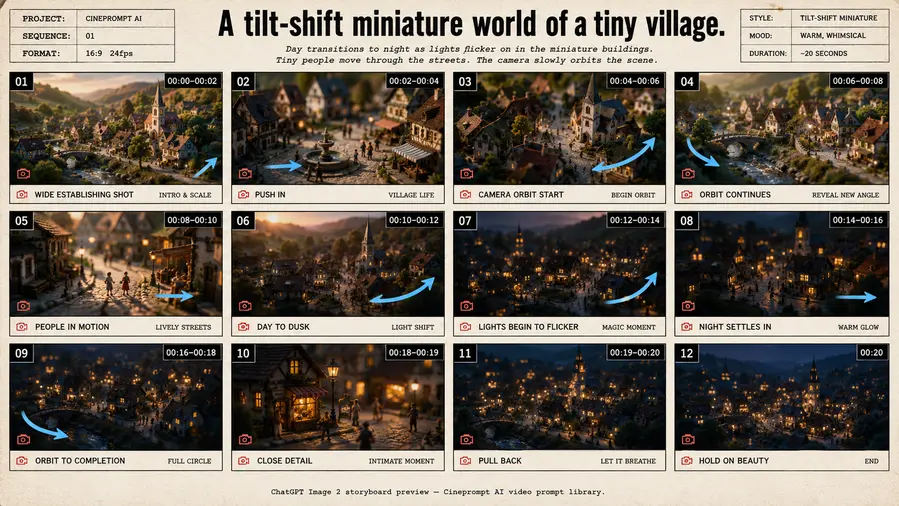
Model: Seedance 2.0 / Kling 3.0Duration: 30sA cinematic documentary multi-shot sequence exploring A Tilt-Shift Miniature World Of A Tiny Village through connected handoff cuts, locked visual aesthetics, and continuous motion continuity.
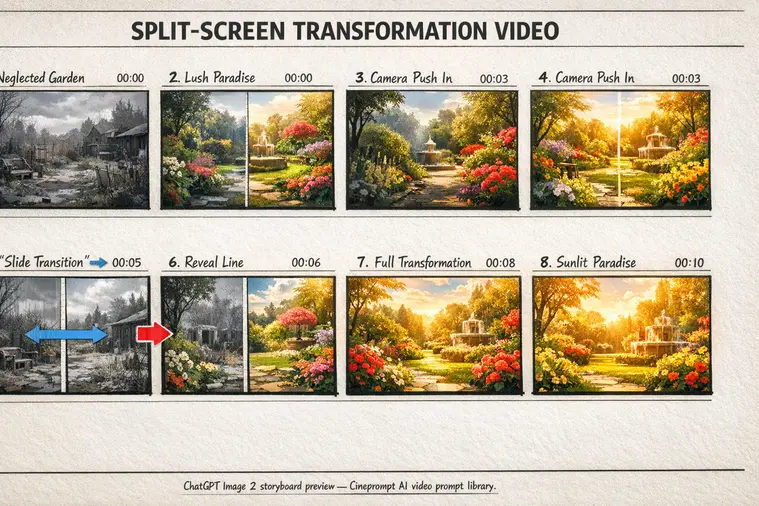
Model: Seedance 2.0 / Kling 3.0Duration: 30sA cinematic commercial multi-shot sequence exploring Split-Screen Transformation Video through connected handoff cuts, locked visual aesthetics, and continuous motion continuity.
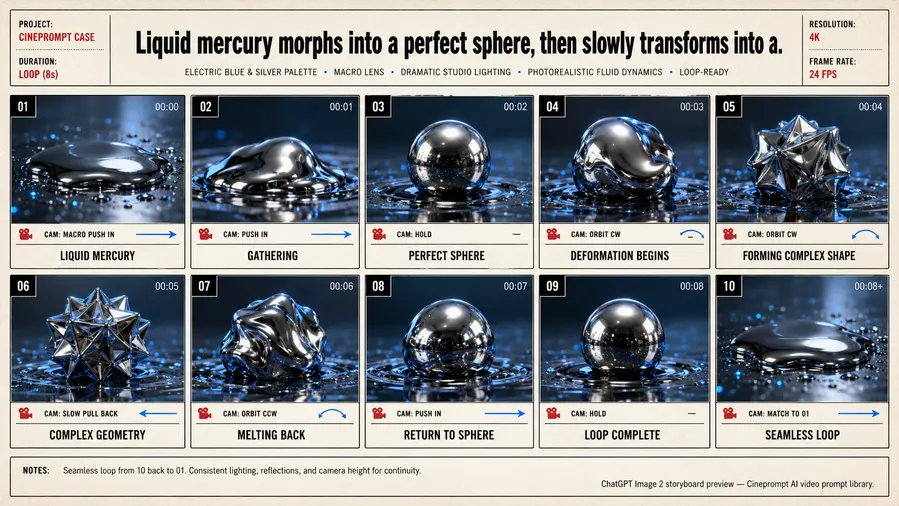
Model: Seedance 2.0 / Kling 3.0Duration: 30sA cinematic story multi-shot sequence exploring Liquid Mercury Morphs Into A Perfect Sphere through connected handoff cuts, locked visual aesthetics, and continuous motion continuity.
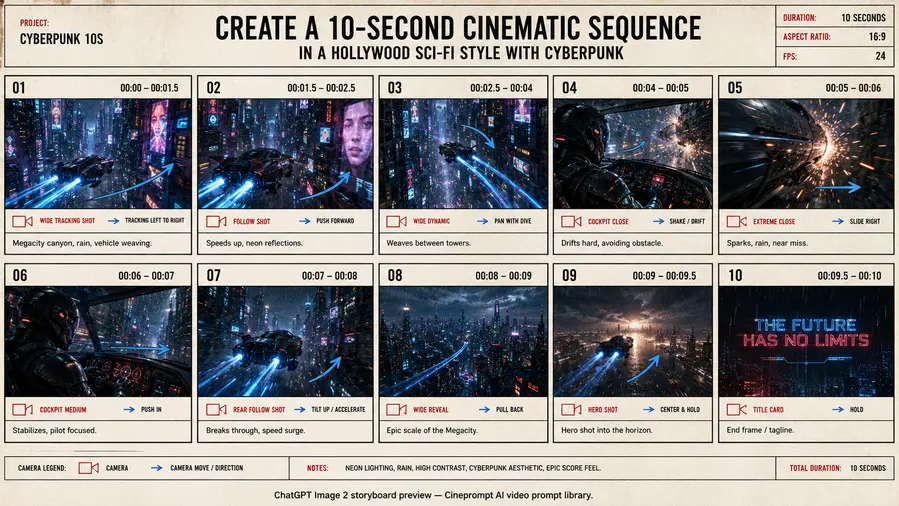
Model: Seedance 2.0 / Kling 3.0Duration: 30sA cinematic sci-fi multi-shot sequence exploring Create A 10-Second Cinematic Sequence In through connected handoff cuts, locked visual aesthetics, and continuous motion continuity.
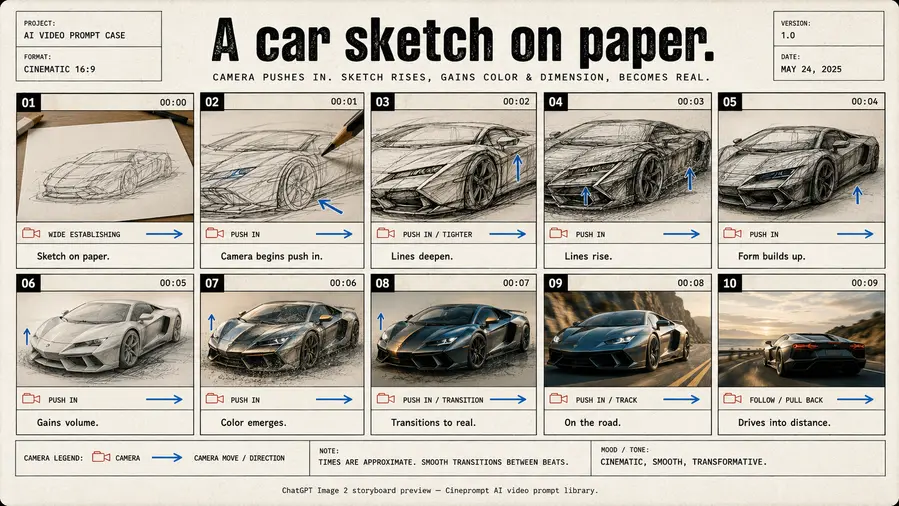
Model: Seedance 2.0 / Kling 3.0Duration: 30sA cinematic commercial multi-shot sequence exploring A Car Sketch On Paper through connected handoff cuts, locked visual aesthetics, and continuous motion continuity.
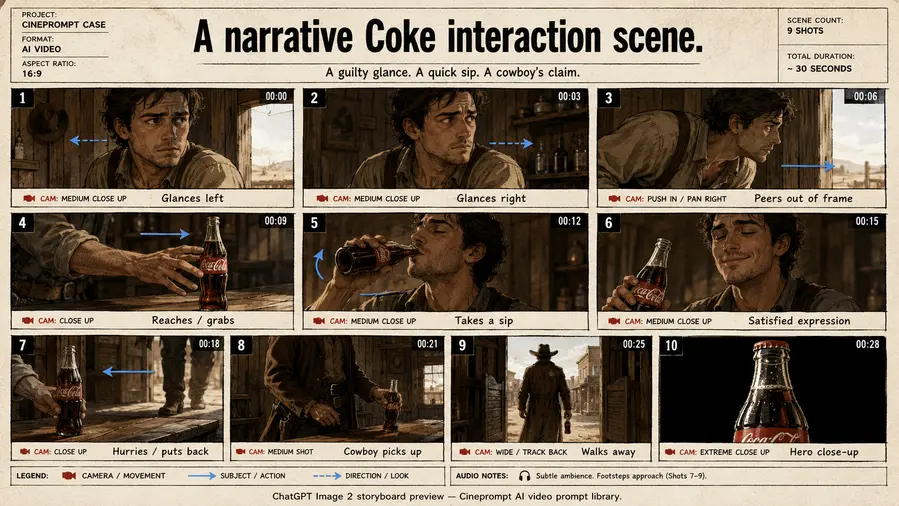
Model: Seedance 2.0 / Kling 3.0Duration: 30sA cinematic commercial multi-shot sequence exploring A Narrative Coke Interaction Scene through connected handoff cuts, locked visual aesthetics, and continuous motion continuity.
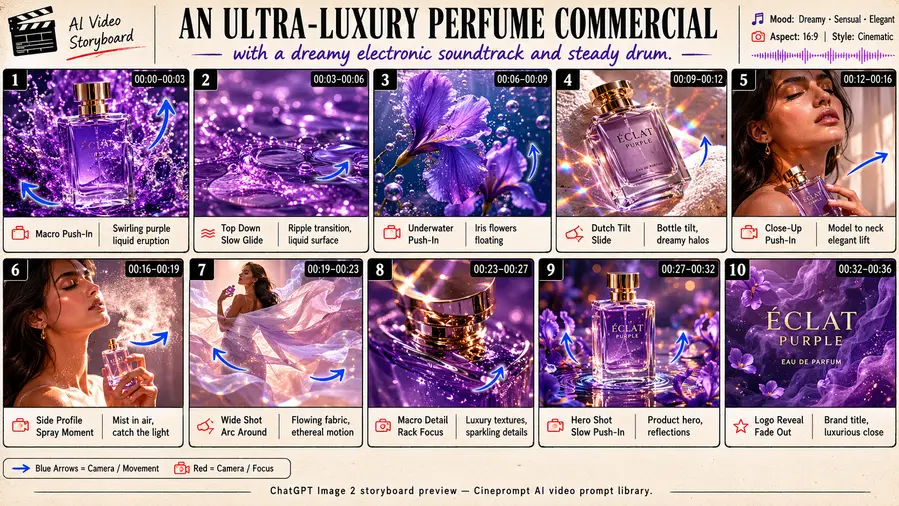
Model: Seedance 2.0 / Kling 3.0Duration: 30sA cinematic commercial multi-shot sequence exploring An Ultra-Luxury Perfume Commercial With A Dreamy through connected handoff cuts, locked visual aesthetics, and continuous motion continuity.
Model: Seedance 2.0 / Kling 3.0Duration: 30sA cinematic commercial multi-shot sequence exploring A Model Wearing An Elegant [Garment] Stands through connected handoff cuts, locked visual aesthetics, and continuous motion continuity.
Model: Seedance 2.0 / Kling 3.0Duration: 30sA cinematic commercial multi-shot sequence exploring A Sleek [Tech Product] Emerges From Pristine through connected handoff cuts, locked visual aesthetics, and continuous motion continuity.
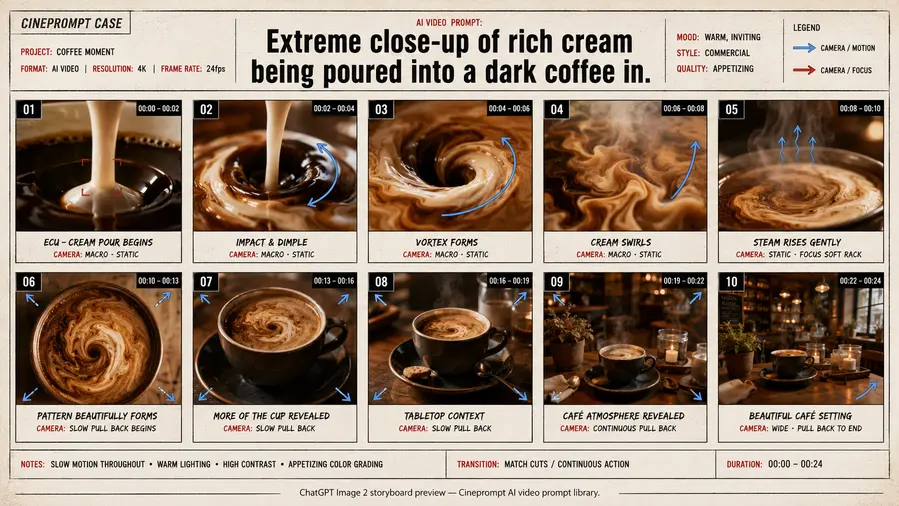
Model: Seedance 2.0 / Kling 3.0Duration: 30sA cinematic commercial multi-shot sequence exploring Extreme Close-Up Of Rich Cream Being Poured Into through connected handoff cuts, locked visual aesthetics, and continuous motion continuity.
Model: Seedance 2.0 / Kling 3.0Duration: 30sA cinematic commercial multi-shot sequence exploring A Luxury [Product] Suspended In A Column Of through connected handoff cuts, locked visual aesthetics, and continuous motion continuity.
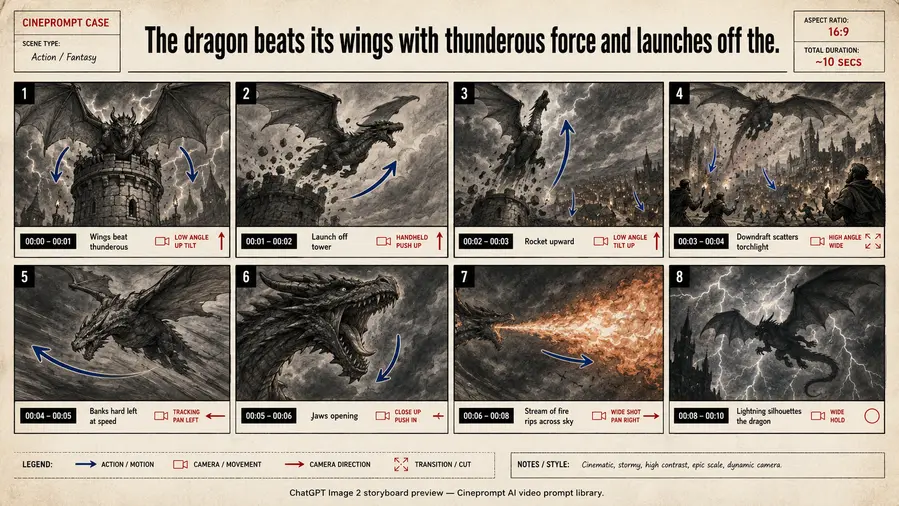
Model: Seedance 2.0 / Kling 3.0Duration: 30sA cinematic commercial multi-shot sequence exploring The Dragon Beats Its Wings With Thunderous Force through connected handoff cuts, locked visual aesthetics, and continuous motion continuity.
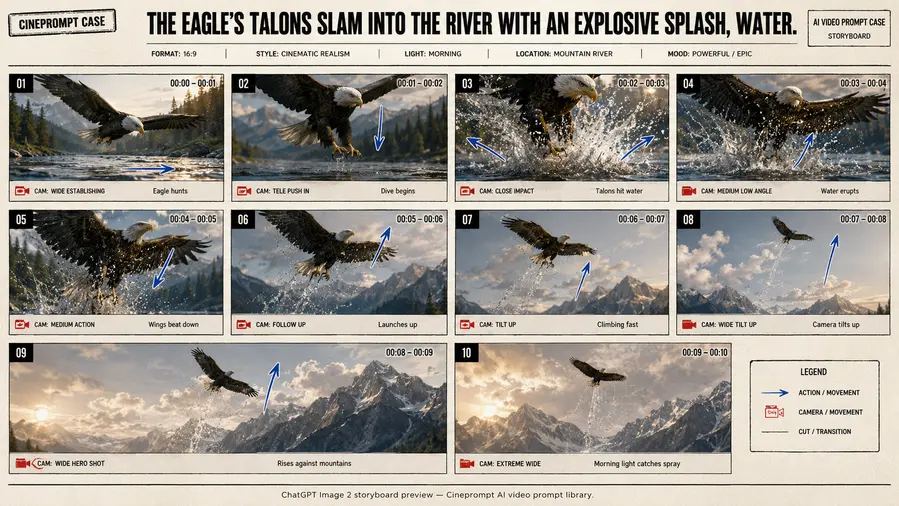
Model: Seedance 2.0 / Kling 3.0Duration: 30sA cinematic documentary multi-shot sequence exploring The Eagle'S Talons Slam Into The River With through connected handoff cuts, locked visual aesthetics, and continuous motion continuity.
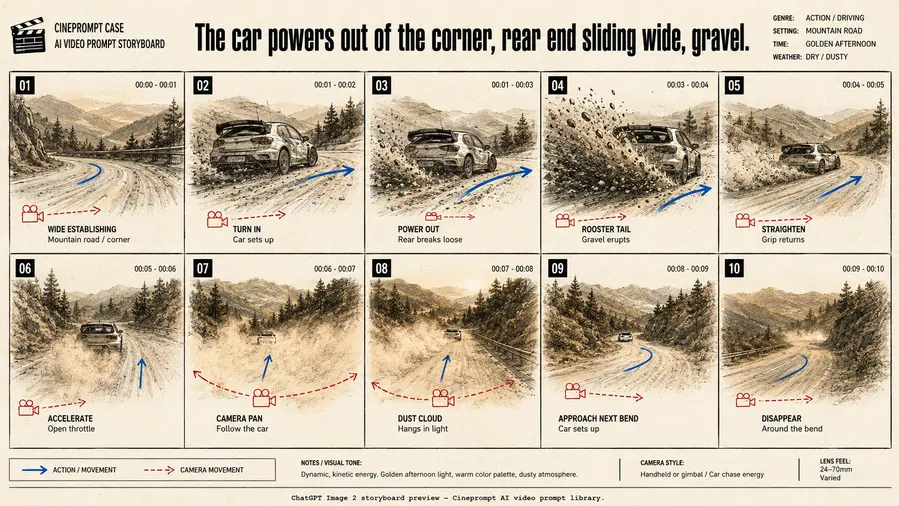
Model: Seedance 2.0 / Kling 3.0Duration: 30sA cinematic commercial multi-shot sequence exploring The Car Powers Out Of The Corner through connected handoff cuts, locked visual aesthetics, and continuous motion continuity.
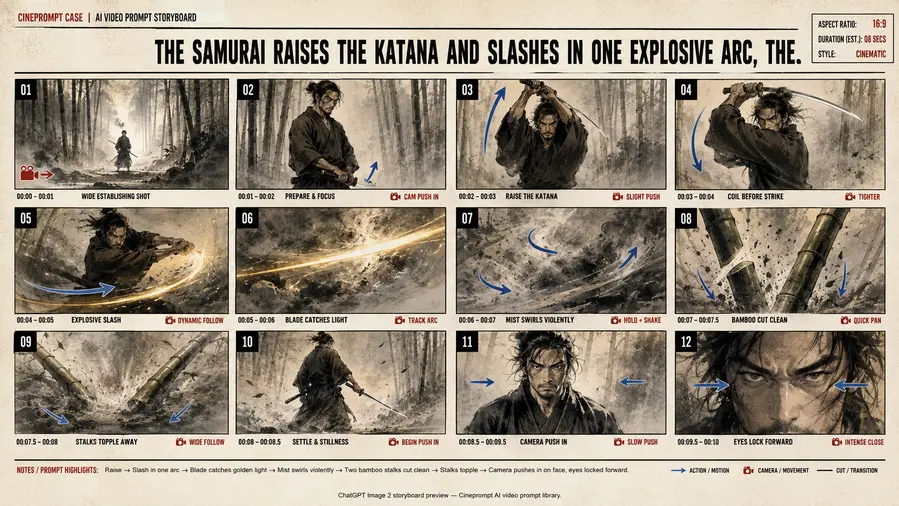
Model: Seedance 2.0 / Kling 3.0Duration: 30sA cinematic commercial multi-shot sequence exploring The Samurai Raises The Katana And Slashes In One through connected handoff cuts, locked visual aesthetics, and continuous motion continuity.
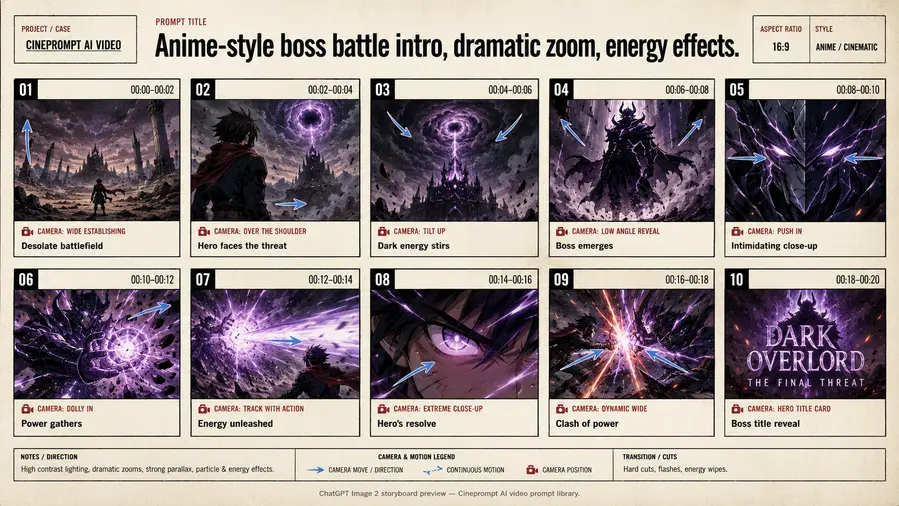
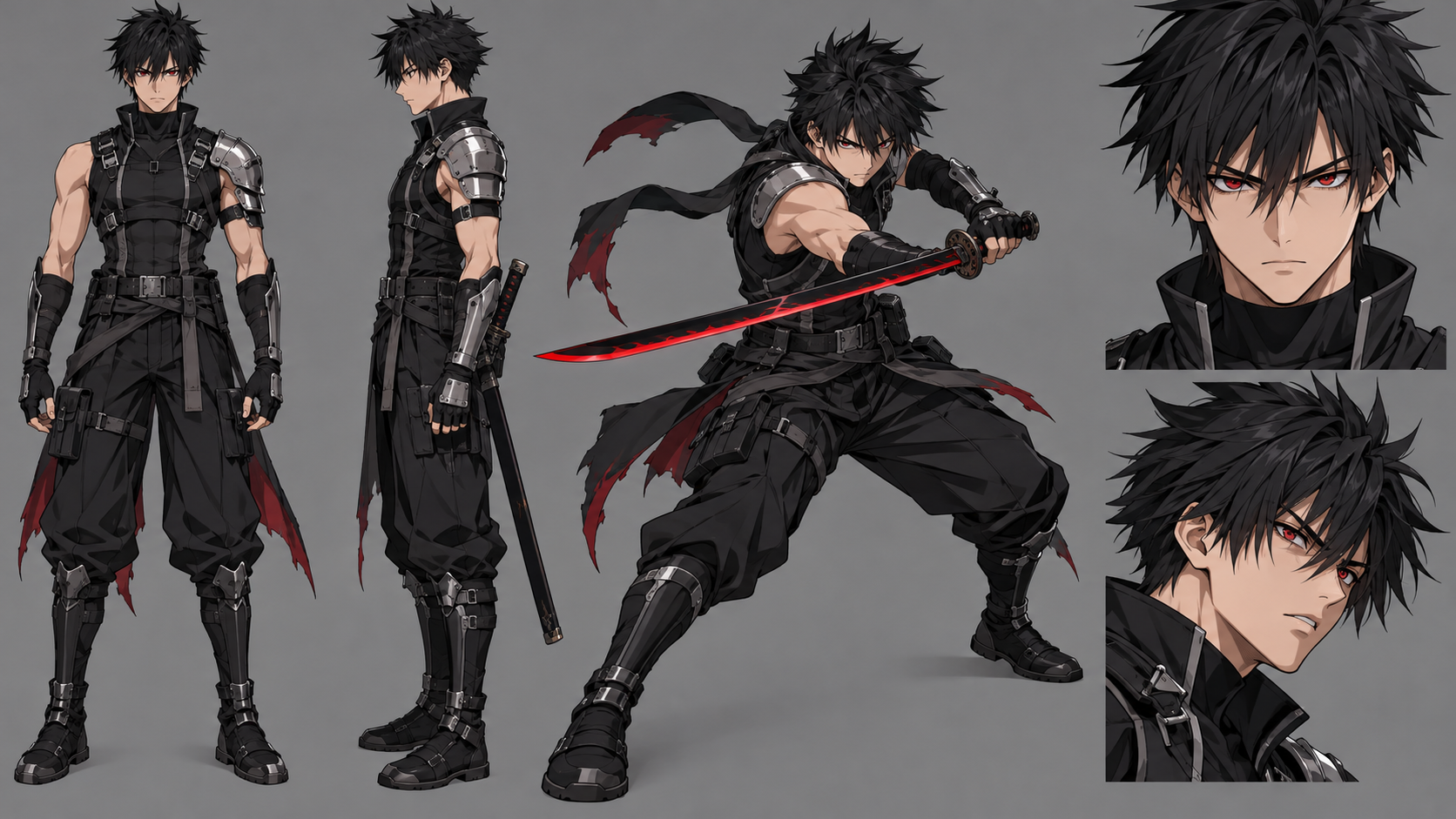
Model: Seedance 2.0 / Kling 3.0Duration: 30sA cinematic anime multi-shot sequence exploring Anime-Style Boss Battle Intro through connected handoff cuts, locked visual aesthetics, and continuous motion continuity.
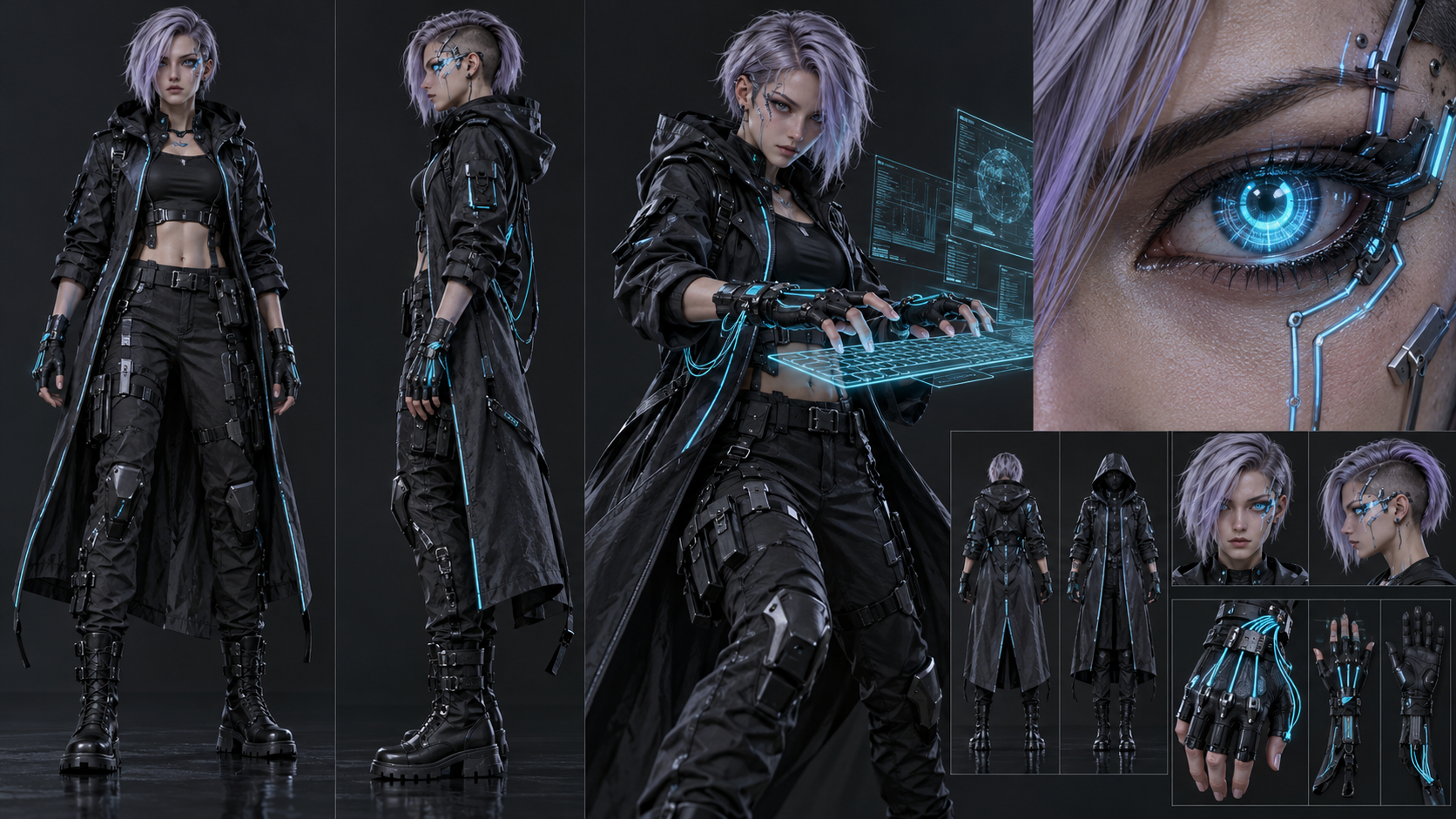
Model: Seedance 2.0 / Kling 3.0Duration: 30sIn the rain-drenched underbelly of Neo-Kowloon, an elite netrunner jacks into a forgotten black-site mainframe, decoding classified military algorithms across luminous holographic arrays before deploying optical camouflage to vanish into neon shadows.
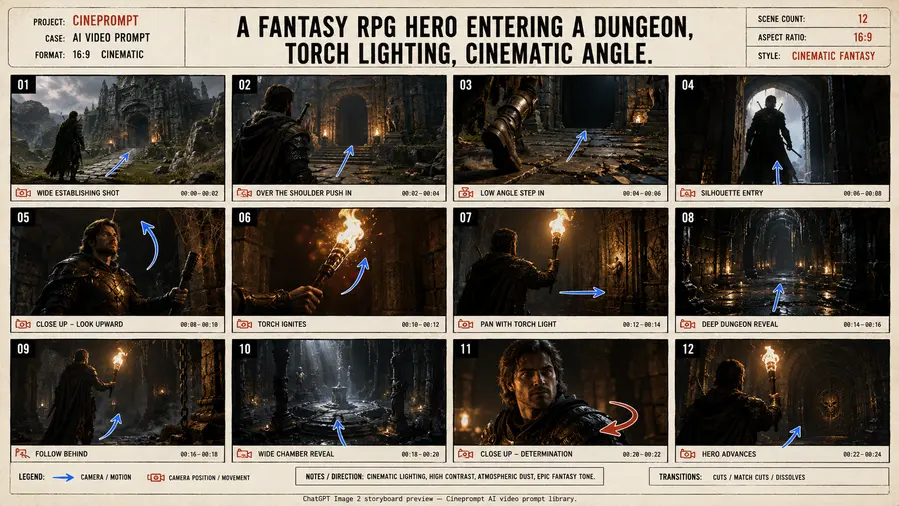
Model: Seedance 2.0 / Kling 3.0Duration: 30sA cinematic commercial multi-shot sequence exploring A Fantasy RPG Hero Entering A Dungeon through connected handoff cuts, locked visual aesthetics, and continuous motion continuity.
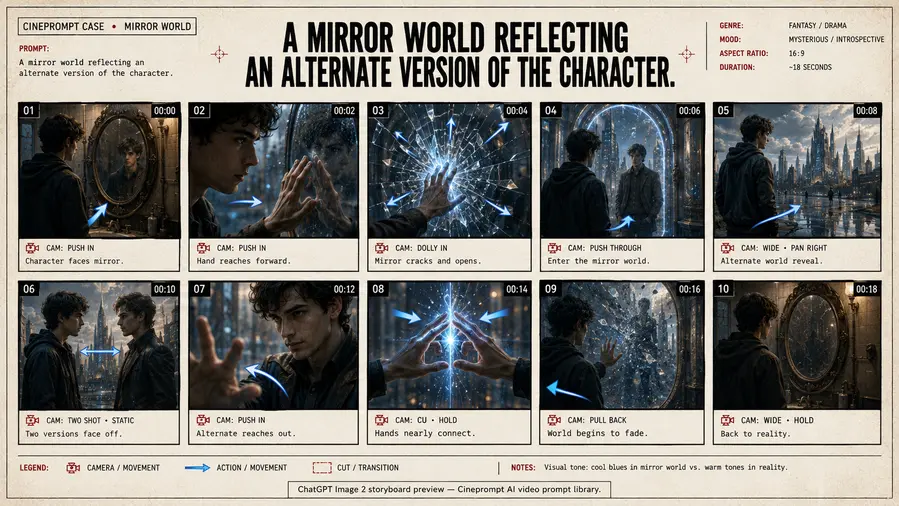
Model: Seedance 2.0 / Kling 3.0Duration: 30sA cinematic story multi-shot sequence exploring A Mirror World Reflecting An Alternate Version through connected handoff cuts, locked visual aesthetics, and continuous motion continuity.
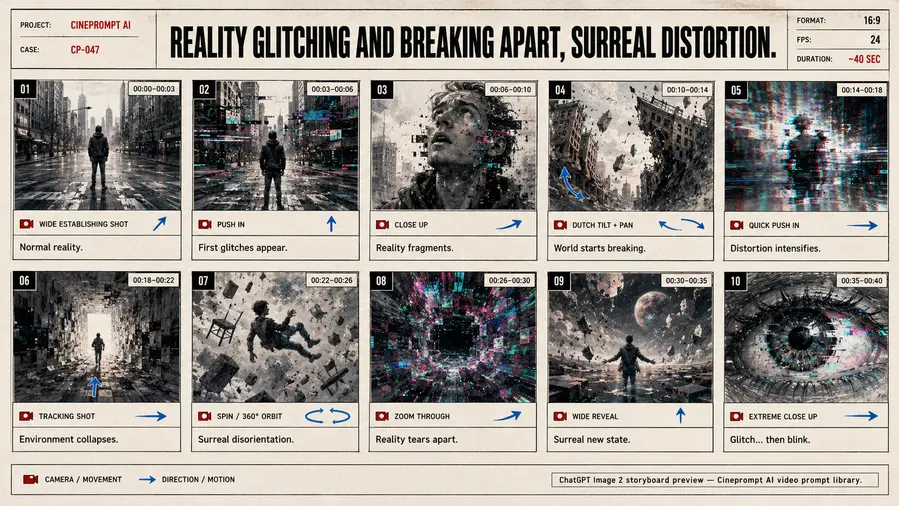
Model: Seedance 2.0 / Kling 3.0Duration: 30sA cinematic commercial multi-shot sequence exploring Reality Glitching And Breaking Apart through connected handoff cuts, locked visual aesthetics, and continuous motion continuity.
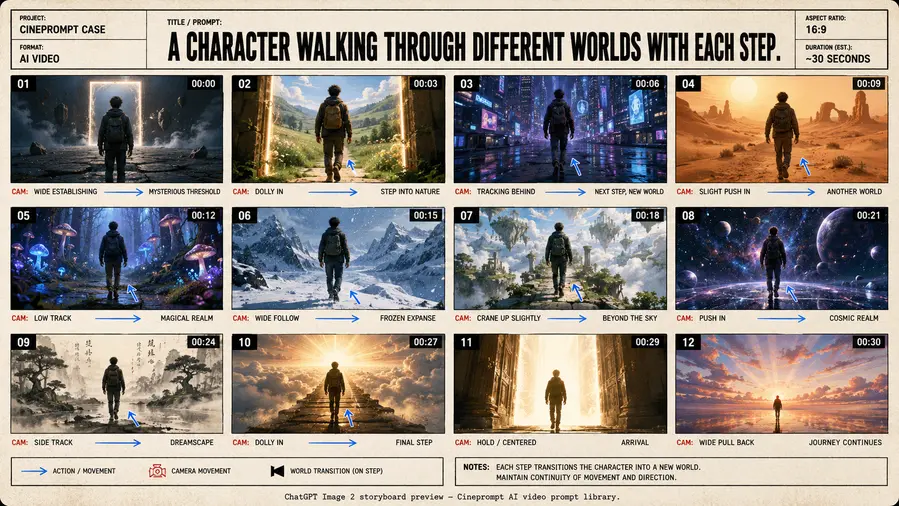
Model: Seedance 2.0 / Kling 3.0Duration: 30sA cinematic story multi-shot sequence exploring A Character Walking Through Different Worlds through connected handoff cuts, locked visual aesthetics, and continuous motion continuity.
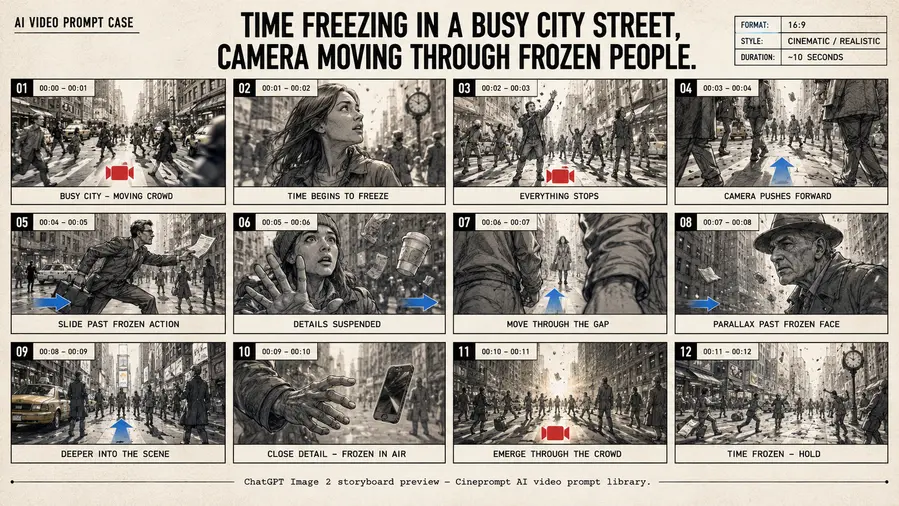
Model: Seedance 2.0 / Kling 3.0Duration: 30sA cinematic commercial multi-shot sequence exploring Time Freezing In A Busy City Street through connected handoff cuts, locked visual aesthetics, and continuous motion continuity.
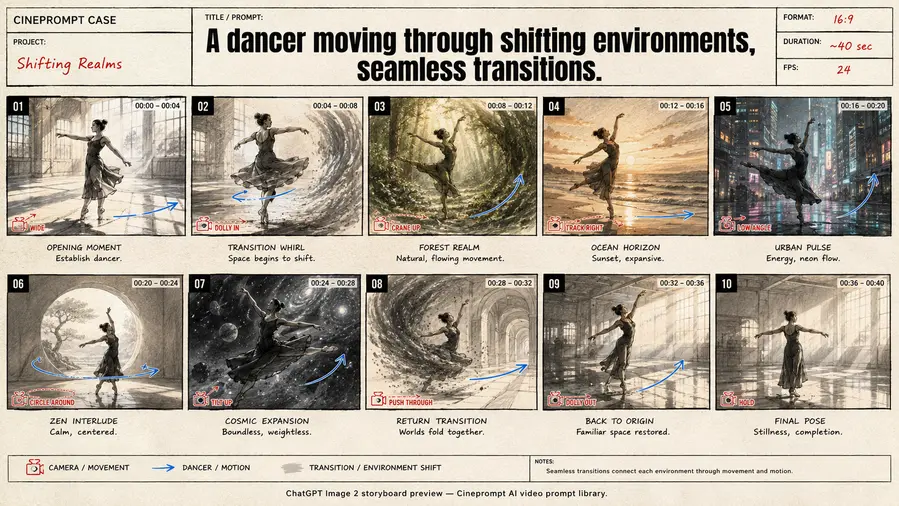
Model: Seedance 2.0 / Kling 3.0Duration: 30sA cinematic commercial multi-shot sequence exploring A Dancer Moving Through Shifting Environments through connected handoff cuts, locked visual aesthetics, and continuous motion continuity.
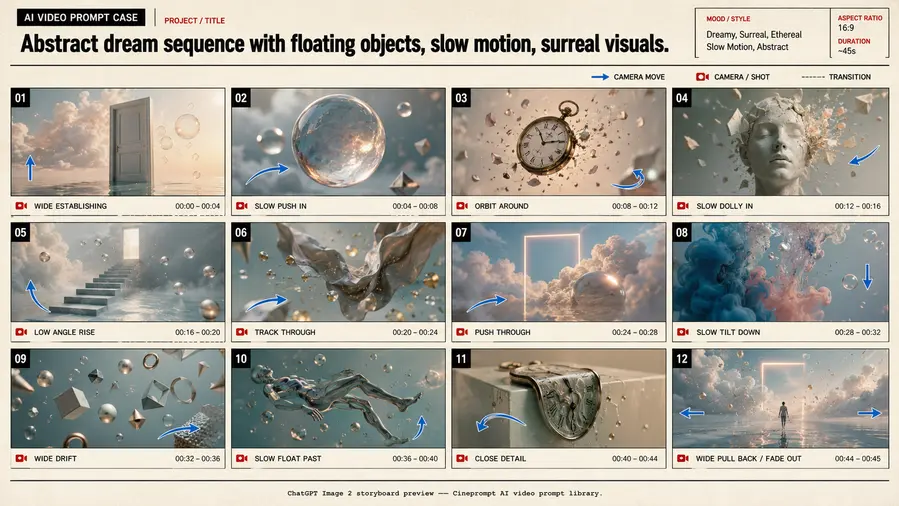
Model: Seedance 2.0 / Kling 3.0Duration: 30sA cinematic commercial multi-shot sequence exploring Abstract Dream Sequence With Floating Objects through connected handoff cuts, locked visual aesthetics, and continuous motion continuity.
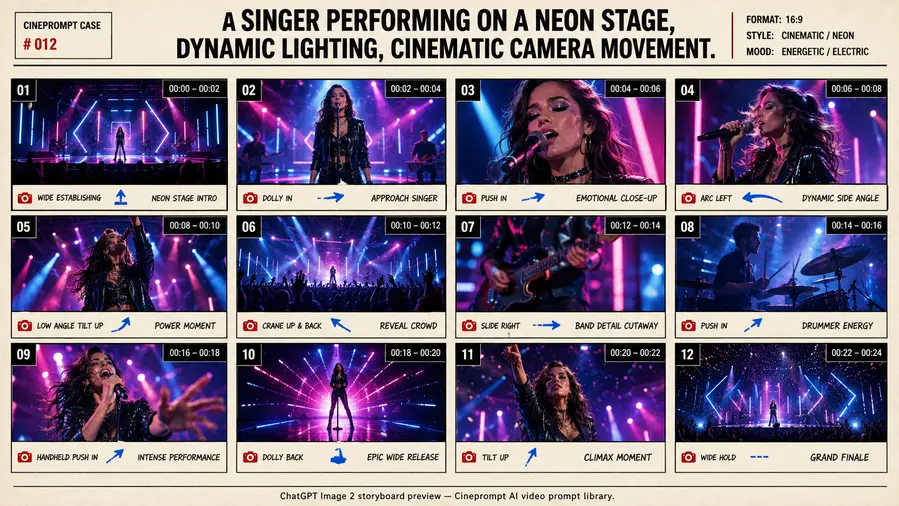
Model: Seedance 2.0 / Kling 3.0Duration: 30sA cinematic sci-fi multi-shot sequence exploring A Singer Performing On A Neon Stage through connected handoff cuts, locked visual aesthetics, and continuous motion continuity.
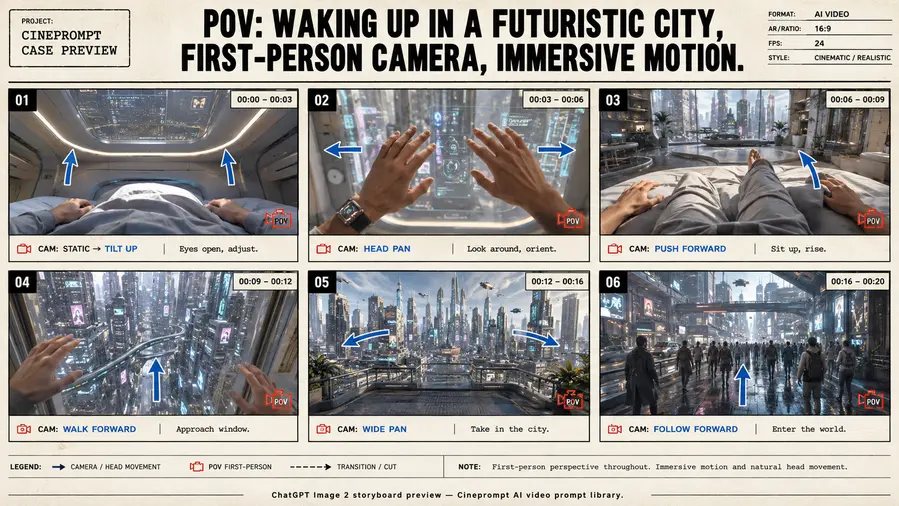
Model: Seedance 2.0 / Kling 3.0Duration: 30sA cinematic sci-fi multi-shot sequence exploring POV: Waking Up In A Futuristic City through connected handoff cuts, locked visual aesthetics, and continuous motion continuity.
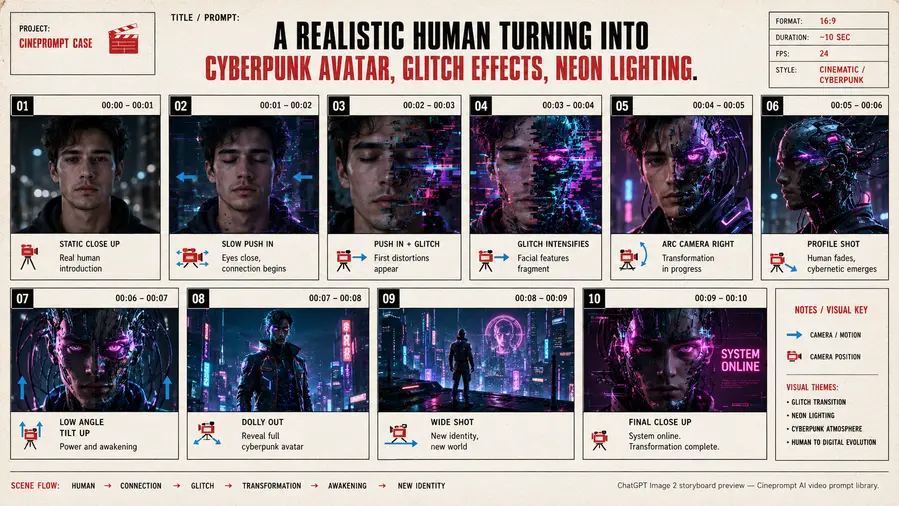
Model: Seedance 2.0 / Kling 3.0Duration: 30sA cinematic sci-fi multi-shot sequence exploring A Realistic Human Turning Into Cyberpunk Avatar through connected handoff cuts, locked visual aesthetics, and continuous motion continuity.
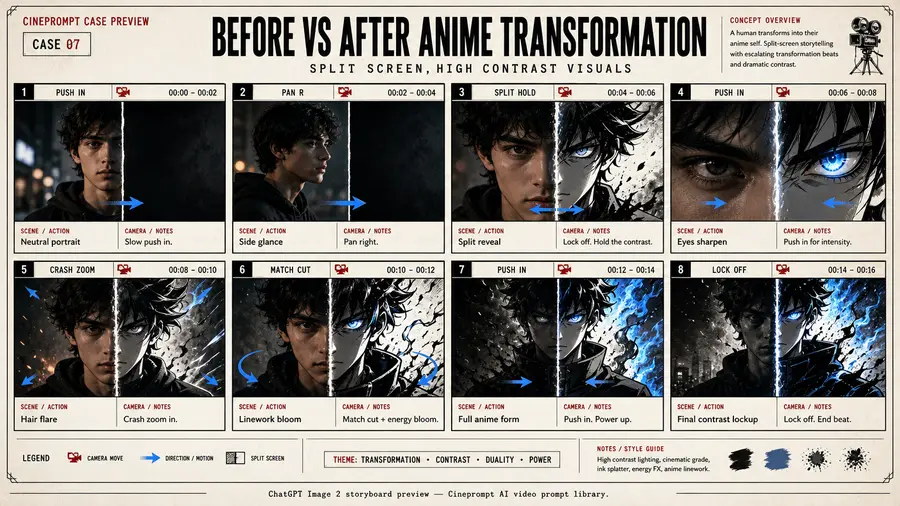
Model: Seedance 2.0 / Kling 3.0Duration: 30sA cinematic anime multi-shot sequence exploring Before Vs After Anime Transformation through connected handoff cuts, locked visual aesthetics, and continuous motion continuity.
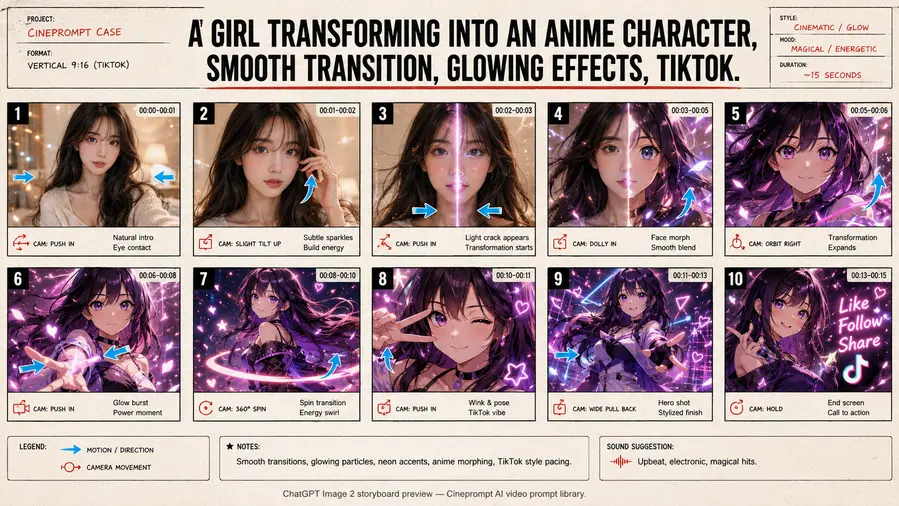
Model: Seedance 2.0 / Kling 3.0Duration: 30sA cinematic anime multi-shot sequence exploring A Girl Transforming Into An Anime Character through connected handoff cuts, locked visual aesthetics, and continuous motion continuity.
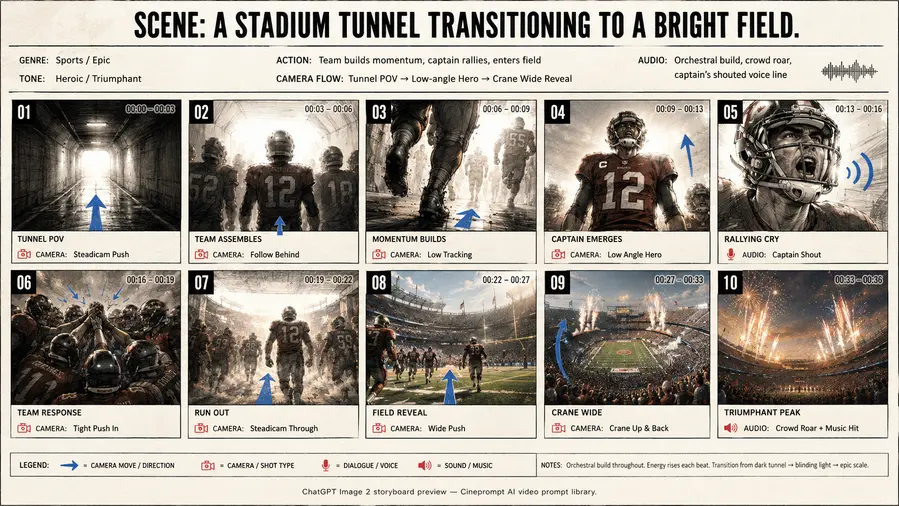
Model: Seedance 2.0 / Kling 3.0Duration: 30sA cinematic story multi-shot sequence exploring Scene: A Stadium Tunnel Transitioning To A Bright Field through connected handoff cuts, locked visual aesthetics, and continuous motion continuity.
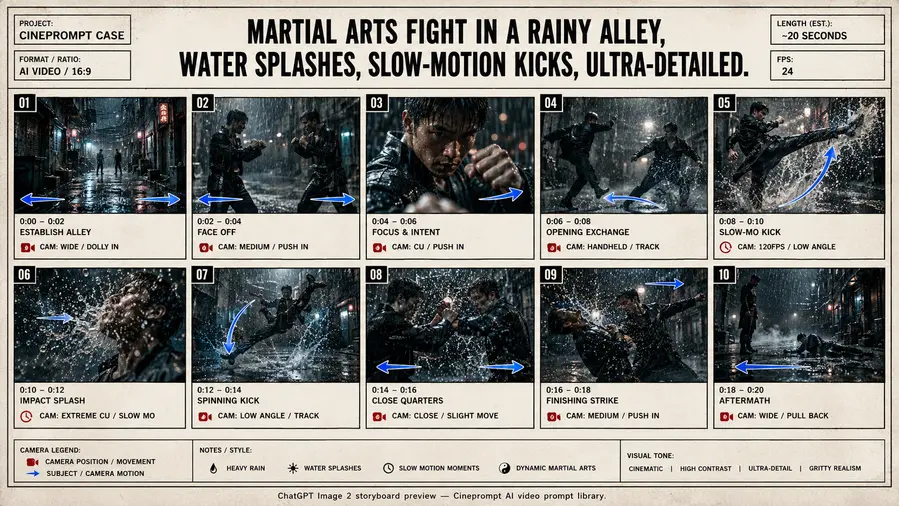
Model: Seedance 2.0 / Kling 3.0Duration: 30sA cinematic anime multi-shot sequence exploring Martial Arts Fight In A Rainy Alley through connected handoff cuts, locked visual aesthetics, and continuous motion continuity.
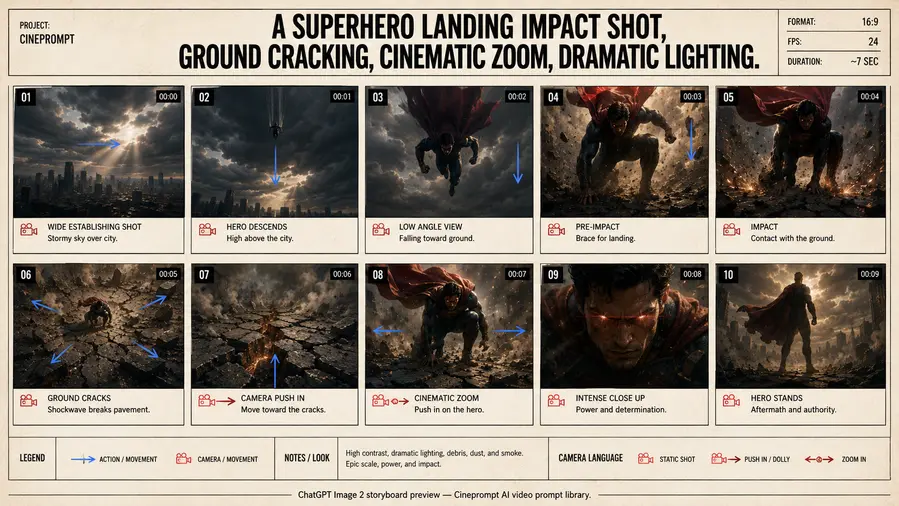
Model: Seedance 2.0 / Kling 3.0Duration: 30sA cinematic story multi-shot sequence exploring A Superhero Landing Impact Shot through connected handoff cuts, locked visual aesthetics, and continuous motion continuity.
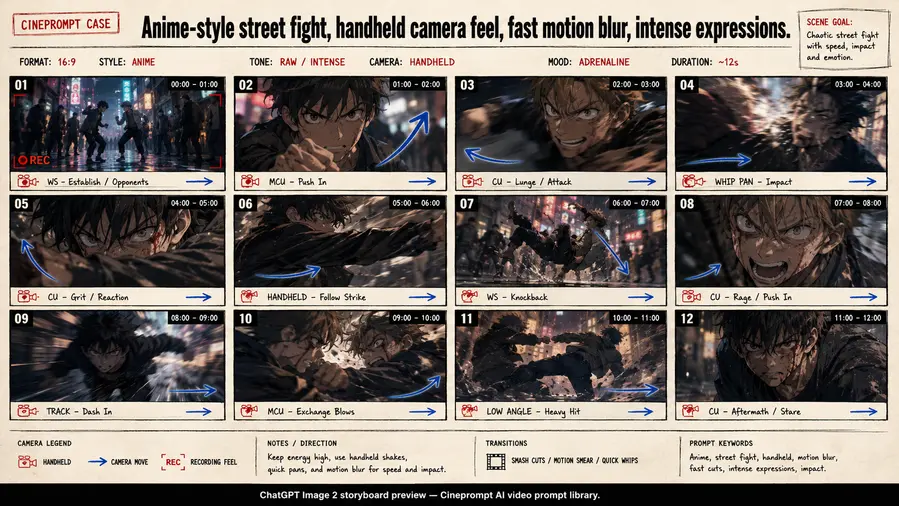
Model: Seedance 2.0 / Kling 3.0Duration: 30sA cinematic anime multi-shot sequence exploring Anime-Style Street Fight through connected handoff cuts, locked visual aesthetics, and continuous motion continuity.
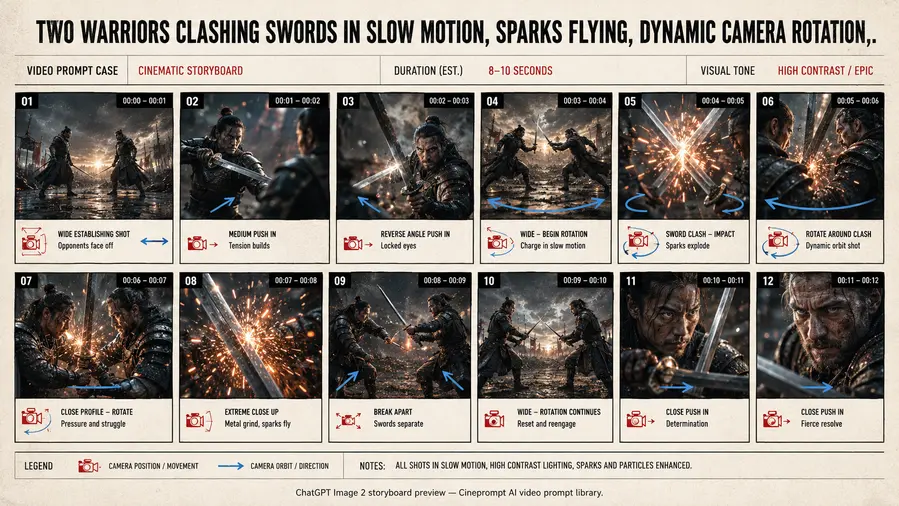
Model: Seedance 2.0 / Kling 3.0Duration: 30sA cinematic commercial multi-shot sequence exploring Two Warriors Clashing Swords In Slow Motion through connected handoff cuts, locked visual aesthetics, and continuous motion continuity.
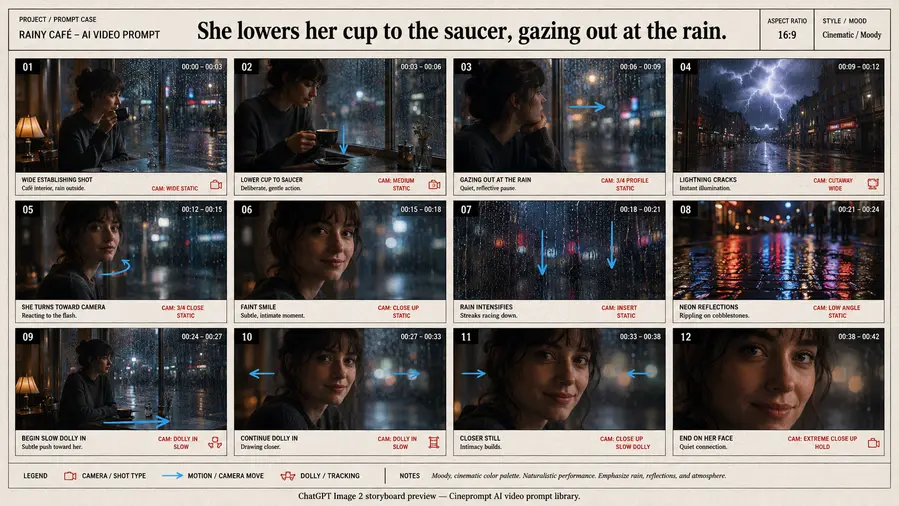
Model: Seedance 2.0 / Kling 3.0Duration: 30sA cinematic sci-fi multi-shot sequence exploring She Lowers Her Cup To The Saucer through connected handoff cuts, locked visual aesthetics, and continuous motion continuity.
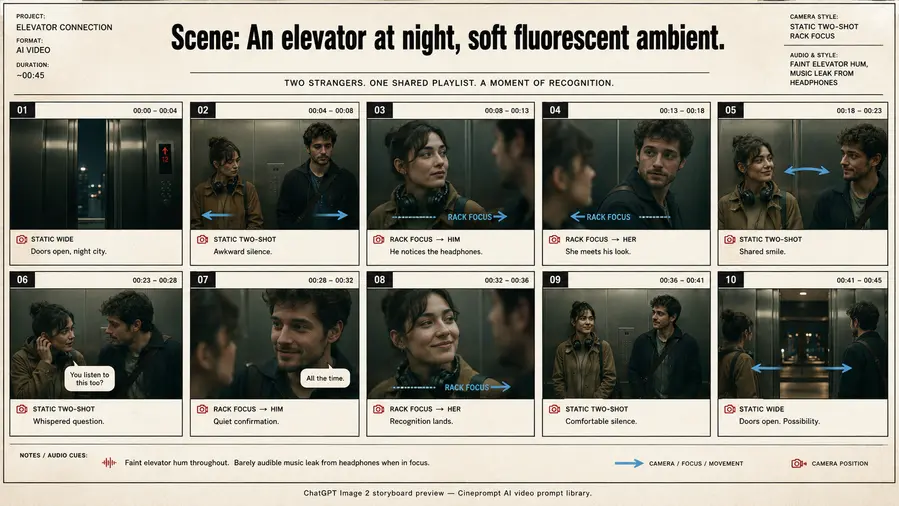
Model: Seedance 2.0 / Kling 3.0Duration: 30sA cinematic story multi-shot sequence exploring Scene: An Elevator At Night through connected handoff cuts, locked visual aesthetics, and continuous motion continuity.
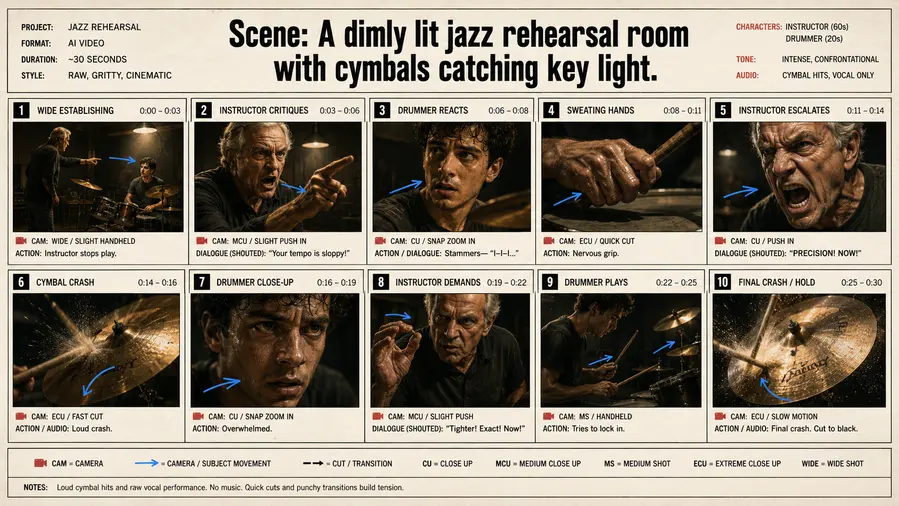
Model: Seedance 2.0 / Kling 3.0Duration: 30sA cinematic story multi-shot sequence exploring Scene: A Dimly Lit Jazz Rehearsal Room through connected handoff cuts, locked visual aesthetics, and continuous motion continuity.
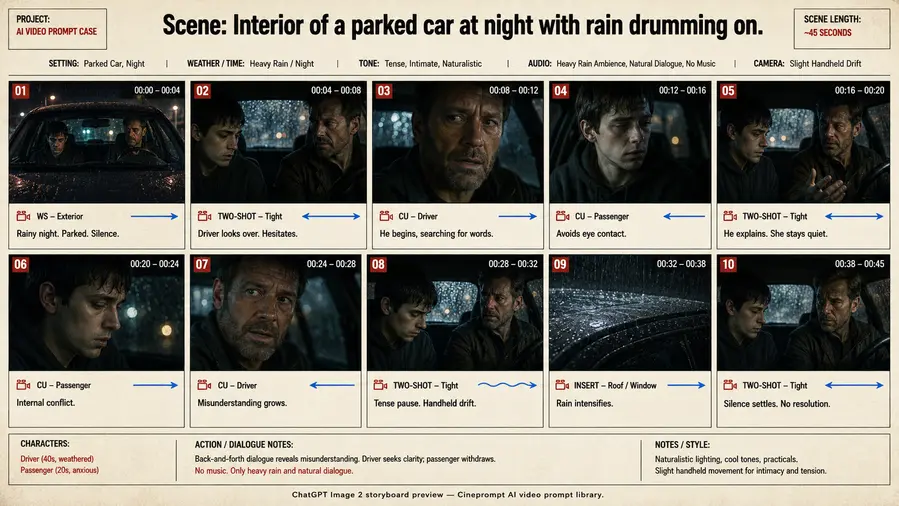
Model: Seedance 2.0 / Kling 3.0Duration: 30sA cinematic story multi-shot sequence exploring Scene: Interior Of A Parked Car At Night through connected handoff cuts, locked visual aesthetics, and continuous motion continuity.
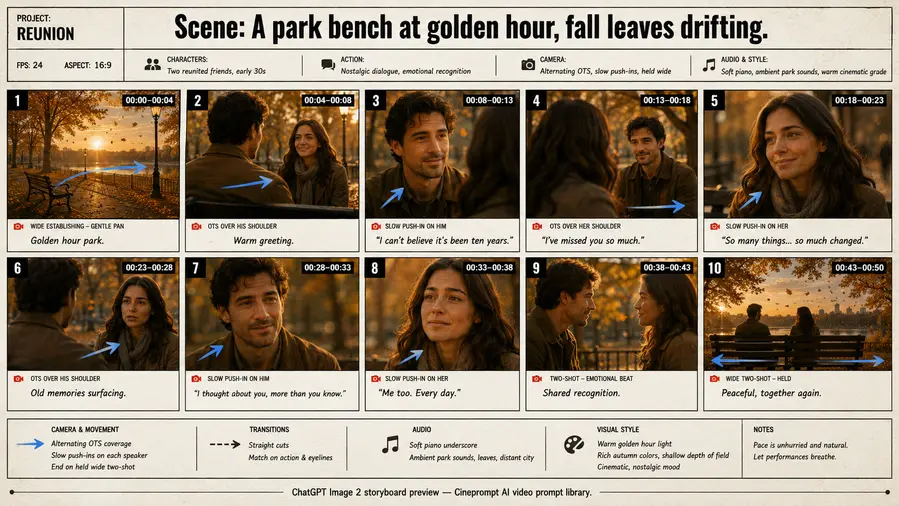
Model: Seedance 2.0 / Kling 3.0Duration: 30sA cinematic story multi-shot sequence exploring Scene: A Park Bench At Golden Hour through connected handoff cuts, locked visual aesthetics, and continuous motion continuity.
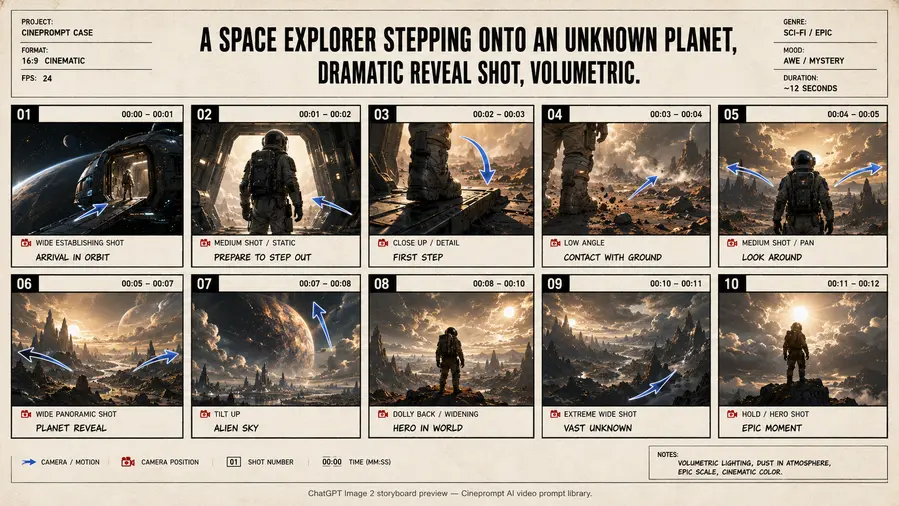
Model: Seedance 2.0 / Kling 3.0Duration: 30sA cinematic sci-fi multi-shot sequence exploring A Space Explorer Stepping Onto An Unknown Planet through connected handoff cuts, locked visual aesthetics, and continuous motion continuity.
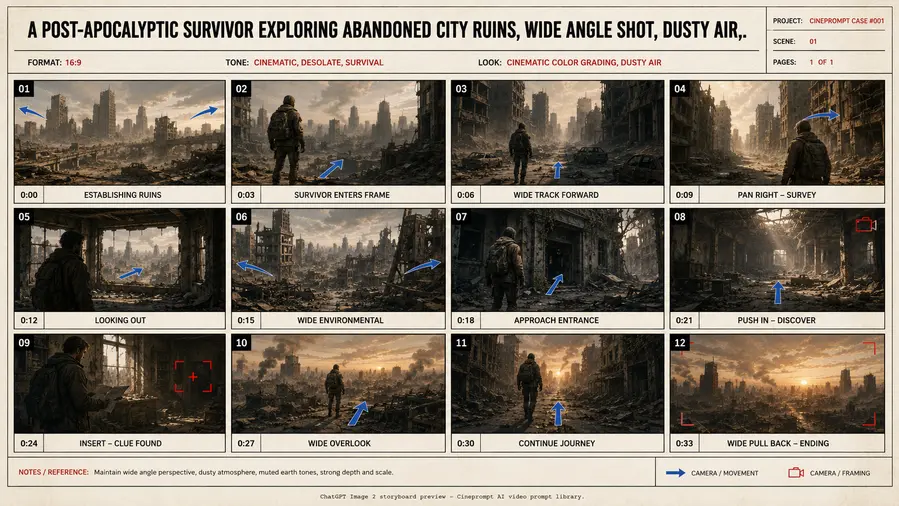
Model: Seedance 2.0 / Kling 3.0Duration: 30sA cinematic commercial multi-shot sequence exploring A Post-Apocalyptic Survivor Exploring Abandoned through connected handoff cuts, locked visual aesthetics, and continuous motion continuity.
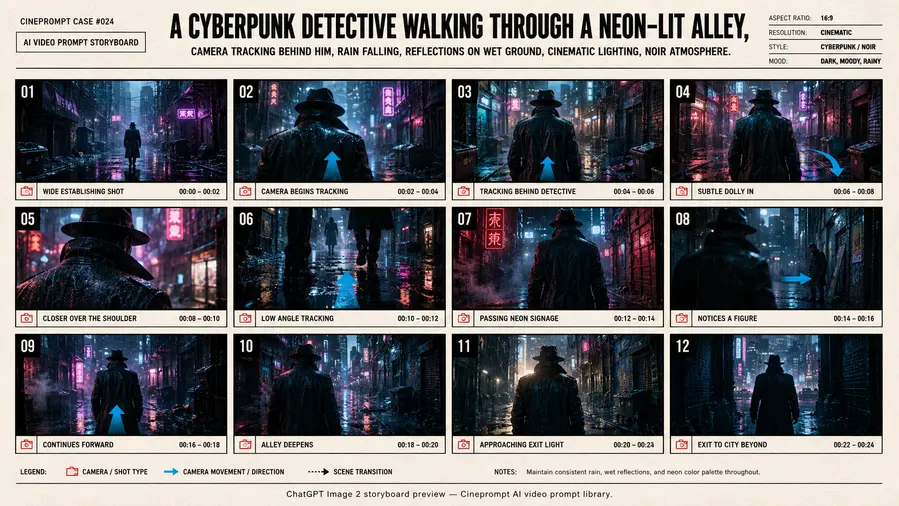
Model: Seedance 2.0 / Kling 3.0Duration: 30sA cinematic sci-fi multi-shot sequence exploring A Cyberpunk Detective Walking Through A Neon-Lit Alley through connected handoff cuts, locked visual aesthetics, and continuous motion continuity.
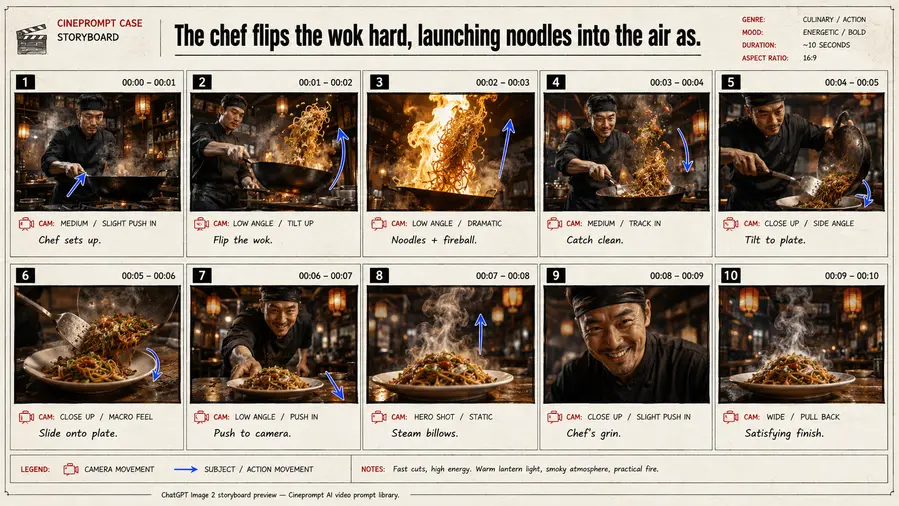
Model: Seedance 2.0 / Kling 3.0Duration: 30sA cinematic commercial multi-shot sequence exploring The Chef Flips The Wok Hard through connected handoff cuts, locked visual aesthetics, and continuous motion continuity.
Model: Seedance 2.0 / Kling 3.0Duration: 30sKling 3.0 and 4.0 Flash are designed for native multimodal creation, so prompts must balance visual beats, motion intensity scores, and sound intent simultaneously.
These Kling storyboard prompts separate movement, framing, lighting, and audio so each 15-second clip stays readable, fluid, and cinematic.
Use this Kling prompts library when you need consistent characters, controllable multi-shot flow, and Start/End Frame handoffs.
Kling supports three writing modes: a 4-part basic formula (Subject + Action + Context + Style) for short single-scene clips; a 5-layer advanced formula (Scene → Characters → Action → Camera → Audio & Style) for narrative sequences; and Image-to-Video mode where you describe only motion while the reference image locks visual identity.
Motion intensity rule: keep motion between 4 and 6. Above 7, physical morphing and edge artifacts escalate. Below 4, motion can feel static.
Kling's latest models offer industry-leading Chinese and English prompt comprehension, physical dynamism, and multimodal voice synchronization. By following Cineprompt's 15-second beat architecture, creators achieve reliable commercial-grade results.




![A Model Wearing An Elegant [Garment] Stands](https://pub-2bf5500401284272870f676f872476ec.r2.dev/previews/360-oEj4/thumb.webp)
![A Sleek [Tech Product] Emerges From Pristine](https://pub-2bf5500401284272870f676f872476ec.r2.dev/previews/-hXkU/thumb.webp)
![A Luxury [Product] Suspended In A Column Of](https://pub-2bf5500401284272870f676f872476ec.r2.dev/previews/-85bD/thumb.webp)