P
Cineprompt
Horror category1 prompts available

Horror Video Prompts

Dark atmosphere, moody lighting, and slow, deliberate camera work. Great for tension, uneasy reveals, and shadow-heavy compositions.

Best practices

  • -Keep each shot to one action beat.
  • -Repeat lighting and palette to keep continuity.
  • -Call out camera movement in plain language.

Failures & fixes

  • -If shots feel generic, add a stronger style lock.
  • -If motion collapses, split the action into two shots.
  • -If mood shifts, repeat lighting cues across the list.

Horror prompts by model

Sora 2 version
Shot → Framing → DOF → Action → Lighting → Duration
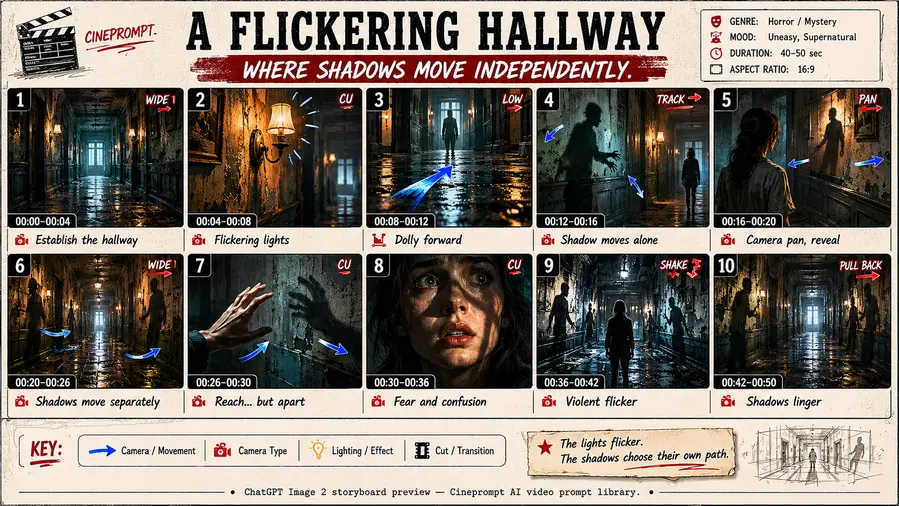
Shot 1: haunted hallway, flickering lights, cold blue shadows, cinematic horror. Framing: centered vanishing point. Depth of field: shallow. Camera: slow dolly in. Lighting: flicker strobe. Duration: 4s.
Veo 3.1 version
Scene → Camera → Transition → Audio → Lighting
Scene: haunted hallway, flickering lights, cold blue shadows, cinematic horror. Camera choreography: slow dolly in. Transition: cut. Audio cues: light buzz. Lighting: flicker strobe.
Kling 2.6 version
Scene → Action → Motion → Style → Parameters
Scene: haunted hallway, flickering lights, cold blue shadows, cinematic horror. Motion: slow dolly in. Style: low light, high contrast, cold blue shadows, subtle grain. Parameters: quality=high, frame_rate=24fps, noise=low. Input image: reference frame.
Seedream 4.5 version
Subject → Composition → Lighting → Style → Mood
Subject: haunted hallway, flickering lights, cold blue shadows, cinematic horror. Composition: centered vanishing point. Lighting: flicker strobe. Style: low light, high contrast, cold blue shadows, subtle grain. Mood: horror, cinematic, thriller.

Horror prompt notes for real production

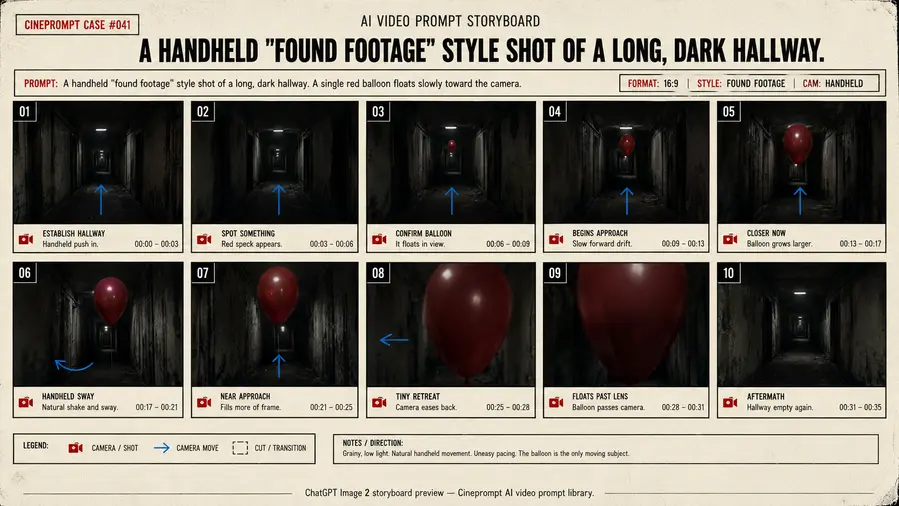
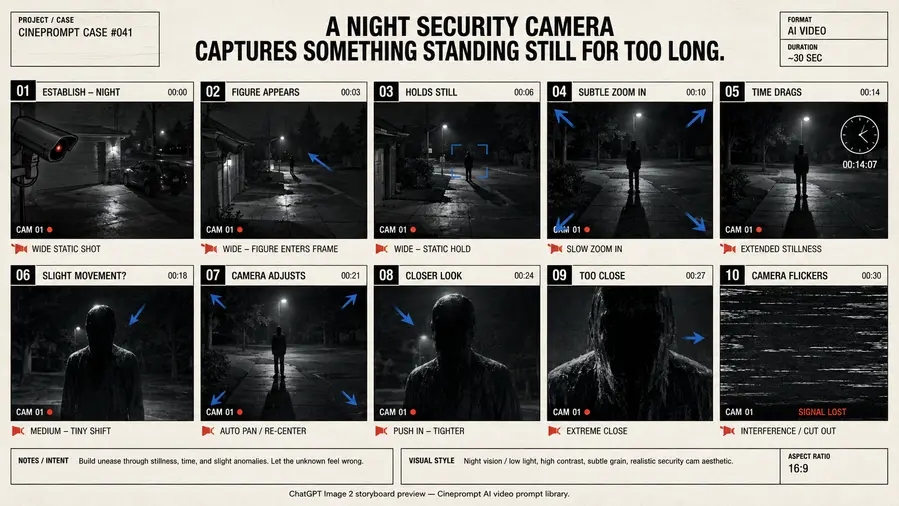
If you are wondering what is a video prompt in the horror style, think of it as a compressed director brief: subject, camera, lighting, and action in the correct order. A strong ai video generator prompt keeps the style consistent across shots so the sequence feels deliberate instead of random.

Start with the best practice rules above, then copy a prompt pack and adjust only the subject or location. This makes it easier to reuse the same storyboard for different brands or stories without breaking pacing. The result is a tighter ai video generator prompts workflow with less guesswork.

If you are building a prompt ai video workflow for this category, keep the shot order fixed and change only one variable at a time. That keeps the pacing stable and makes it easier to compare results across models.
FAQ

What makes a horror prompt effective?
A clear action, focused camera intent, and a consistent style lock that matches the horror tone.
How many shots should I include?
Keep it short. 4 to 8 shots is enough for a tight sequence.